 NOMAD
NOMAD Nomad Studio/ Documentation/ Create/ Variations JSON
Create · Series & batchVariations JSON
Variations JSON is Variations' structured sibling: instead of writing a [bracketed] template, you define your variables as plain JSON key-value pairs (subject, environment, style, mood, lighting — pre-filled with a starter example), and the LLM varies those fields directly, N times.
Reach for it when a bracketed template feels awkward for what you're describing, or you'd rather think in named fields than inline placeholders.
Guided walkthrough
-
Step type: Workflow picker
Choose engine
Pick the imported engine, or auto-selected if you only have one.
-
Step type: JSON input
Variables
A JSON editor pre-filled with an example: subject, environment, style, mood, lighting.
-
Step type: LLM transform — llm.studio_variations_json
Generate variations
Varies the JSON fields directly, N times (1–20, default 4), as one continuous run so the results don't repeat each other.
-
Step type: Parameter group
Parameters
Seed, steps, CFG, image count.
-
Step type: Action — generation.submit_queue
Generate Images
Queues all N generated prompts.
-
Step type: Result view
Result
Save, Upscale, Regenerate.
Examples
Variables: subject: "an elegant woman in a flowing champagne silk gown" · environment: "a grand marble staircase in a palatial ballroom" · lighting: "warm chandelier light" — Krea2 Roma · 9:16 · N=2

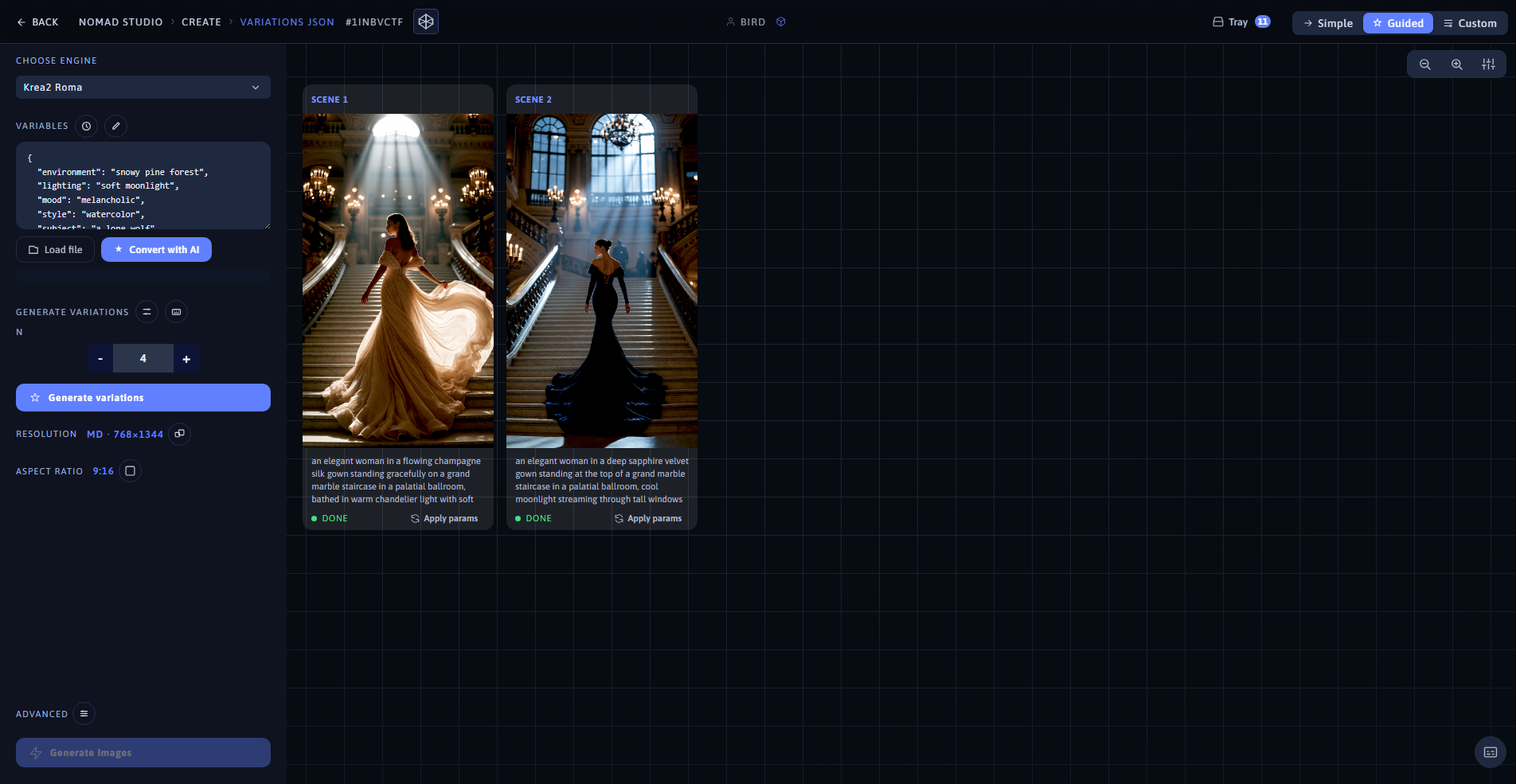
Variation 1 (left) · App showing both variations at 1920×1080 (right)
Same variables, second fill: deep sapphire velvet gown, cool moonlight mixed with chandelier glow
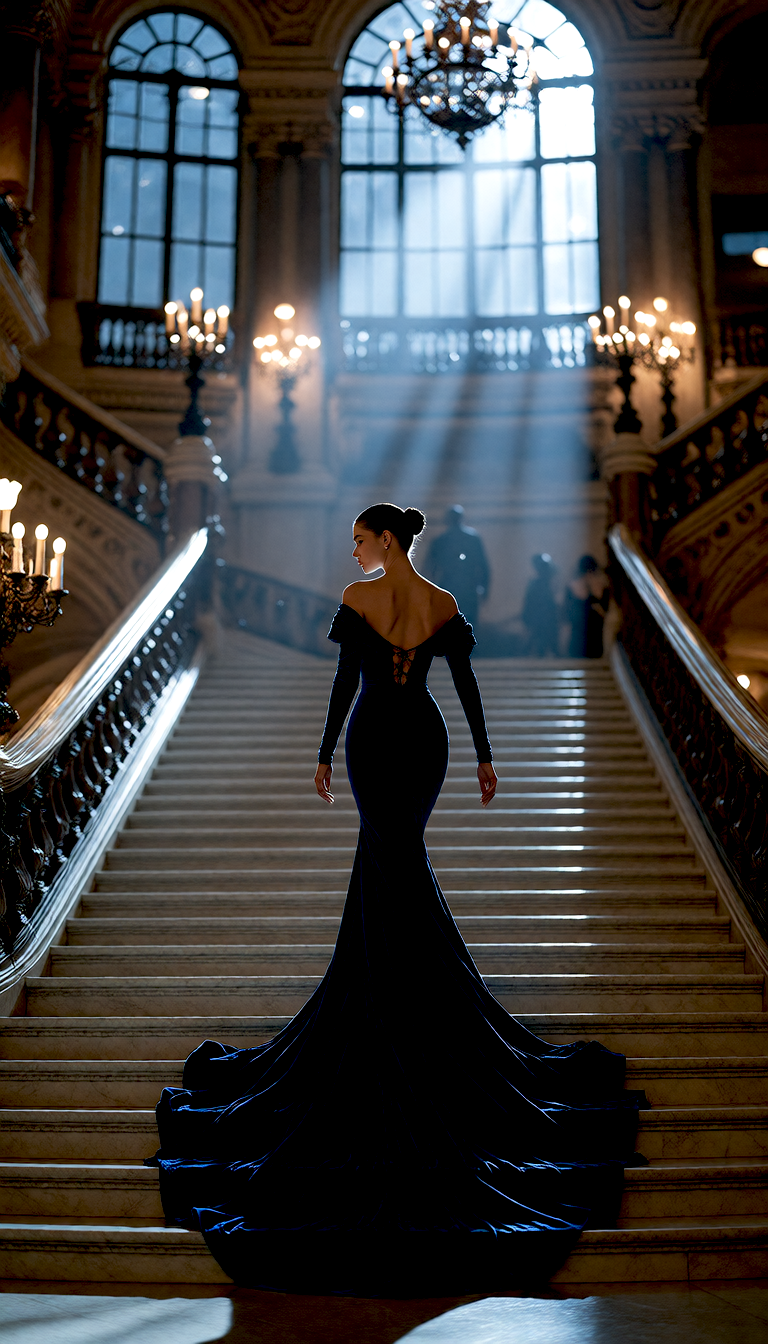
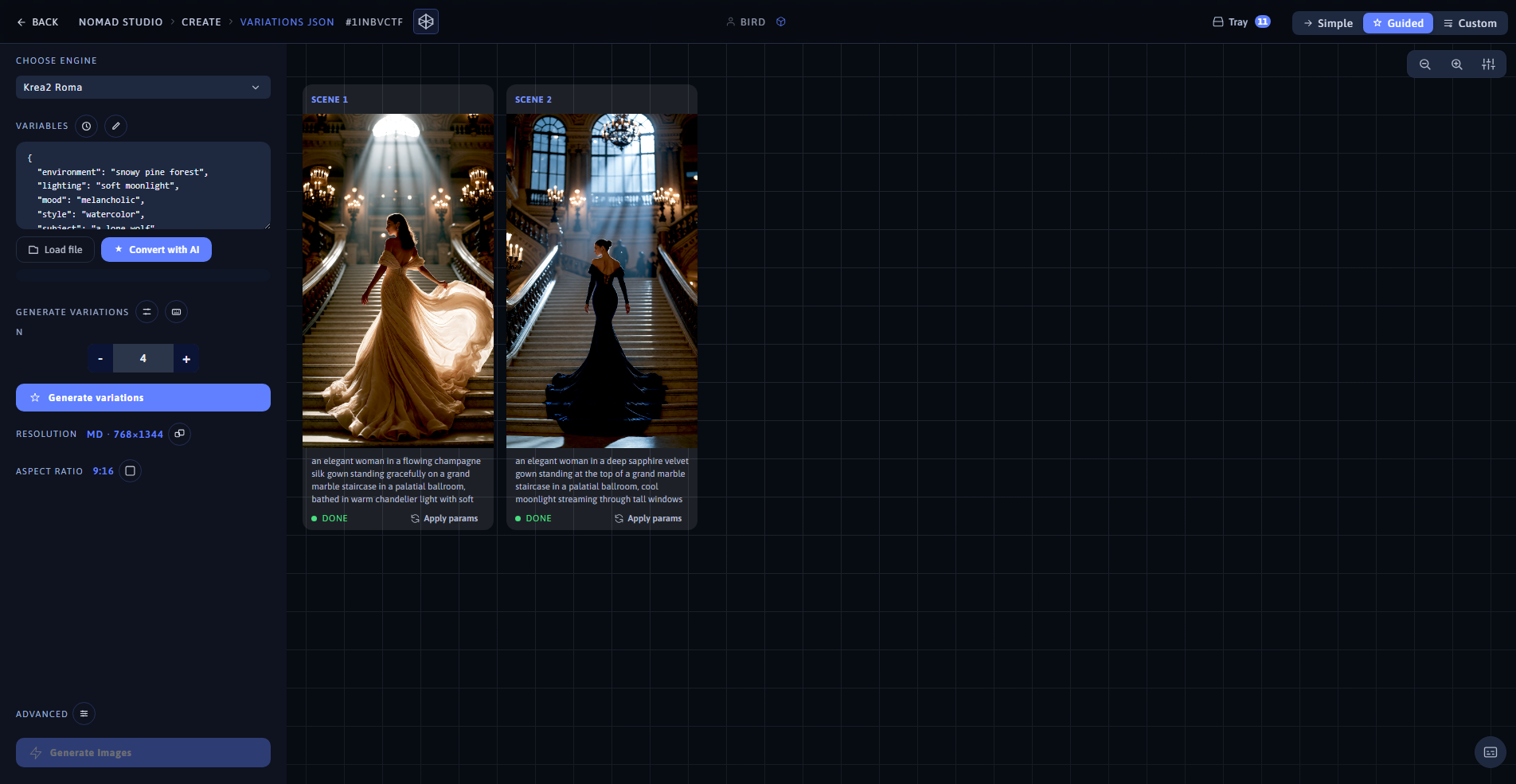
Variation 2 (left) · Same batch, same app view (right)