 NOMAD
NOMAD Nomad Studio/ Documentation/ Create/ Layout Assist
Create · Layout compositionLayout Assist
Layout Assist is the entry point to the Layout composition group. You describe elements separated by ; — each fragment becomes one placed element — and the LLM converts that into a structured layout: a background plus a list of elements, each with a bounding box, a type (object / text / background) and a style description. You review and can drag/resize everything in the composer before generating.
All Layout composition flows share one coordinate system: a normalized 1000×1000 canvas, with each element's bounding box written as [y_min, x_min, y_max, x_max] (origin top-left, y increases downward). The LLM never draws pixels directly — it writes this JSON layout, and the Composition step renders and lets you fine-tune it before generating.
Four depth levels (Quick → Master, no Flair dial here) control how much the LLM elaborates: Quick returns a minimal layout with empty colour palettes; Style adds a 5-colour global palette and richer per-element description; Scene is the default — a full compositional breakdown with named artistic references and a built-in worked example baked into its own instructions; Master is exhaustive art-director detail, with 4–5 hex colours attached to every individual element, not just the whole piece.
Guided walkthrough
-
Step type: Workflow picker
Choose engine
Pick the imported engine (Ideogram-family workflows are built for this), or auto-selected if you only have one.
-
Step type: Prompt input
Composition idea
Fragments separated by
;— e.g. 3D puffy letters COMFY; woman skateboarder center; grunge red stamp top; torn paper bottom STAY COZY. Each fragment becomes one element. -
Step type: Parameter group
Format
Aspect ratio, seed, steps, CFG, image count — shown open by default, not collapsed, since aspect ratio matters more here than in a plain Create flow.
-
Step type: LLM transform — llm.ideogram_compose
Compose
Turns your fragments into the structured JSON layout described above, at the chosen depth level.
-
Step type: Ideogram composer
Composition
The visual editor: see every element as a box on the canvas, drag/resize/edit descriptions before generating.
-
Step type: Action — generation.submit_queue
Generate Image
Sends the composed layout to the queue.
-
Step type: Result view
Result
Save, Upscale, Send to Refine, Regenerate.
Examples
Fragments: "elegant golden script title MIDNIGHT GALA top center; elegant woman in a flowing emerald gown center stage; soft gold confetti scattered bottom; deep navy backdrop with subtle sparkle" — Ideogram 4 · 9:16
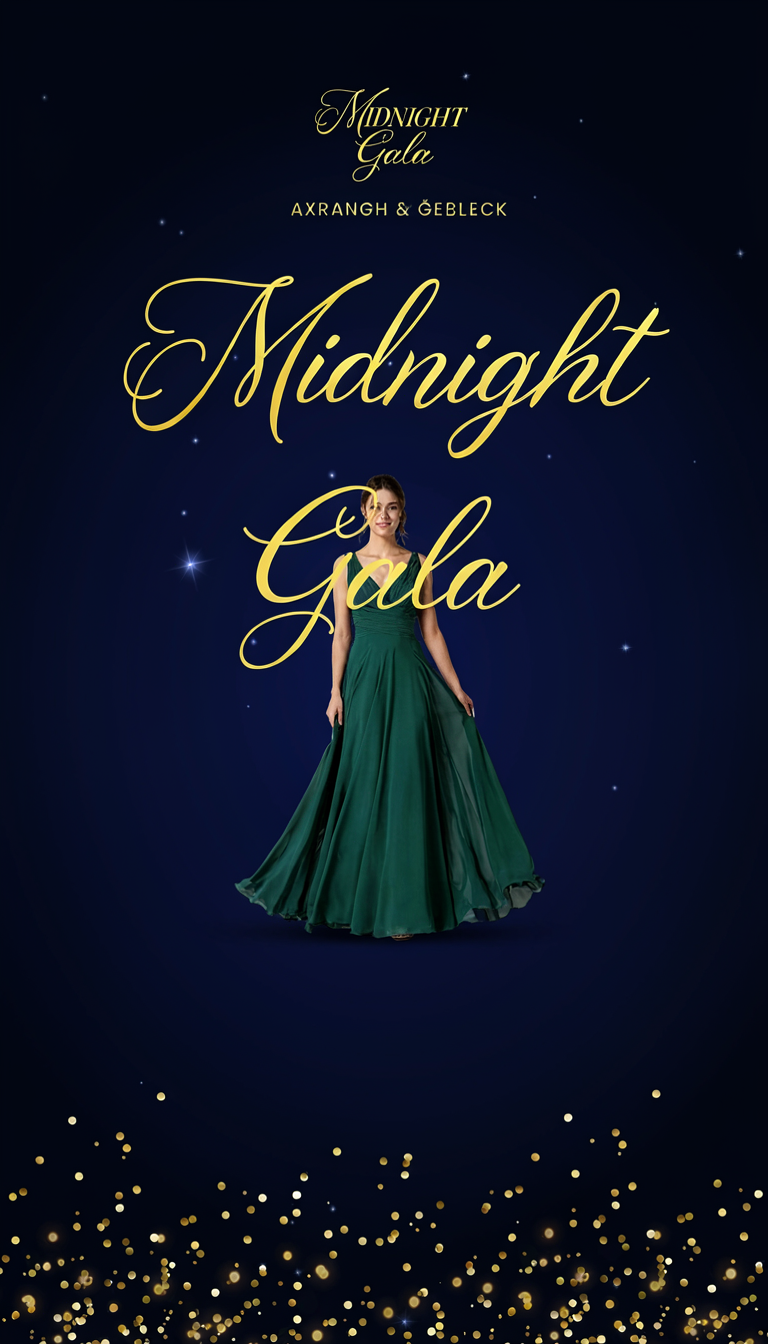
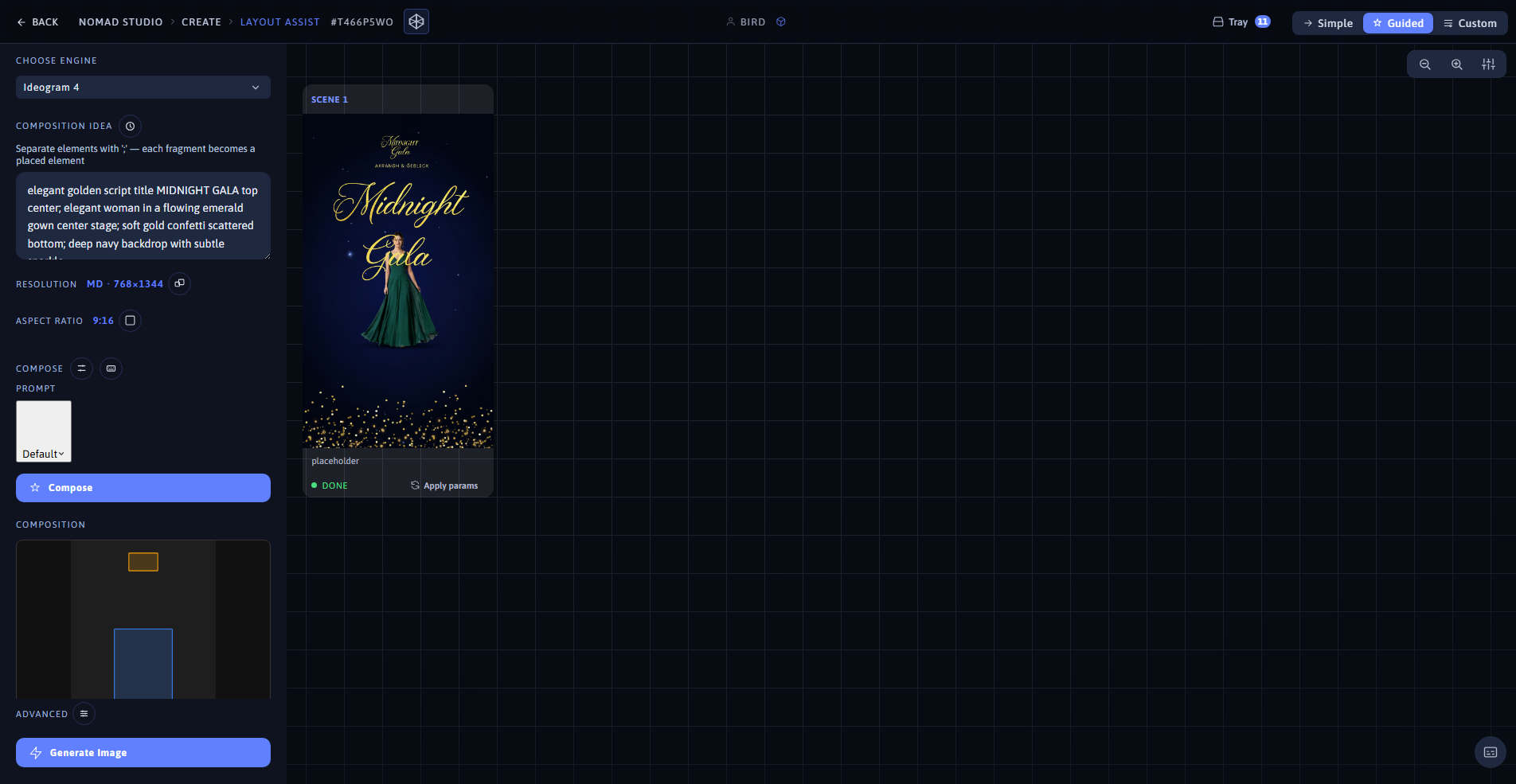
Result (left) · App at 1920×1080 (right)
Fragments: "elegant cursive title A NIGHT TO REMEMBER top center; graceful woman in a flowing rose-gold gown center; delicate falling rose petals bottom; soft blush pink backdrop with bokeh lights" — Ideogram 4 · 16:9
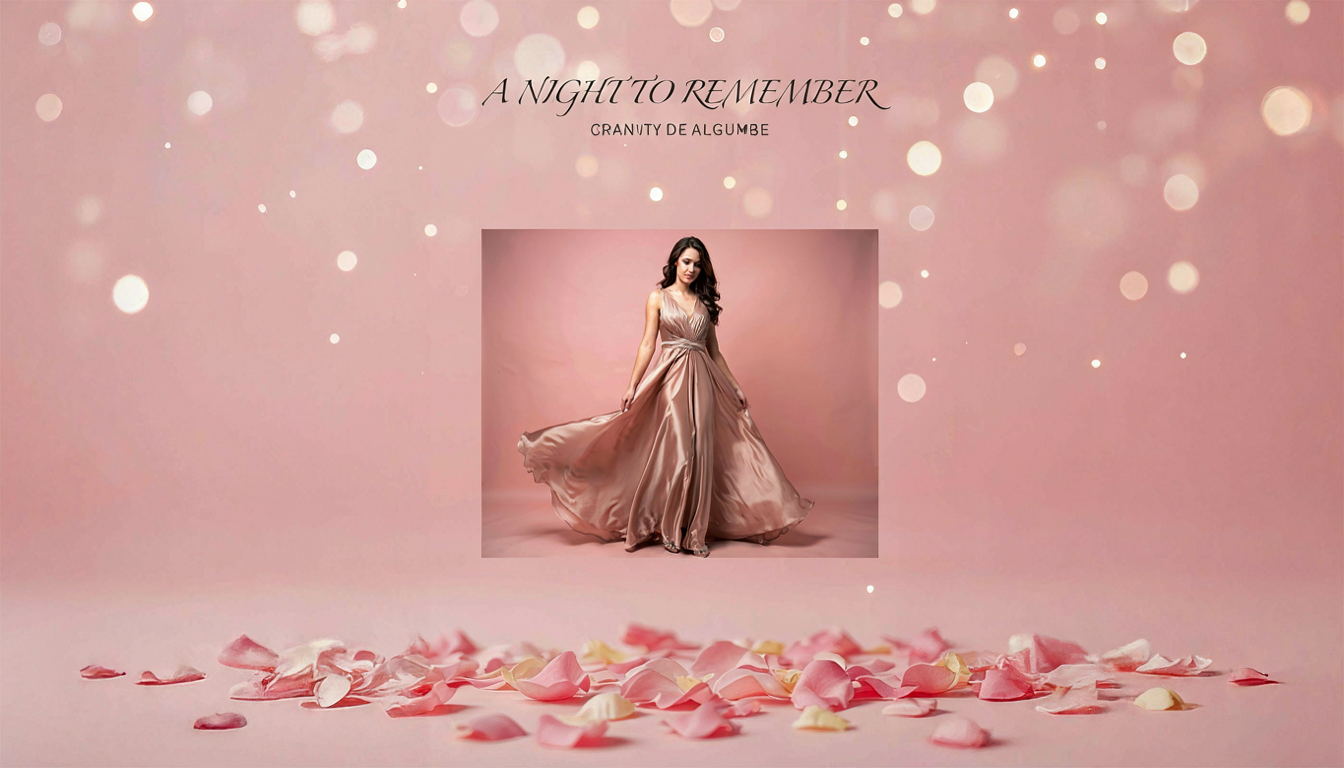
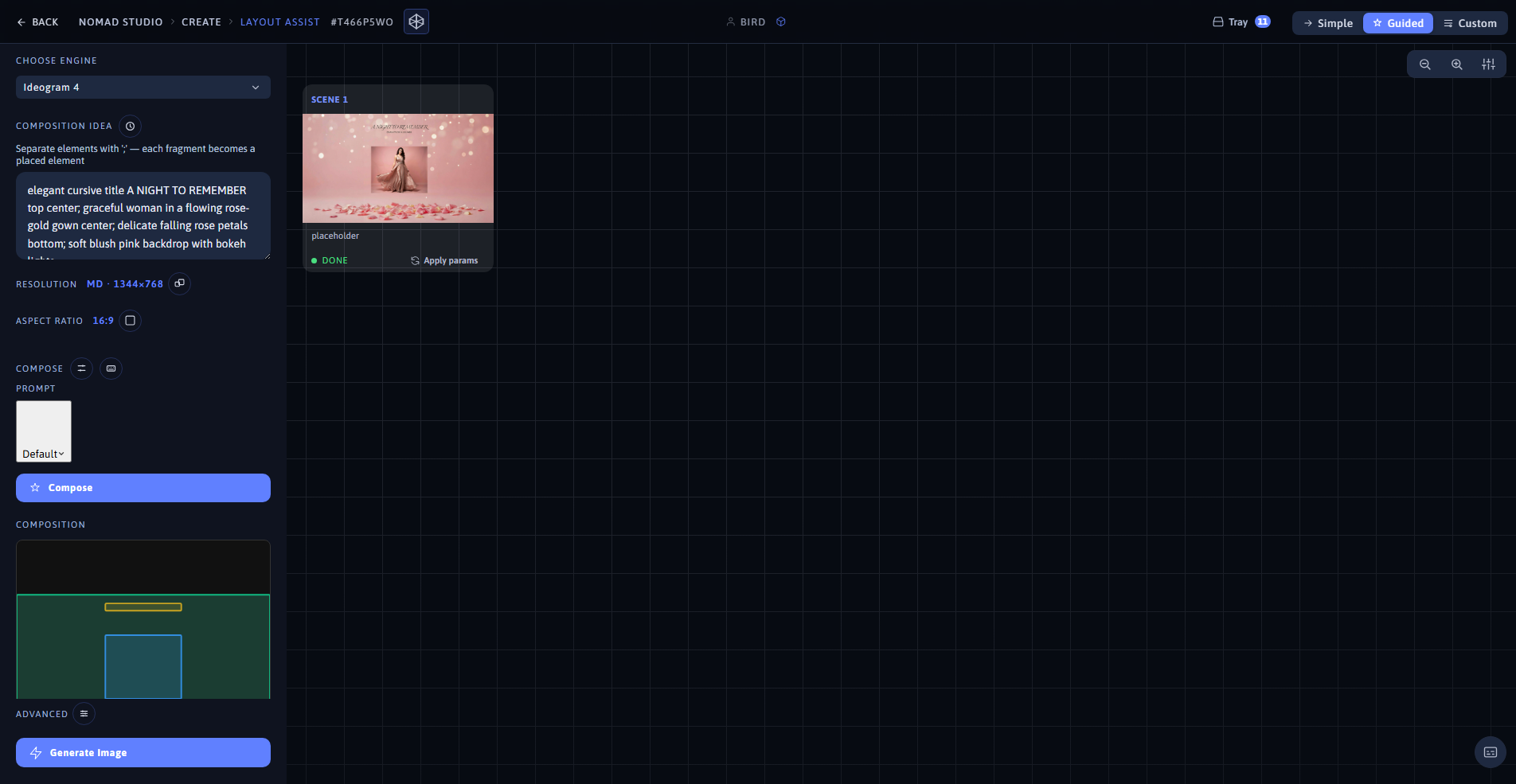
Result (left) · App at 1920×1080 (right)