 NOMAD
NOMAD Works offline
Once your models are downloaded, nothing needs a connection. No account, no licence check, no telemetry call.
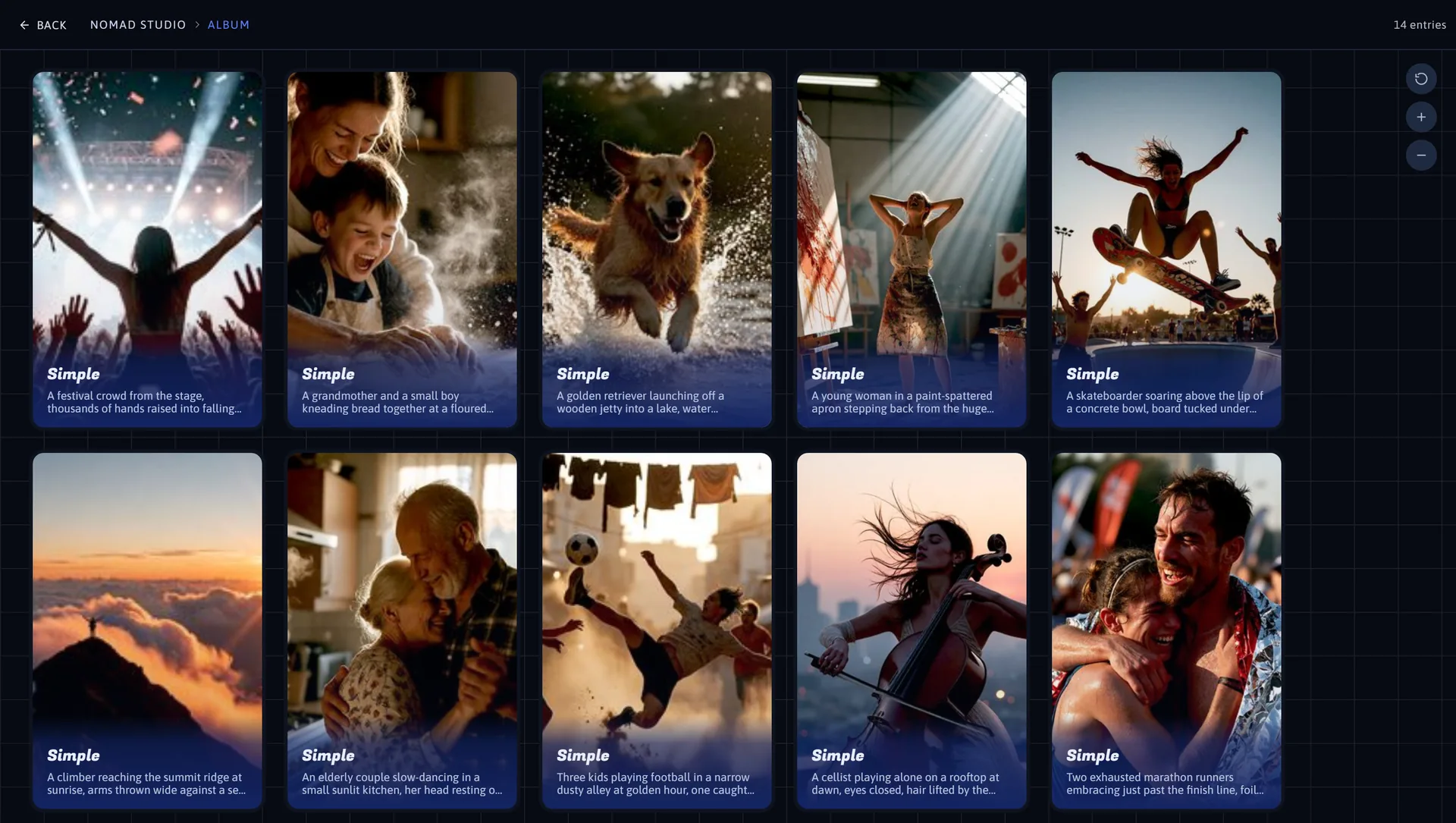
Real projects are chains: generate, upscale, edit, relight, branch, try it the other way, come back to the third version. Sessions capture that whole tree automatically, and the Album is where you find any of it again.
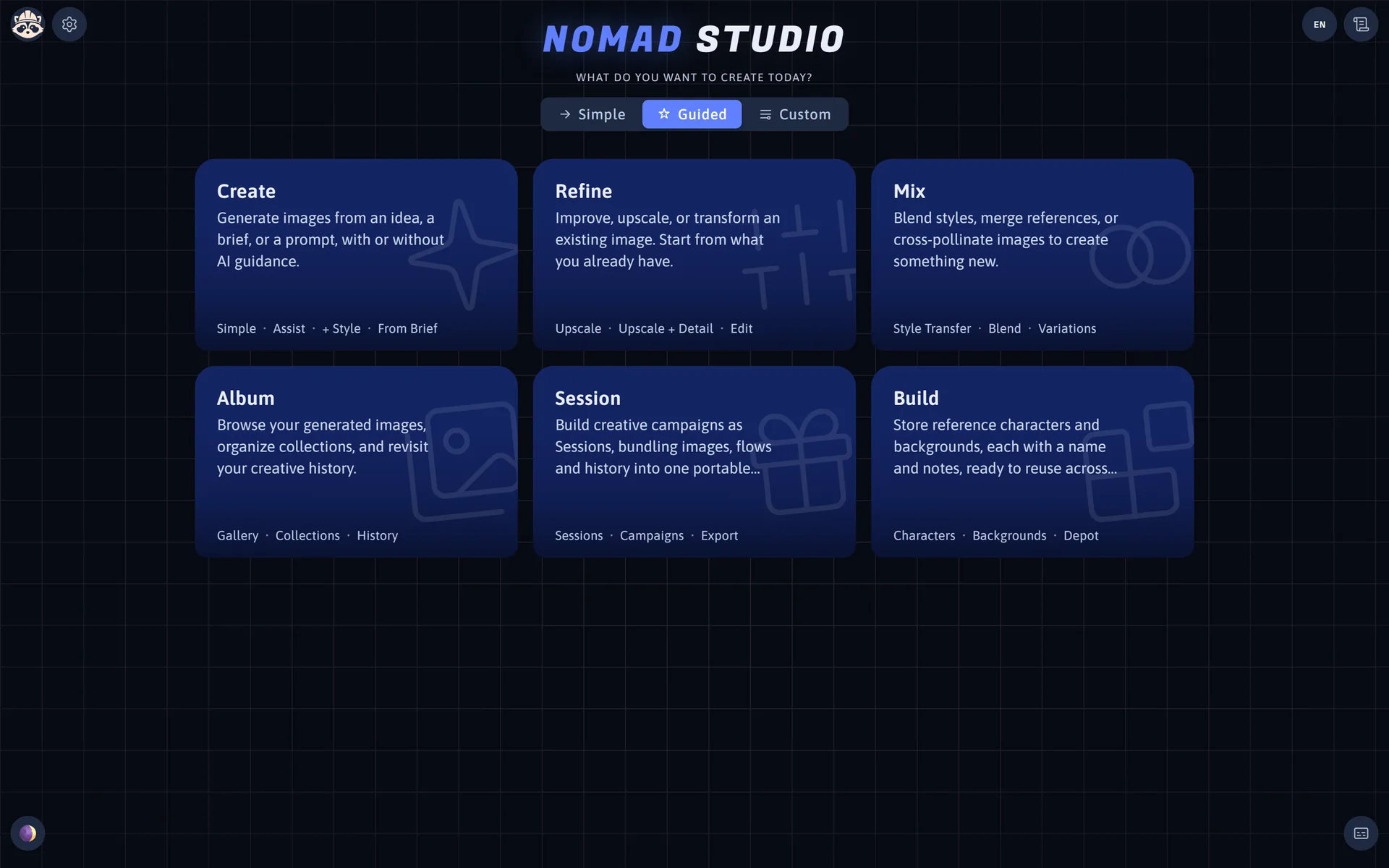
A session is a persistent workspace at its own address. Each flow run is recorded with its inputs and its outputs, so the history is not a list of files — it is a record of decisions you can walk back through.
A depot is a private collection tied to one idea, grouping backgrounds, characters, assets and flow results. Only one can be active at a time; while it is, every generation files itself in automatically under the flow category — with no selection step and nothing to remember.
From any result card you can also send an image in deliberately, as a character, a background or a plain asset — which is how a good generation becomes a reusable part of your library instead of a file you will never find again.
Everything you generate is written to a folder you choose, with its metadata intact, and indexed by a paging service that does not cap the history. Four different views exist because finding an image and organising a hundred of them are different jobs.
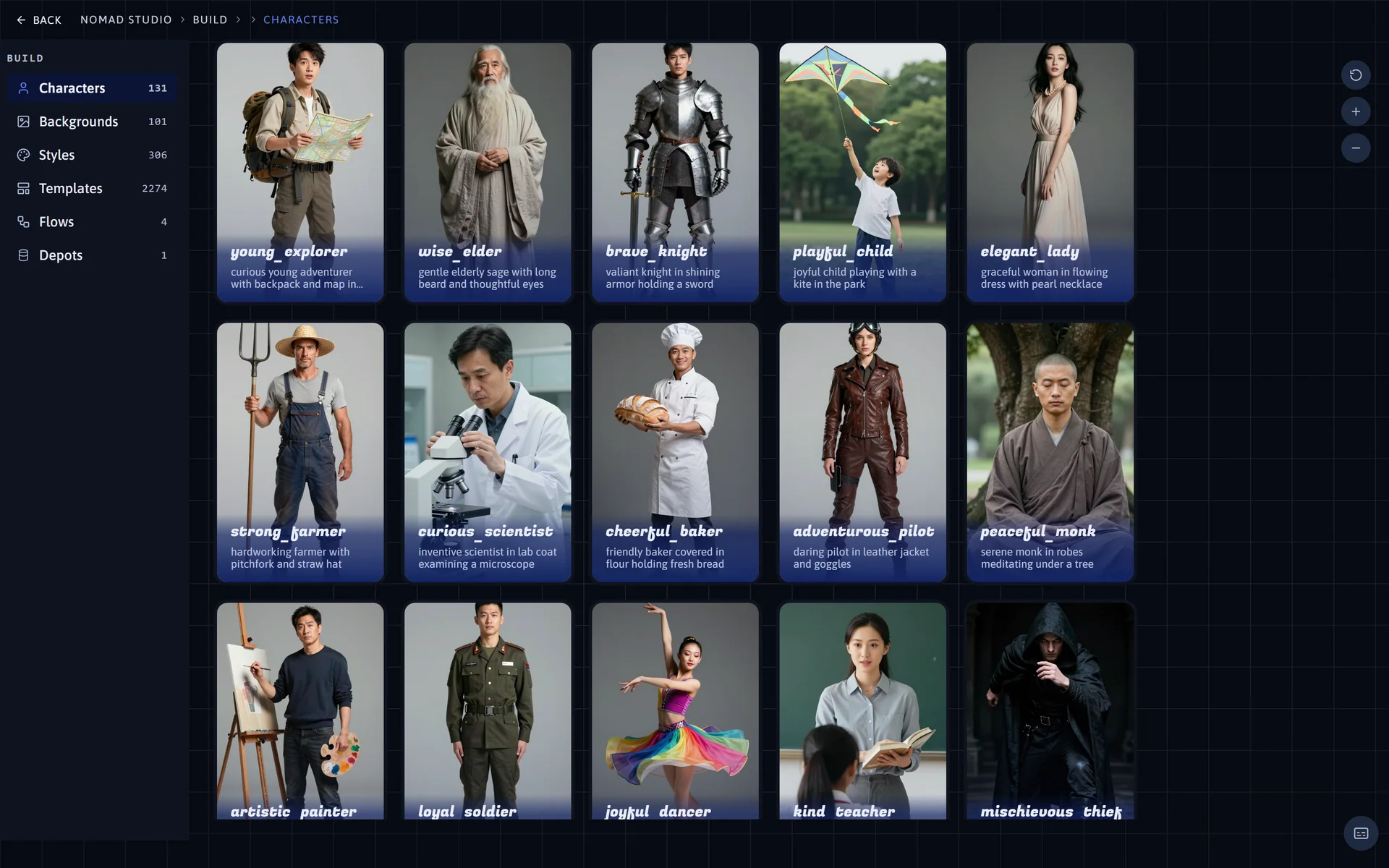
Build is where characters, backgrounds and depots are created and maintained — the reference assets that make every other space more useful. Save a subject once and it is available as a reference in any flow, in any space, from then on.
There is no cloud sync, because there is no cloud. The studio writes PNGs with metadata to the output folder you configure, and the registry that tracks styles, depots, sessions, profiles and template packs is JSON with atomic backup copies.
Once your models are downloaded, nothing needs a connection. No account, no licence check, no telemetry call.
Every registry write goes through a shared helper that keeps a .bak copy — so a crash mid-save does not cost you a library.
A private profile whose generations pass through temporary memory and never reach storage. For the test runs you would rather not keep.
Every flow you run inside it is captured, chained and exportable — including the ones you decide against.