Download

Create Shape Your Ideas 100% Local Your Own PC

Shape your
ideas.

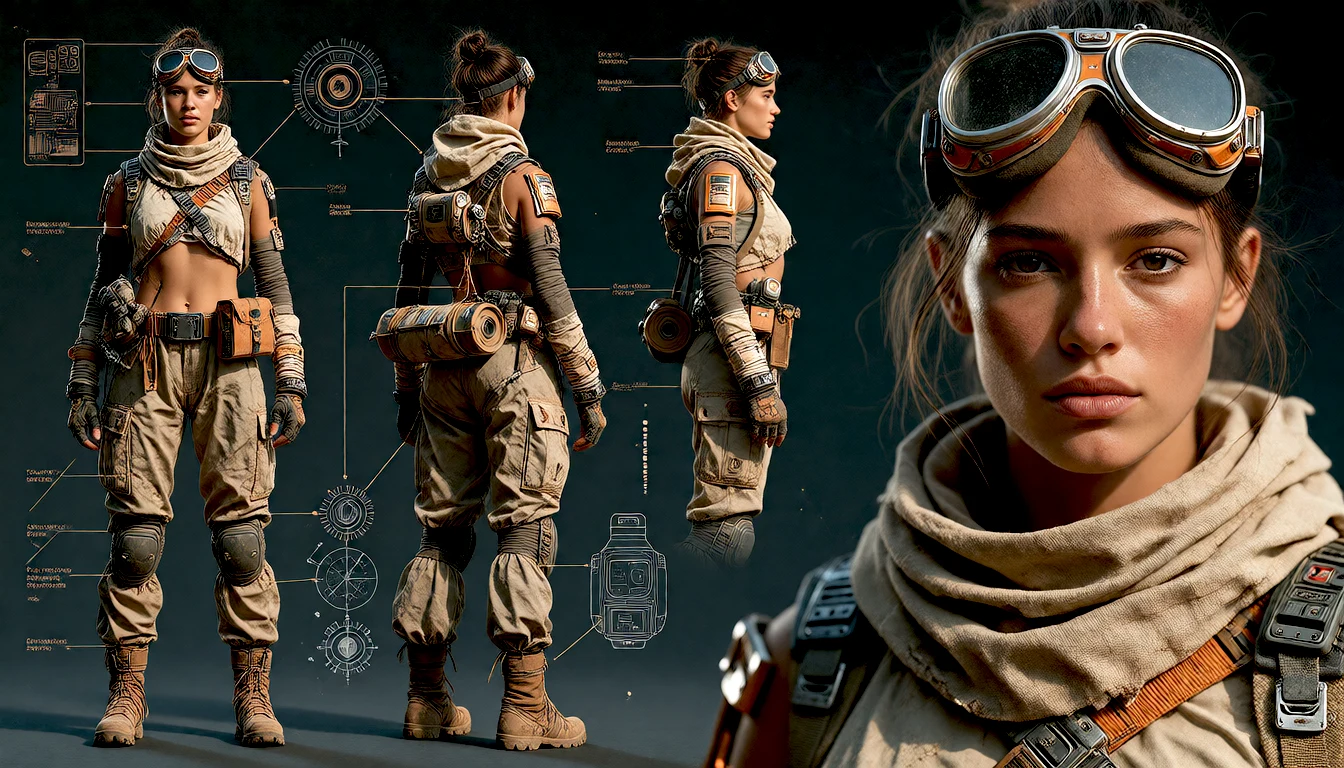
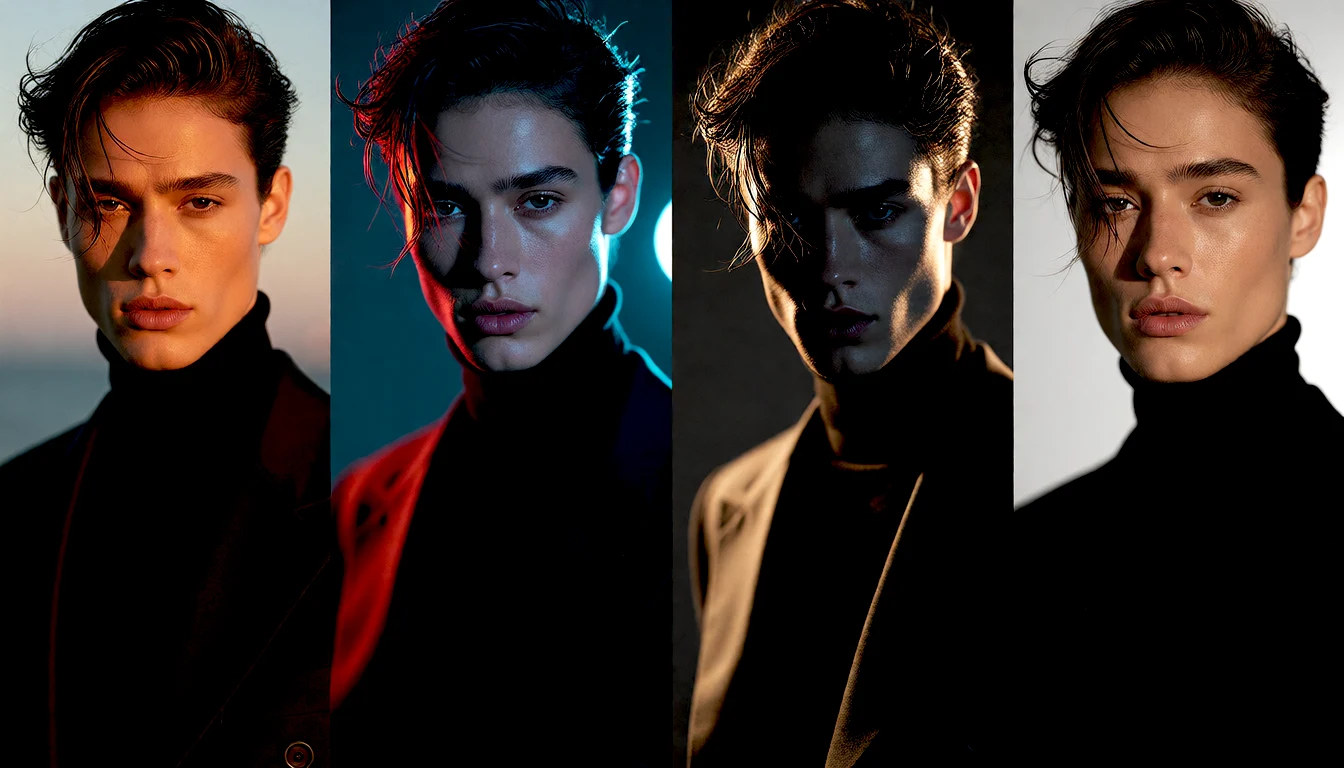
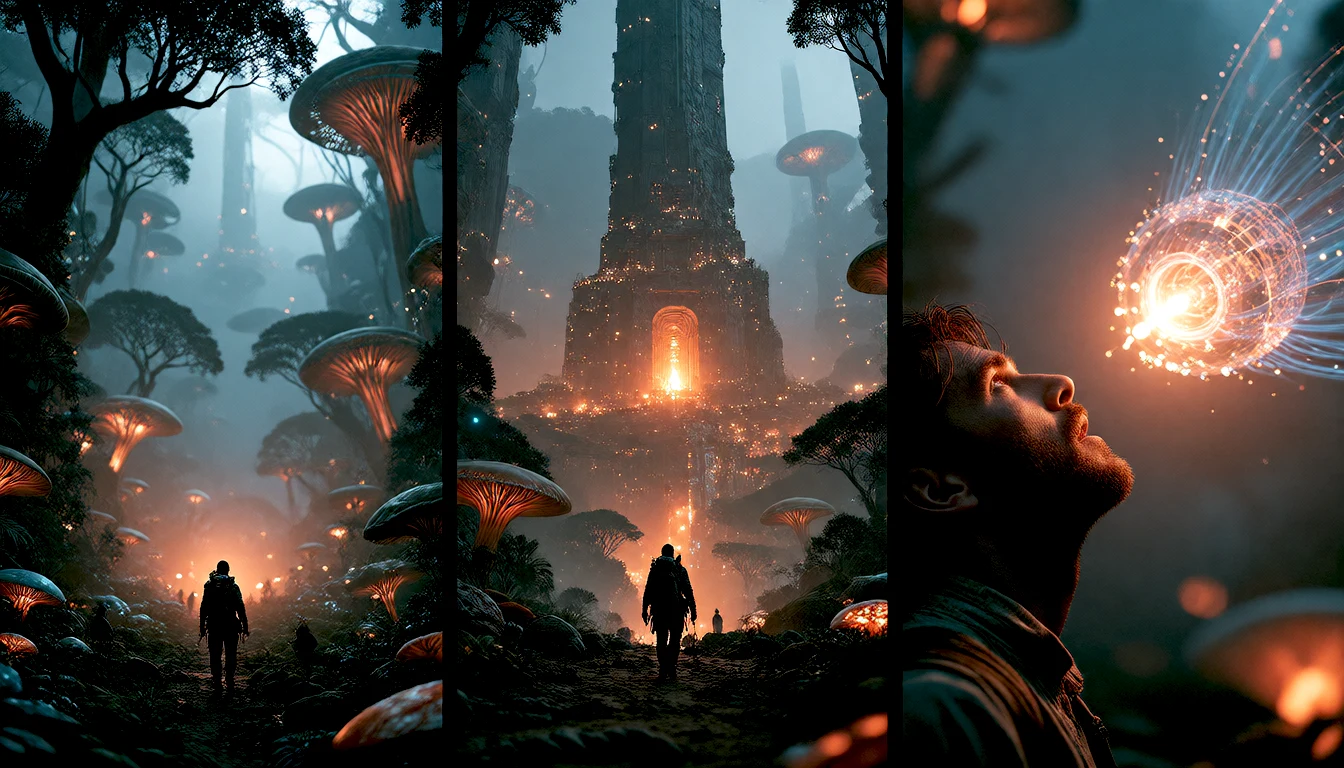
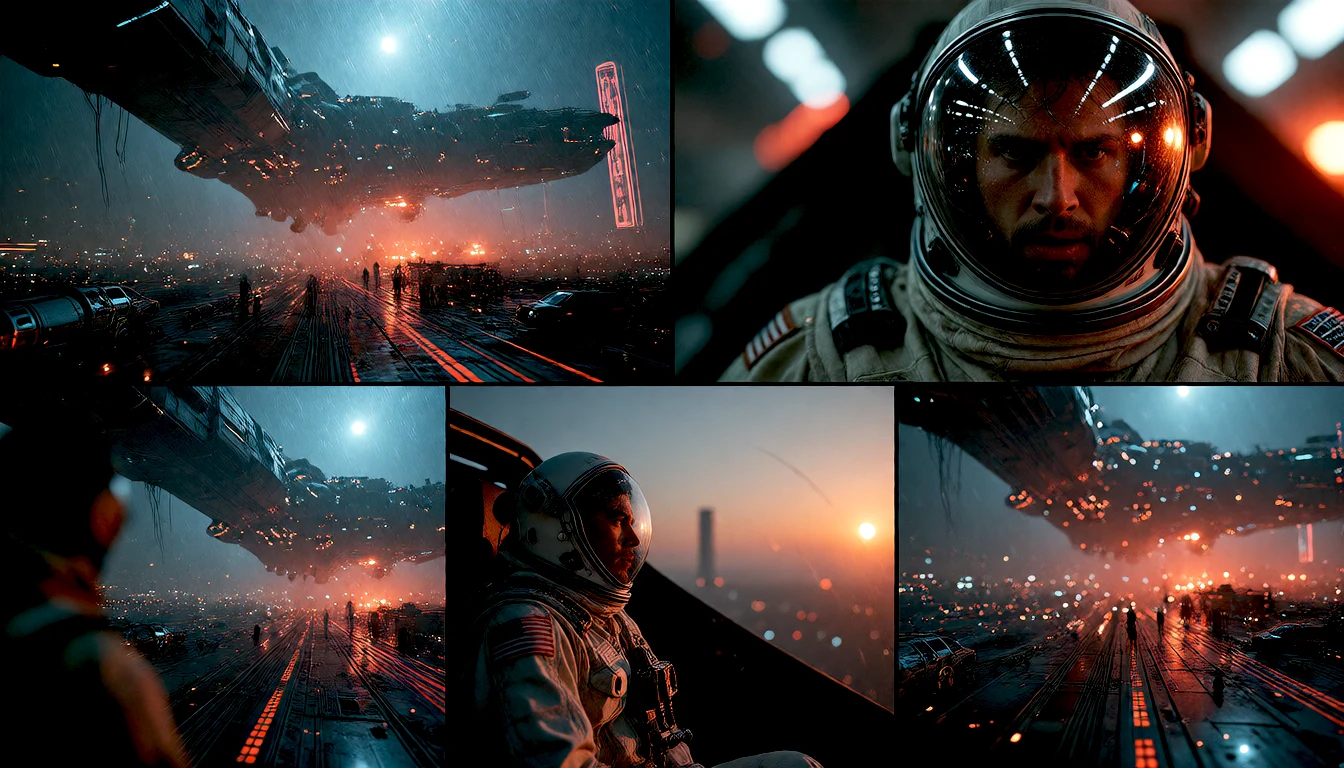
Create brings together different ways to generate images: write your own prompt, start from a template or reference, or let a guided flow help you develop characters, scenes and visual stories. Choose the flow that fits your idea and generate locally.

A spark of imagination. A cinematic scene. All on your GPU.
Explore the possibilities

Six ideas to get you started.

A flow is a way to turn an idea into a result. Some start with your own prompt; others help you explore variations, plan a composition or develop a series. You can work directly or choose AI guidance when you need it.
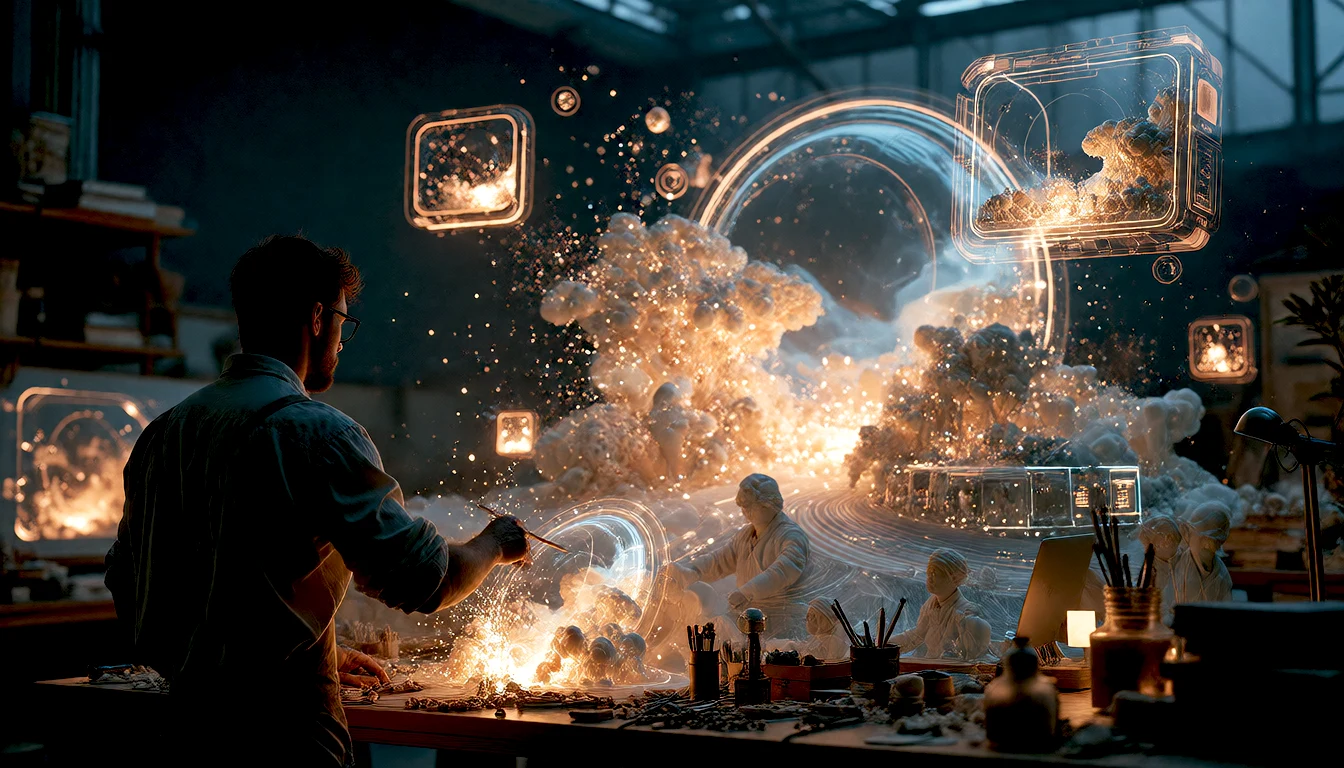
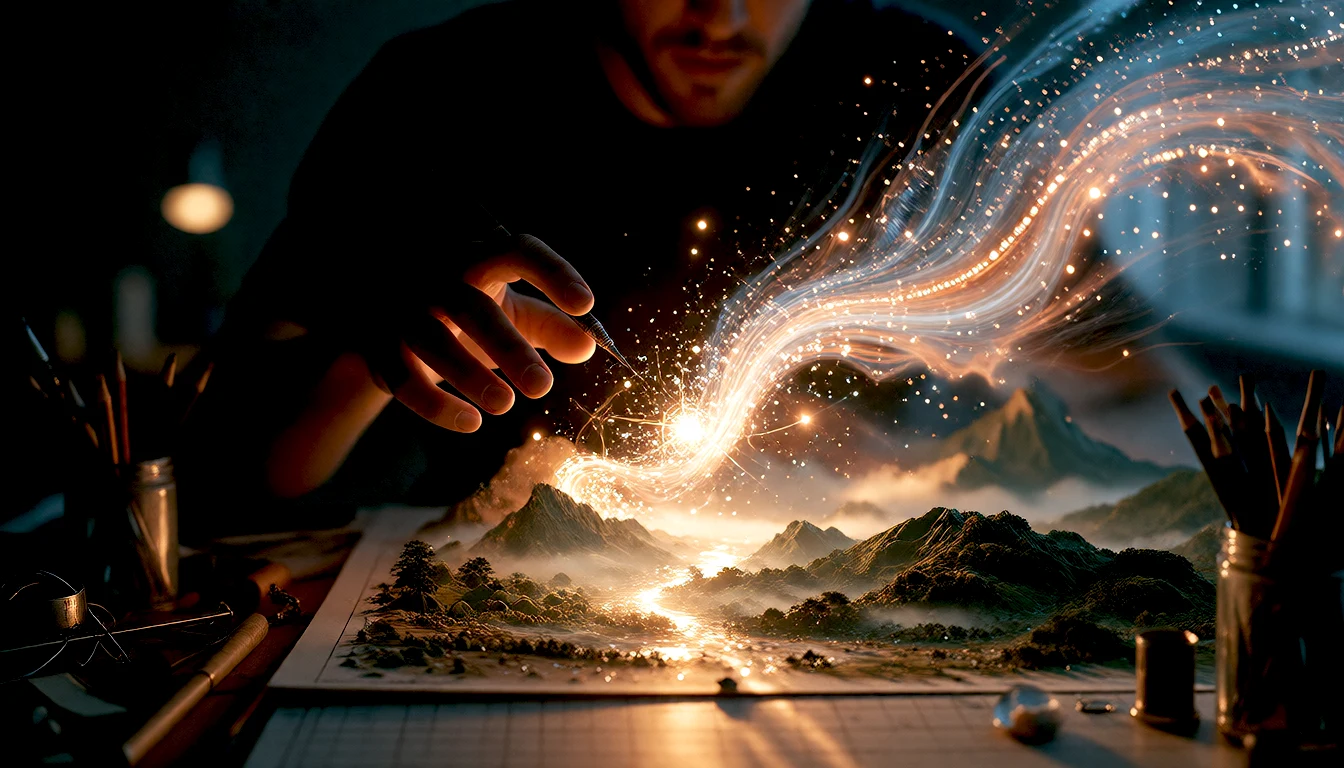
A visionary creator crafting luminous floating scenes and concept portals.
From Words to Cinematic Art

How Assist works live

You provide the spark. The local language model interprets your intent, adds art direction, optics, and atmosphere, and your GPU generates the scene in seconds.

Your Initial Phrase
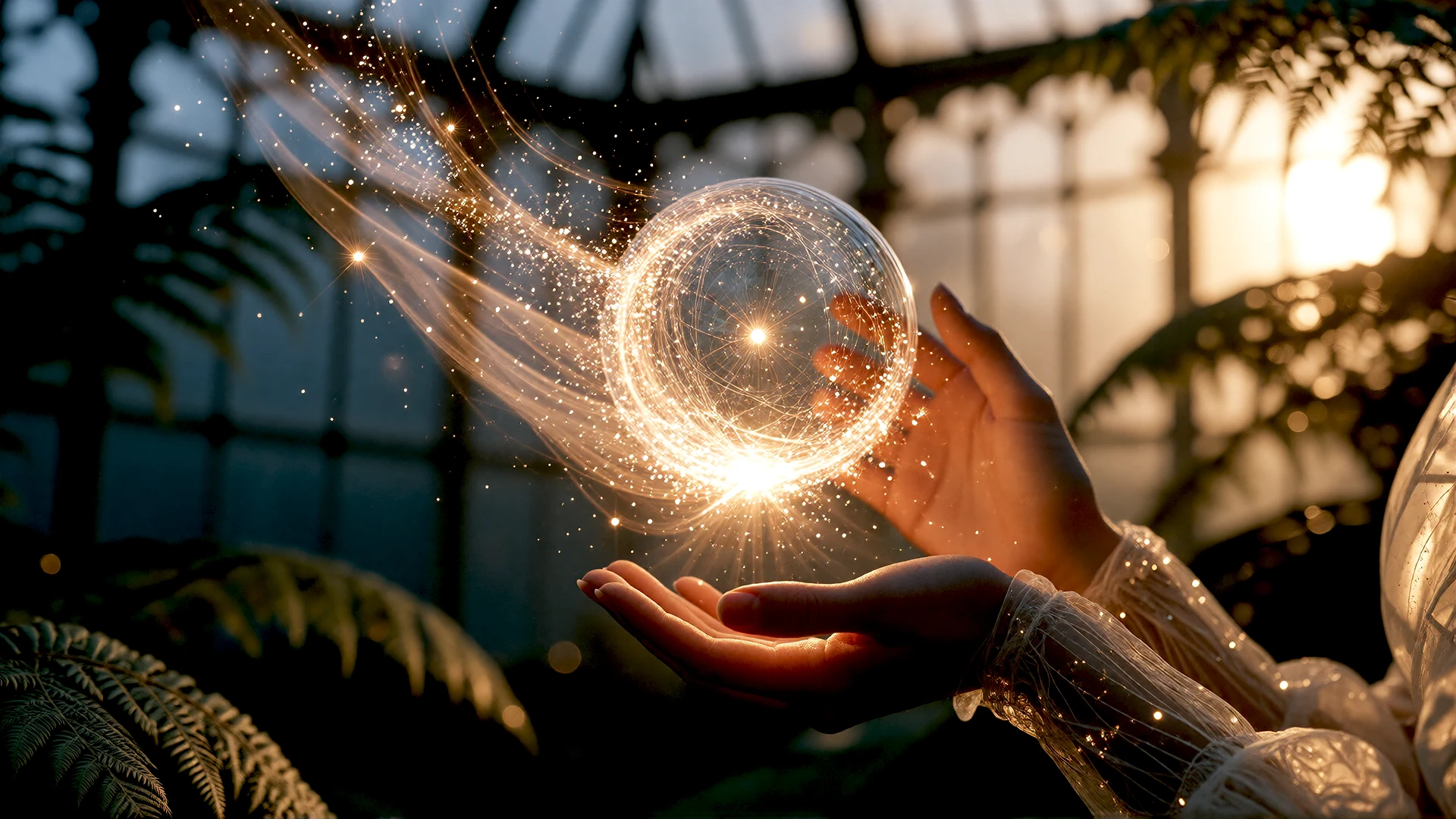
“A girl in an ancient greenhouse at sunset, with a trail of magical light floating between her hands”
Scene Direction by Assist
85mm f/1.4 lens, sunset light filtered through Victorian glass with volumetric rays. Suspended golden dust particles, moist ferns in foreground with soft bokeh. Serene expression, organic linen dress and glowing trail casting warm reflections on face.
Render on Your GPU

The image model executes the direction on your own hardware. No cloud queues, no monthly fees, and native cinematic resolution.
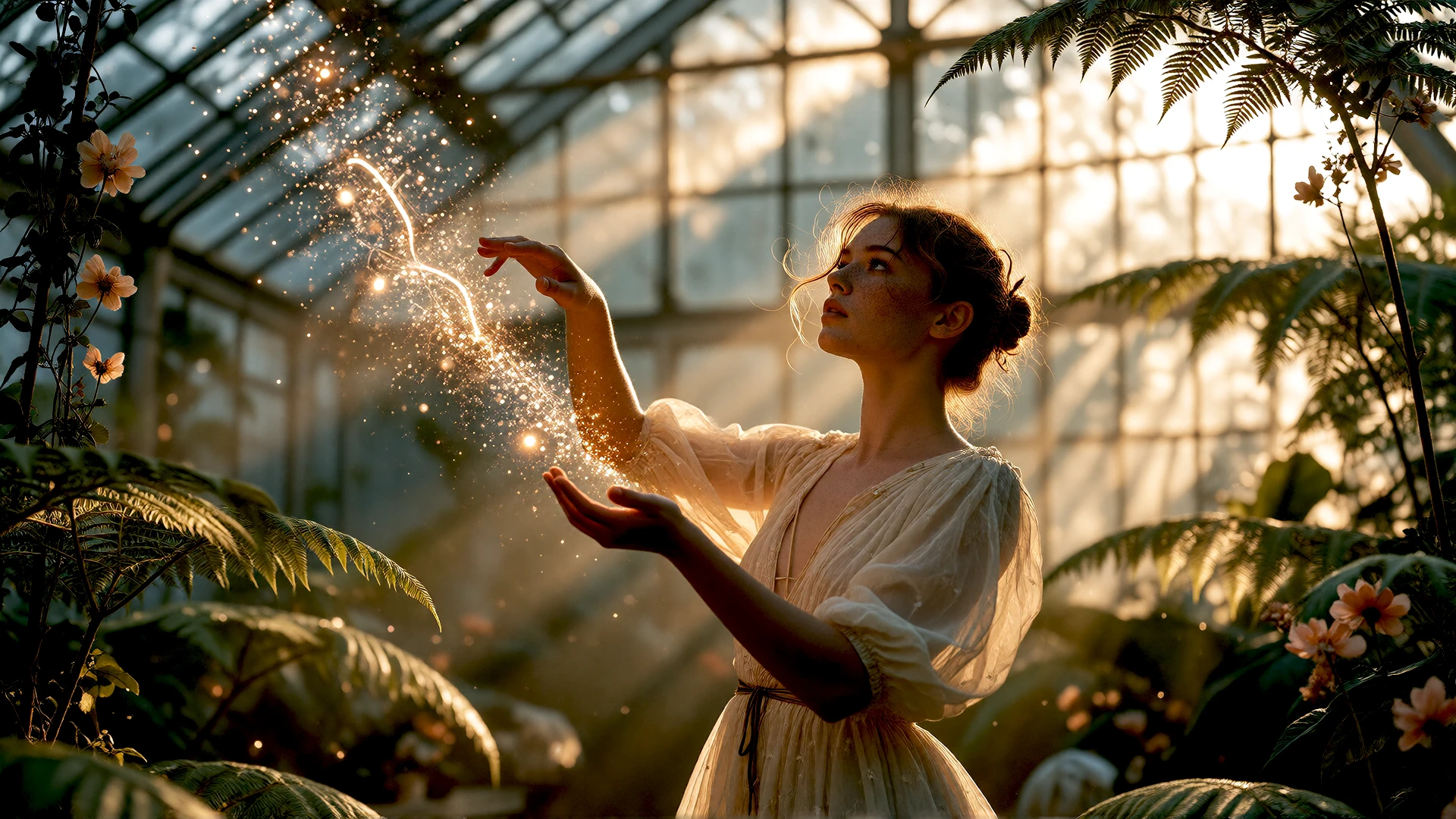
Magical greenhouse generated with Nomad Studio
Your Initial Phrase
“A woman running at night through a rainy city, leaving a trail of light in her wake”
Scene Direction by Assist
Wet asphalt with neon reflections, rain droplets frozen in air at 1/1000s. Dynamic golden light trail and kinetic sparks wrapping movement. Side illumination from streetlights and urban signs, cinematic night-blue and amber contrast, dynamic low front angle.
Render on Your GPU

Your GPU computes the lighting and motion instantly on your machine. Total control over the result without your ideas ever leaving your computer.
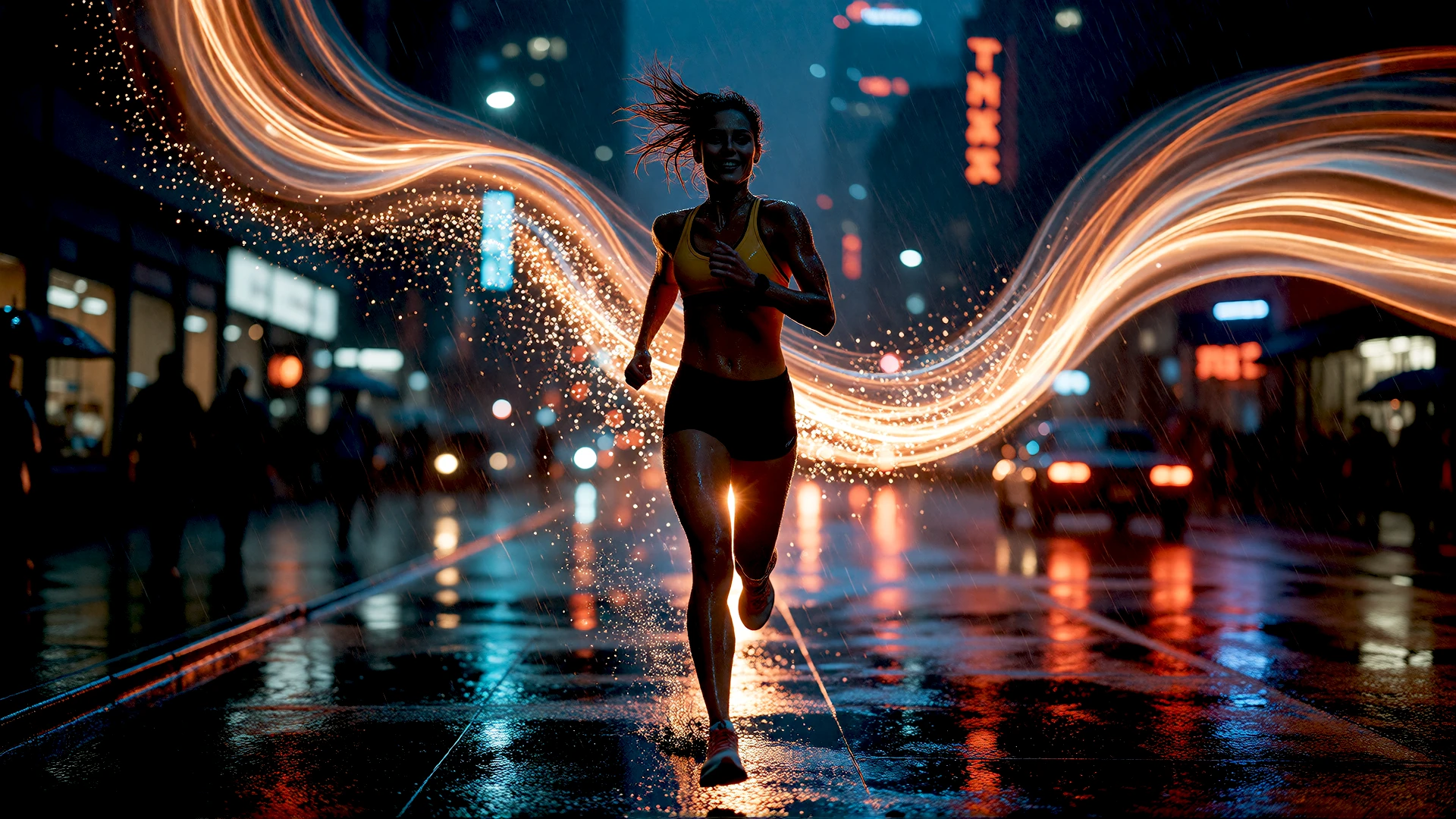
Night runner in the rain with light trails generated with Nomad Studio
Full Control

Four levels of guidance. See your idea evolve.

The same initial concept, from simple quality polish to full cinematic direction. You decide how far Assist steps in before rendering on your GPU.
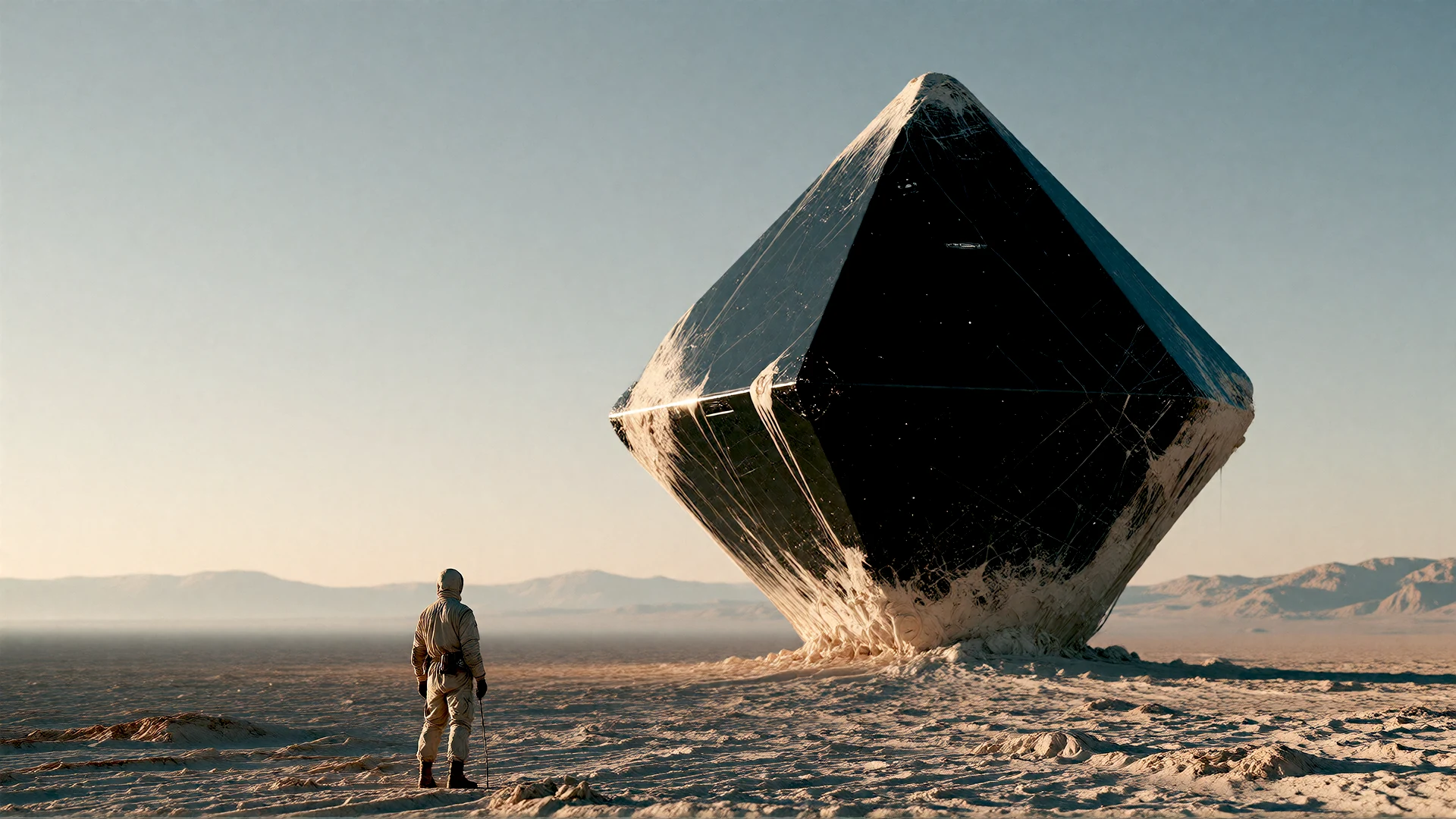
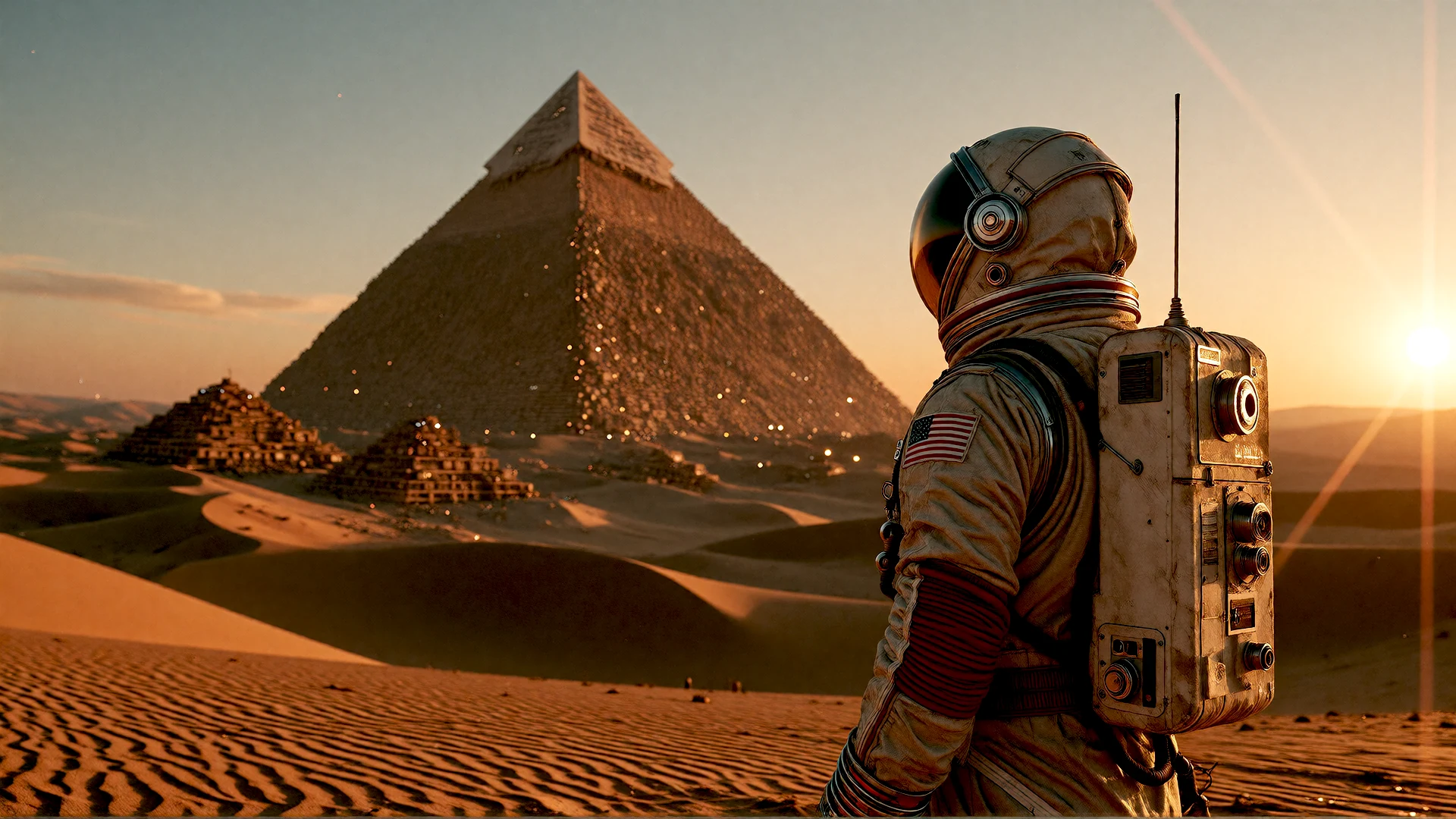
Level 01 · Keep your style
Level 01 · Keep your style Add three to five keywords for quality, finish and texture while keeping your original idea.
Level 02 · Give it character
Level 02 · Give it character Add an artistic technique, lighting and atmosphere in two or three focused sentences.
Level 03 · Build the world
Level 03 · Build the world Define the full environment, color palette, camera framing, lighting and emotional tone in 40 to 80 words.
Level 04 · Direct the scene
Level 04 · Direct the scene Explore cinematic direction through lens references, depth of field, lighting and film texture.
Ways in

Six ways to shape your idea.

Each flow shapes the workspace around what you want to make.
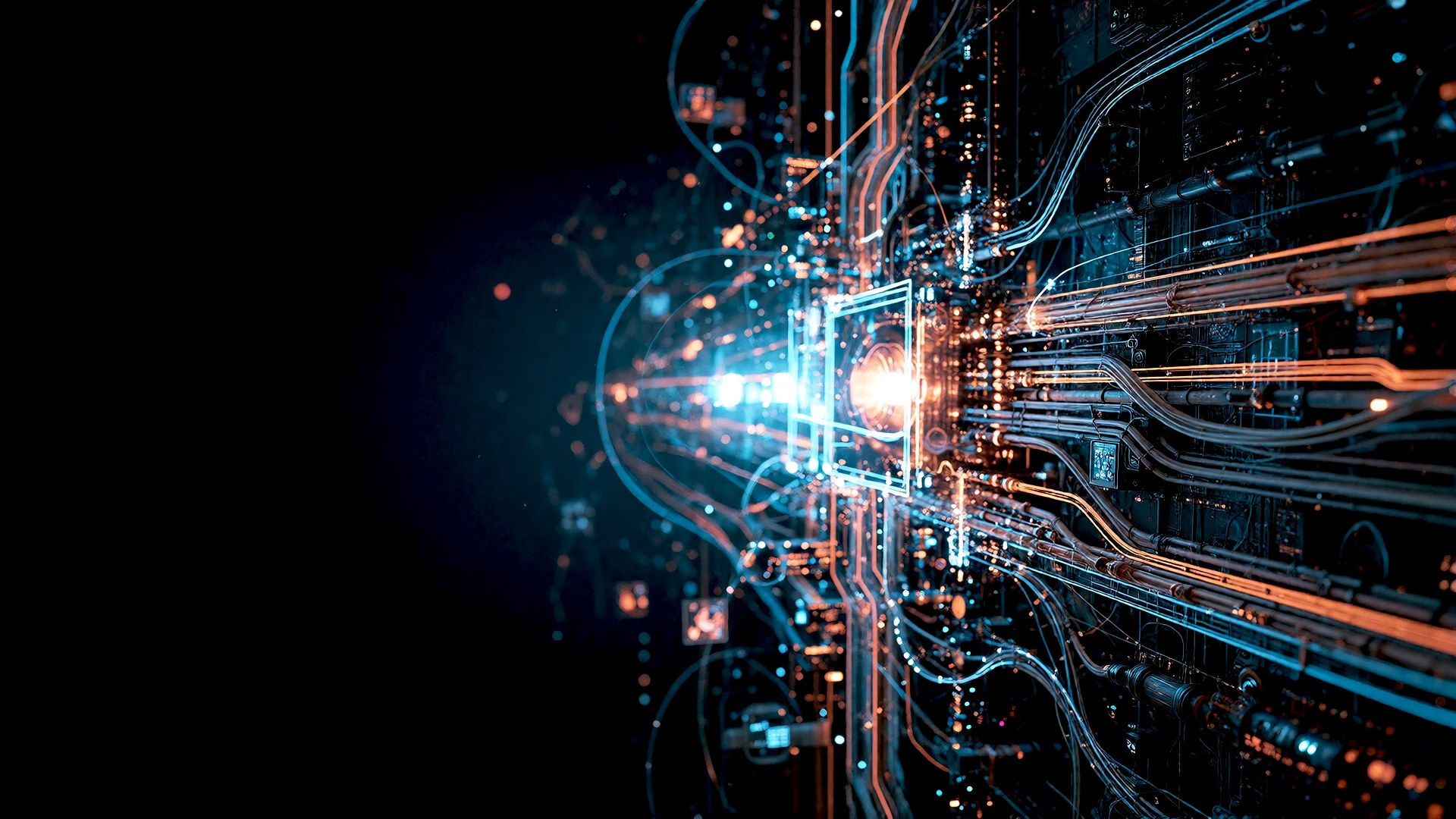
Direct Access
Direct Write it and generate, with every setting at hand.
AI Guidance
Assisted A few words or a photo; the AI adds light, lens and detail.
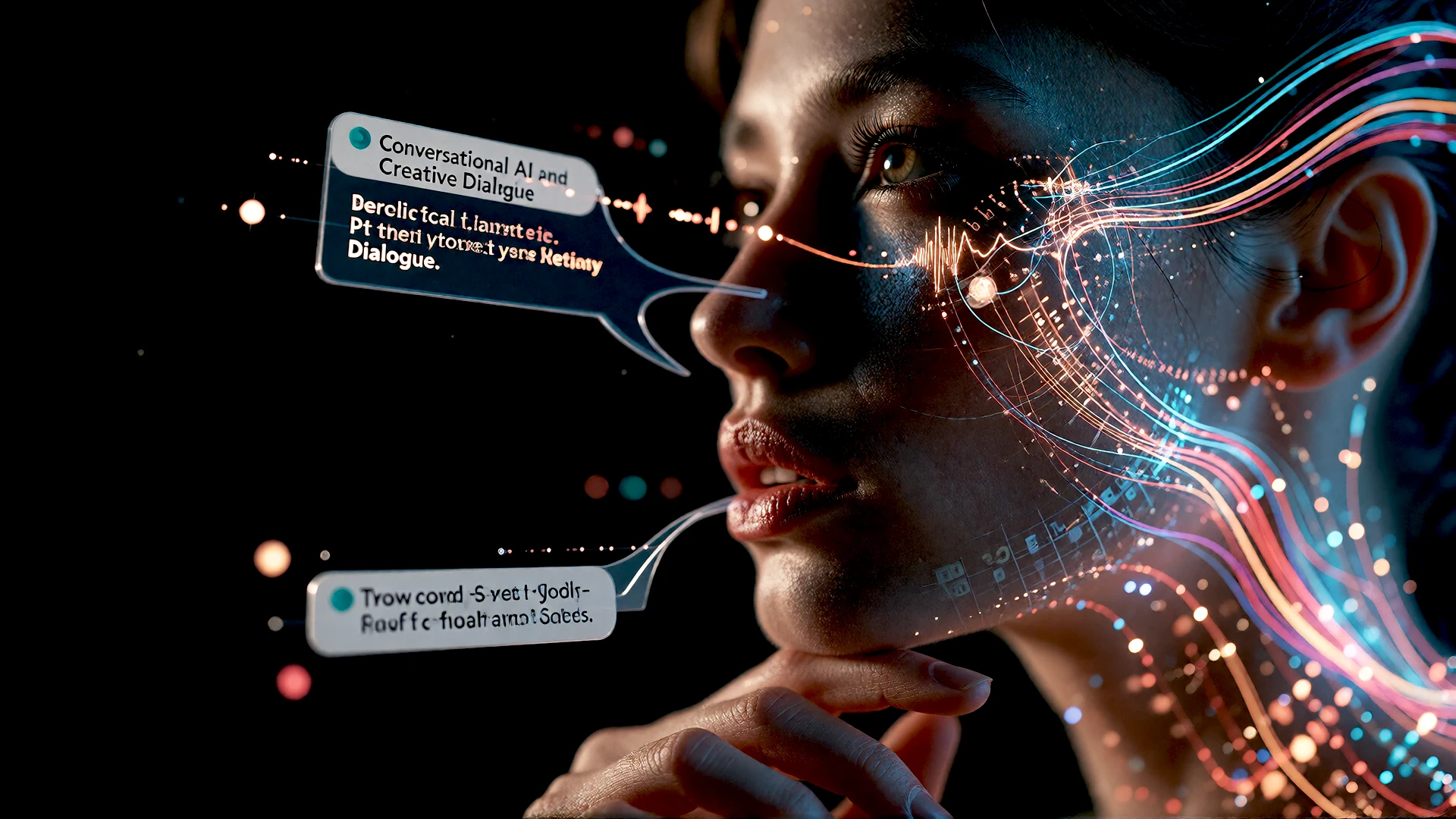
Creative Dialogue
Conversational Talk it through: the AI asks, you answer, the scene takes shape.
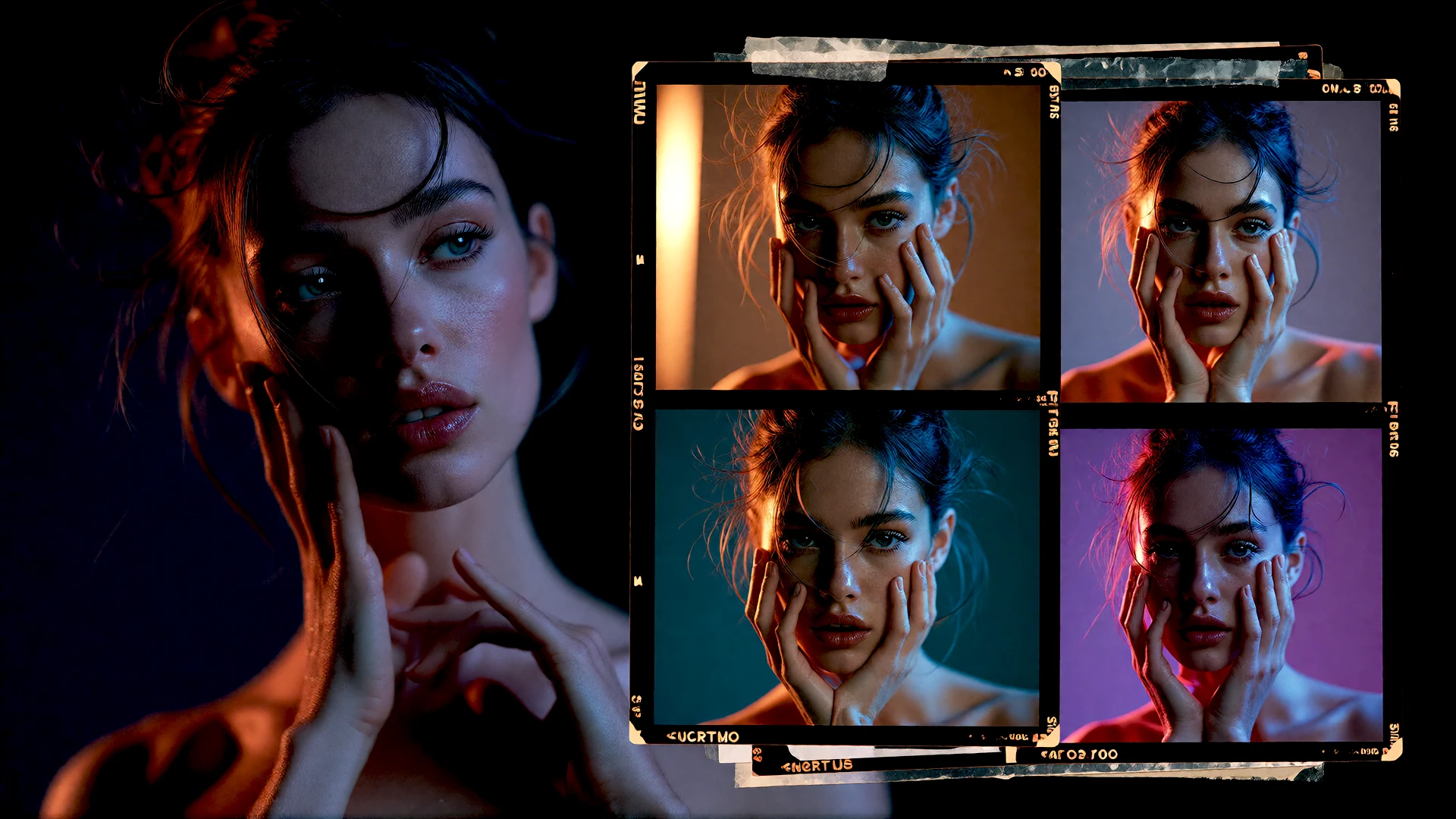
Series & Batch
Series & batch A whole series at once: variations, scenes or portraits.
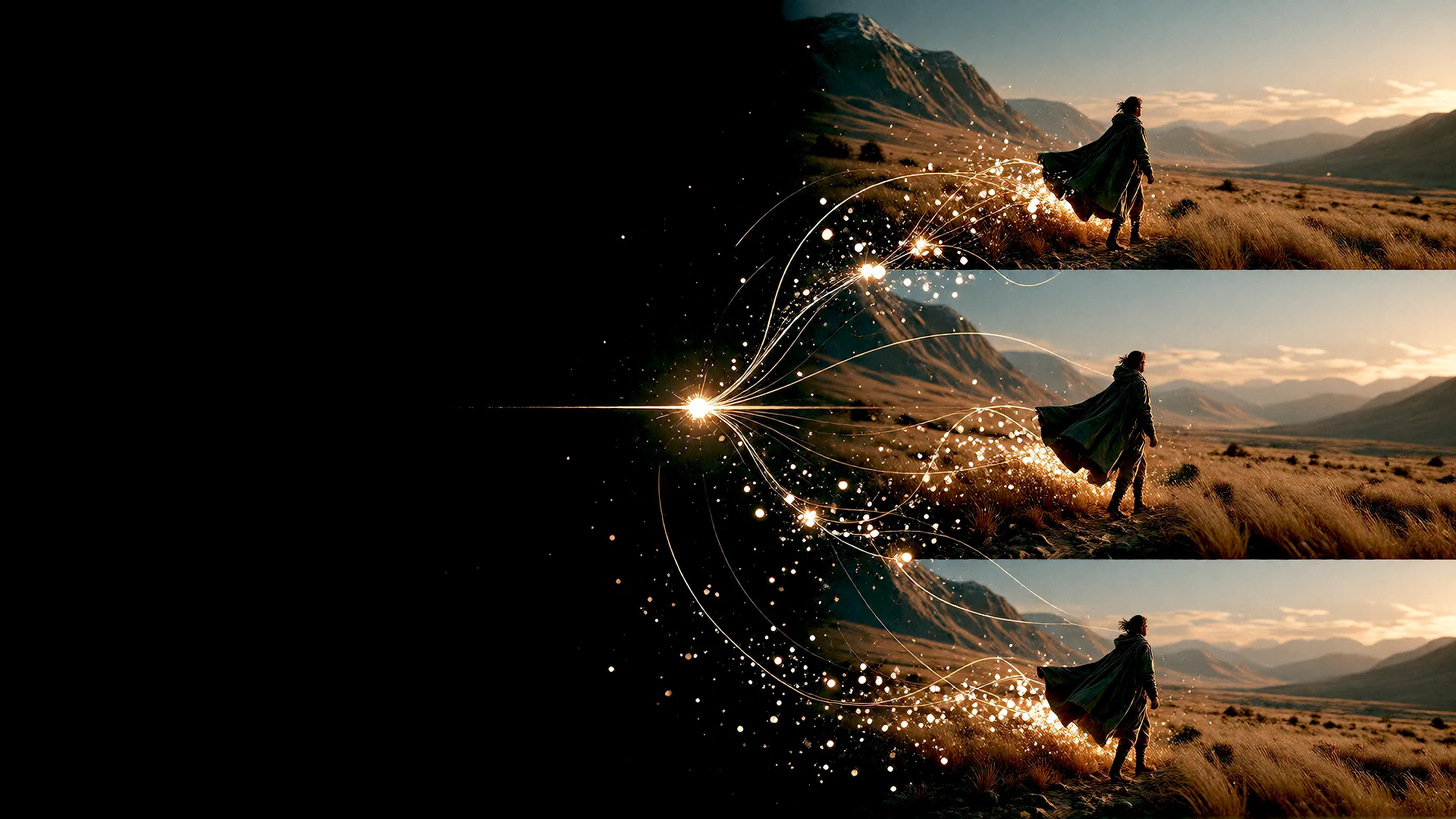
Continuity
Narrative The same characters, places and colors, scene after scene.
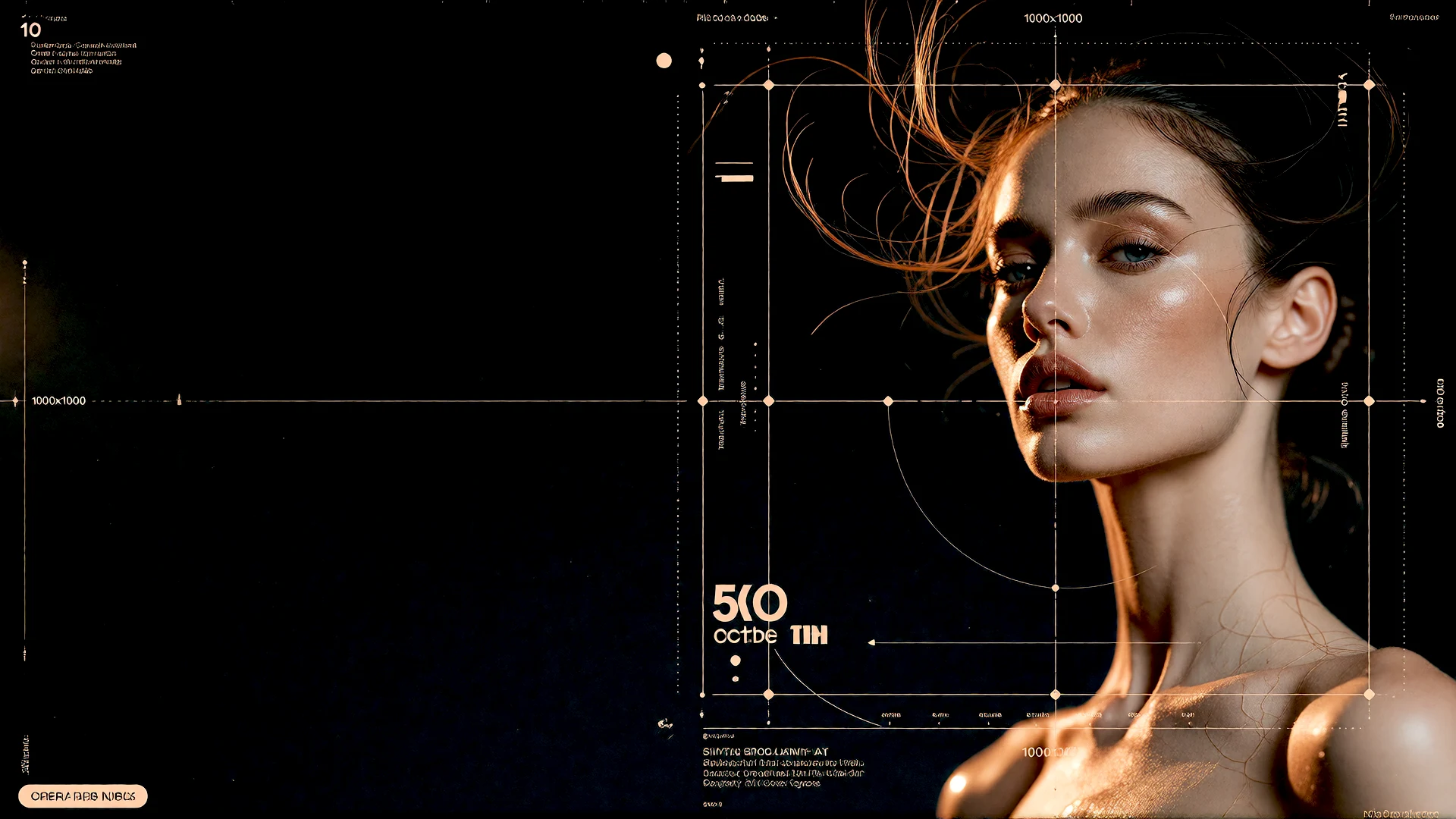
Composition & Design
Layout composition Posters with lettering, storyboards and character sheets.
Creative Direction

The four levers of your vision.

Four things you decide in every flow.
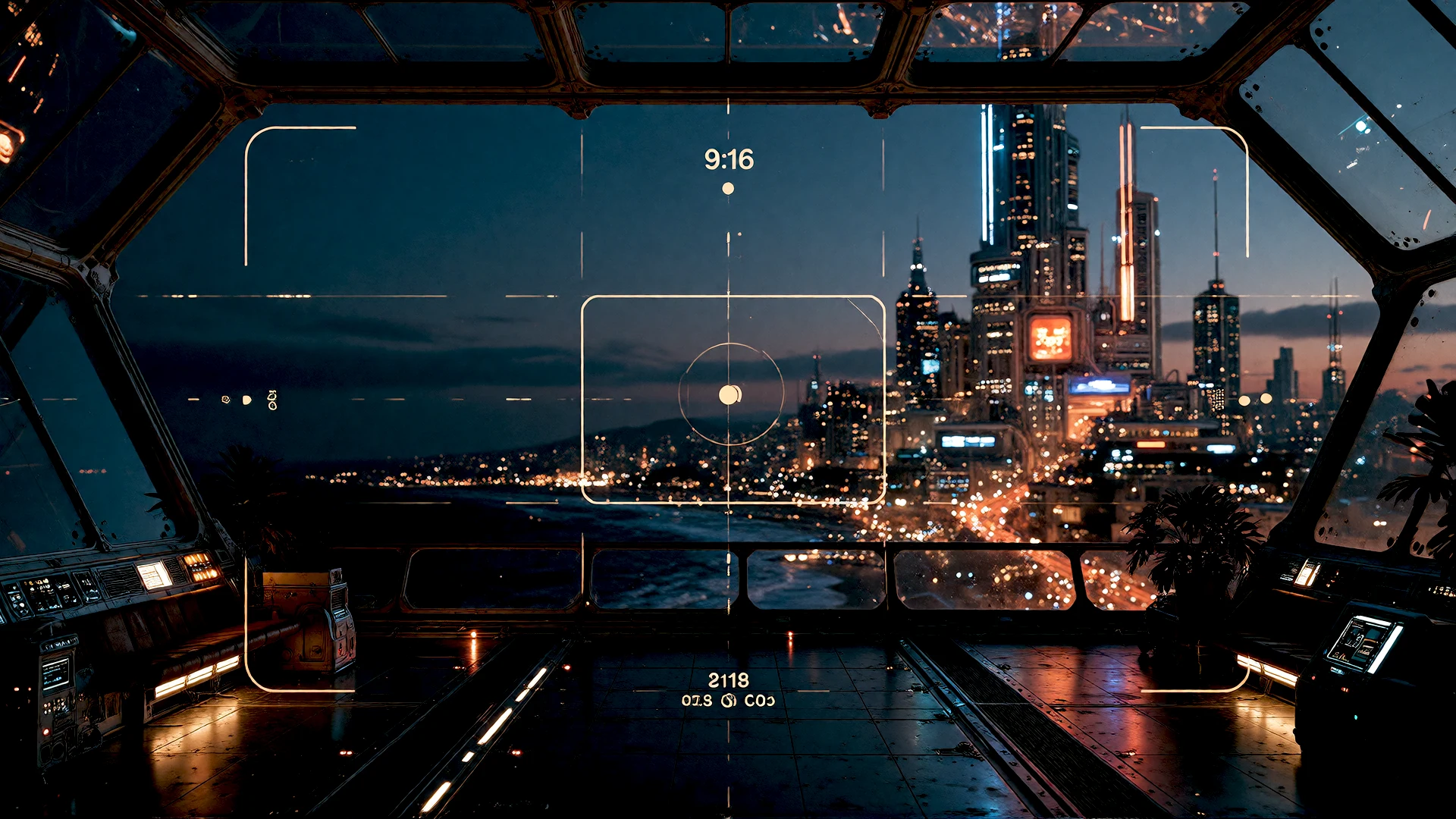
Framing & Aspect
Tailored composition From 9:16 for Reels to 21:9 cinema, at native resolution.
Universe & Style
Visual signature & mood Hundreds of curated looks, one click away.
Identity & Control
Character consistency Keep the same face across a whole story.
Freedom & Fidelity
The prompt freedom dial Literal to your words, or free to surprise you.
Output geometry

Give your idea
the right frame.

From a portrait to a wide cinematic scene. Choose a shape that fits the destination, then select the output size for your project.
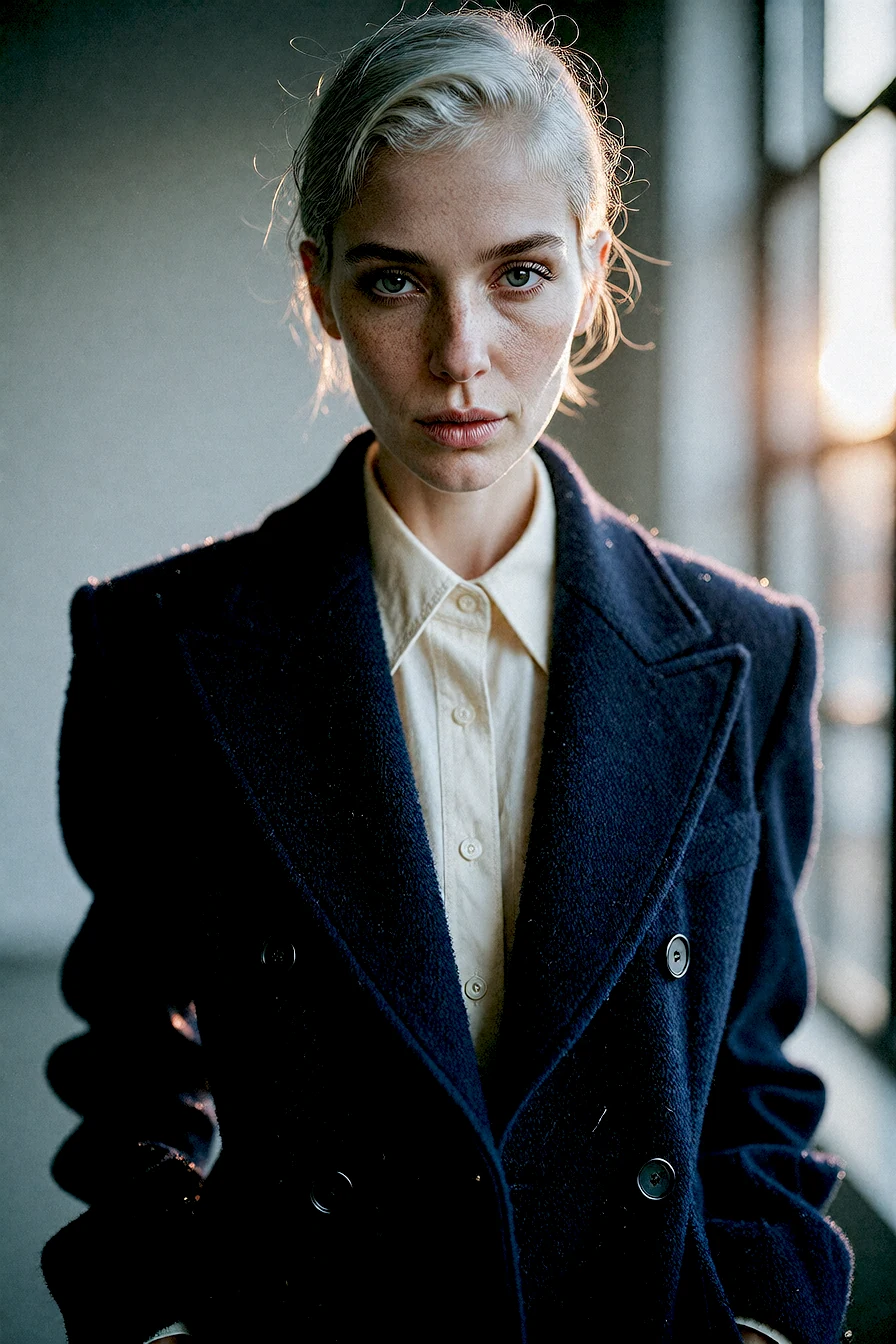
Editorial portrait of a silver-haired woman in a navy wool coat
Portrait2:3
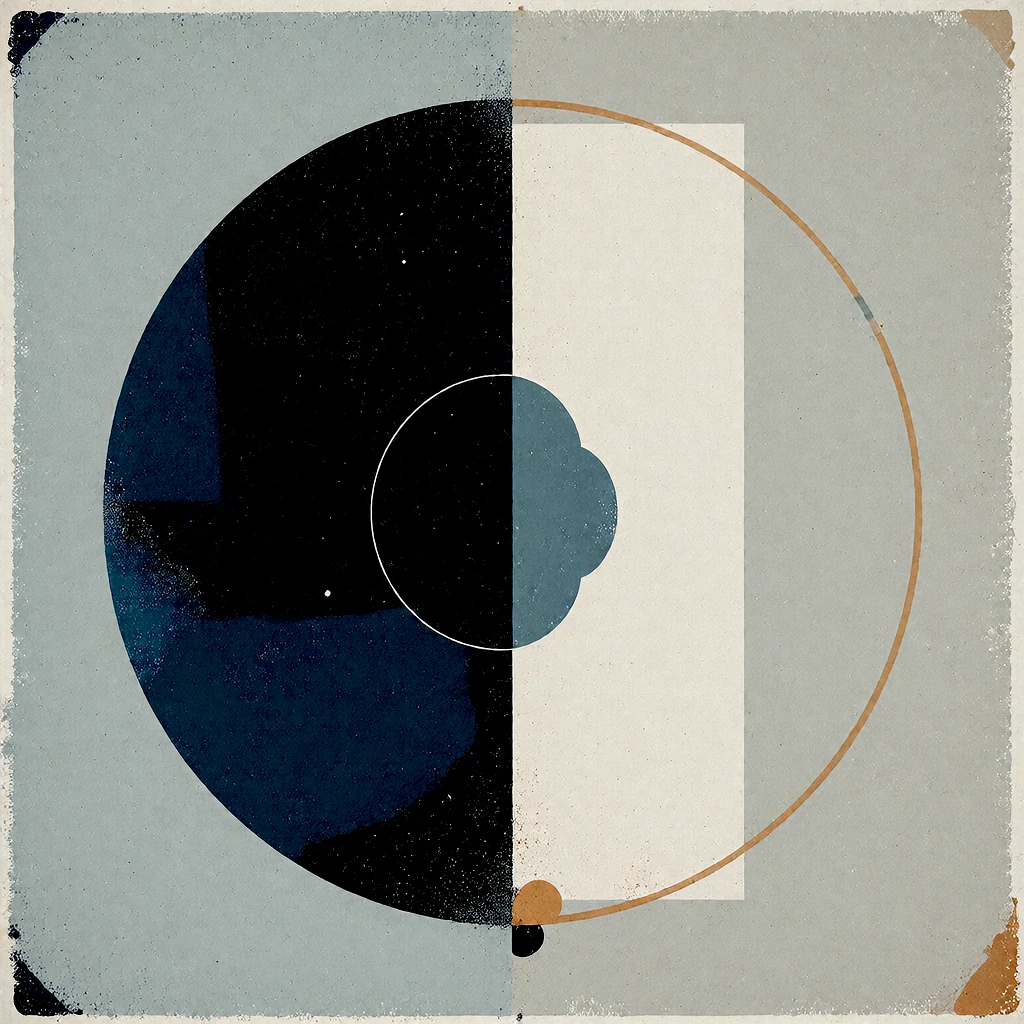
Abstract square composition in ink blue, ivory and muted amber
Square1:1
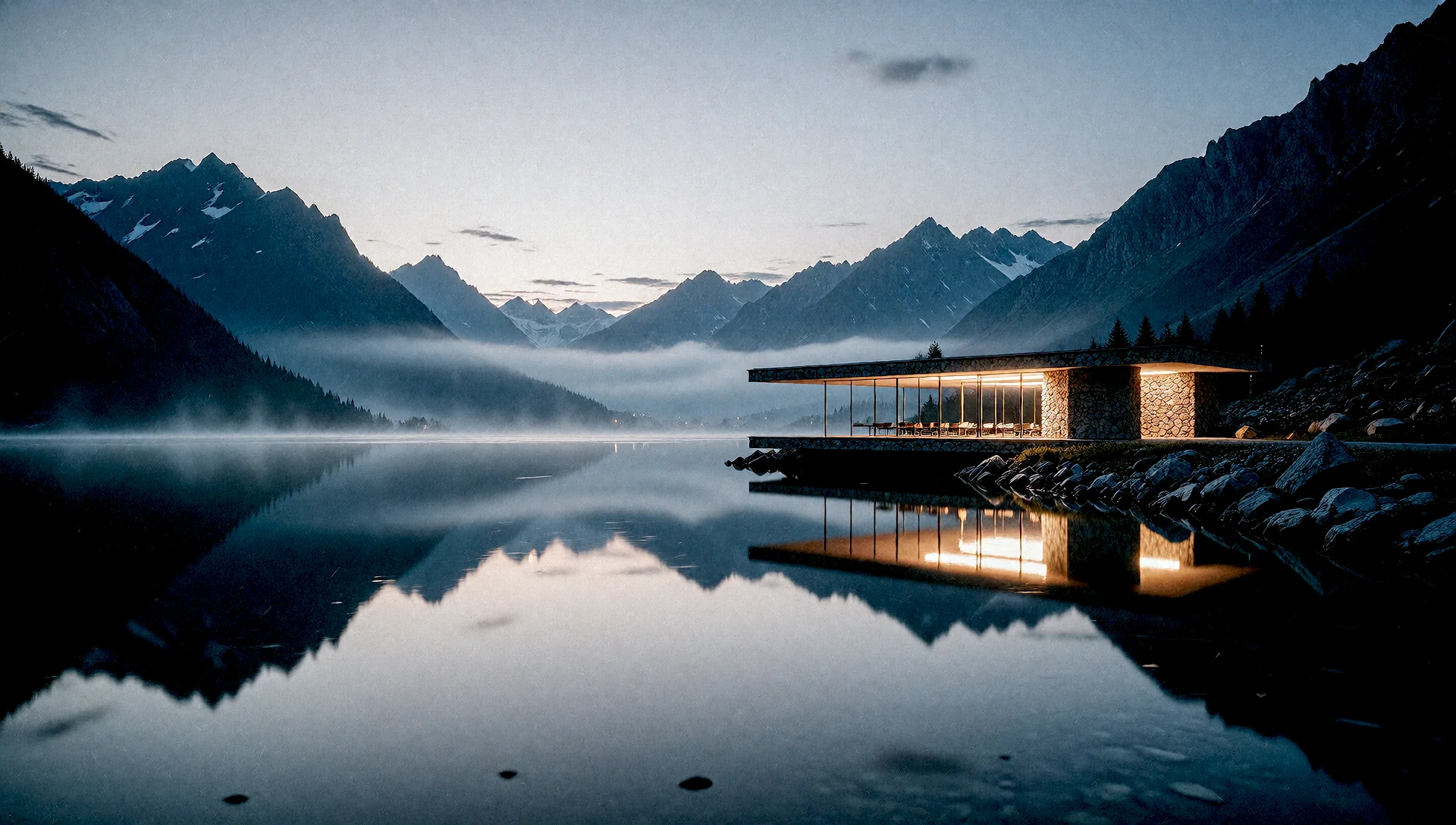
Warmly lit stone pavilion reflected in an alpine lake at blue hour
Widescreen16:9

Framing examples, not a comparison of engine outputs.

Then send it straight to Refine.

Every result card can jump into any Refine flow you have installed without a re-import, and lands in your Session automatically.