Change clothes without changing the person
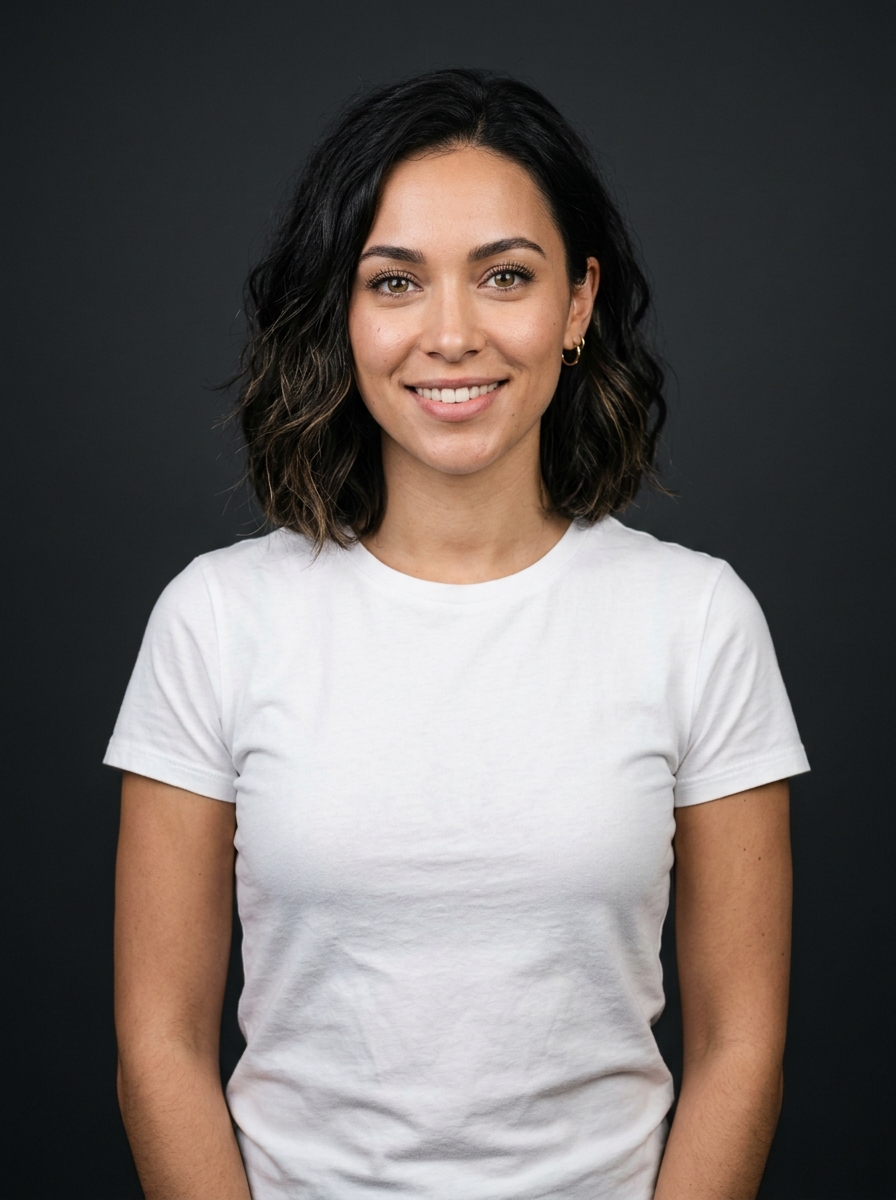
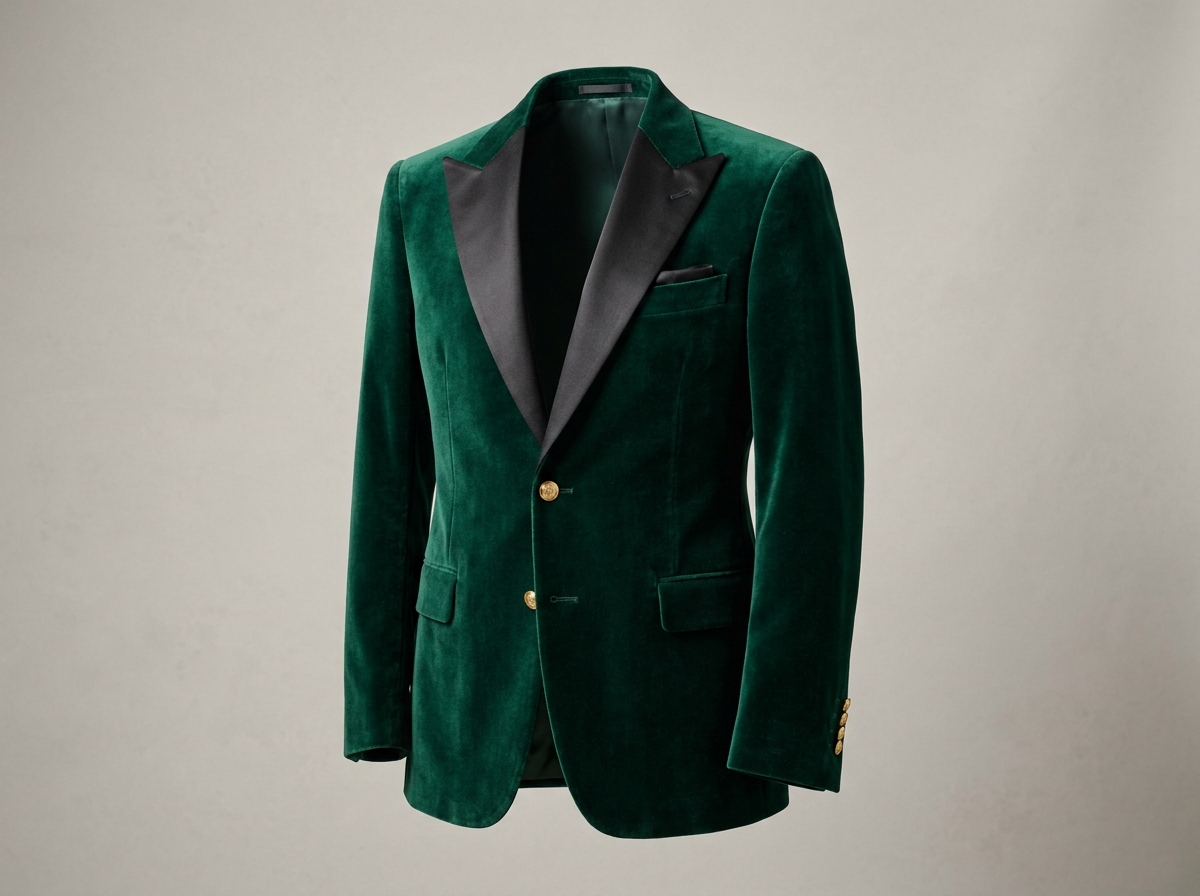
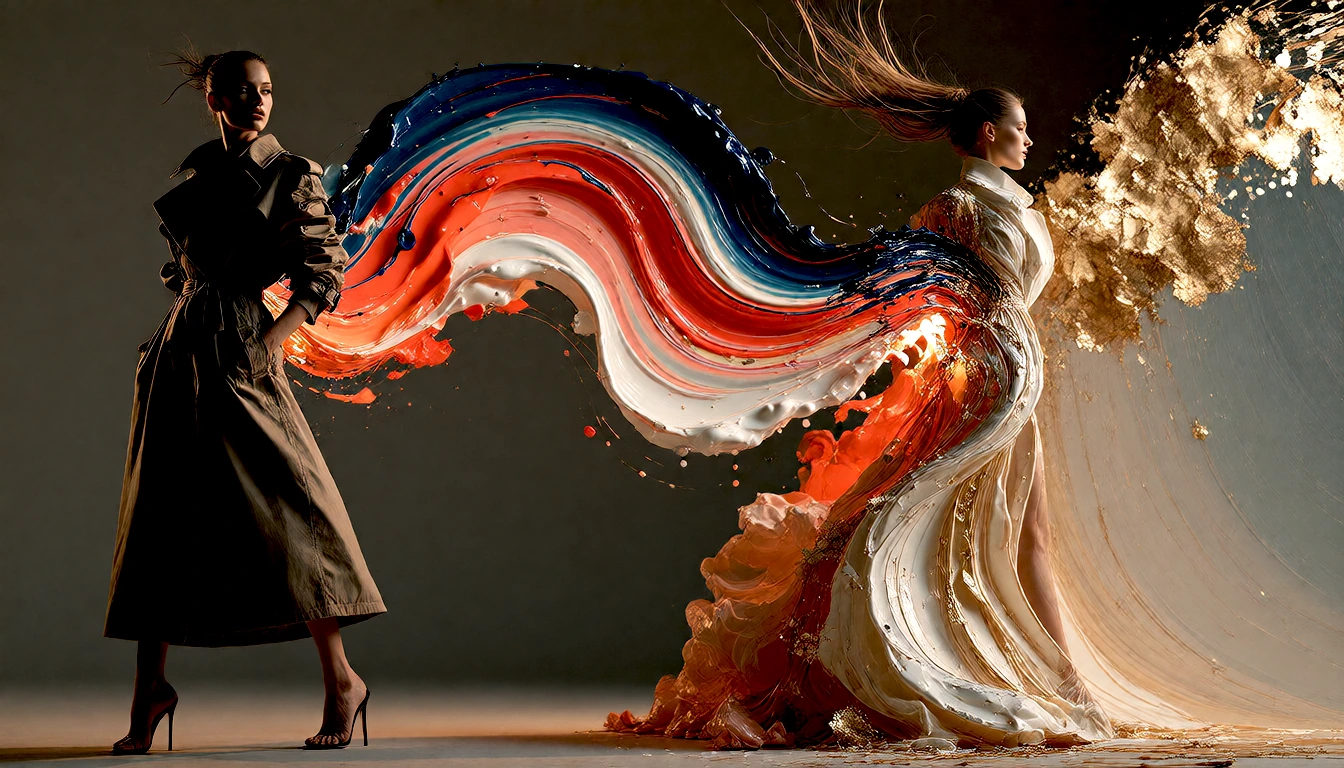
Try any catalog item, online store piece, or custom design on your model or yourself, without booking photo shoots or changing poses:
Mix Creative Fusion 100% Local Mini-apps & Add-ons
Nomad Studio blends two images while keeping identity, background, or garment intact. Swap clothes in one click, transfer artistic styles, or use built-in mini-programs like Canvas Composer and the pixel art converter. All on your own hardware, free of subscriptions or cloud queues.
Dozens of fusion flows · Local Python mini-programs · Identity & style protected
Combine people, garments, or styles without losing what matters. Choose two starting images (Inputs) and Nomad Studio fuses them into a single photographic result (Output) directly on your graphics card.
Try any catalog item, online store piece, or custom design on your model or yourself, without booking photo shoots or changing poses:
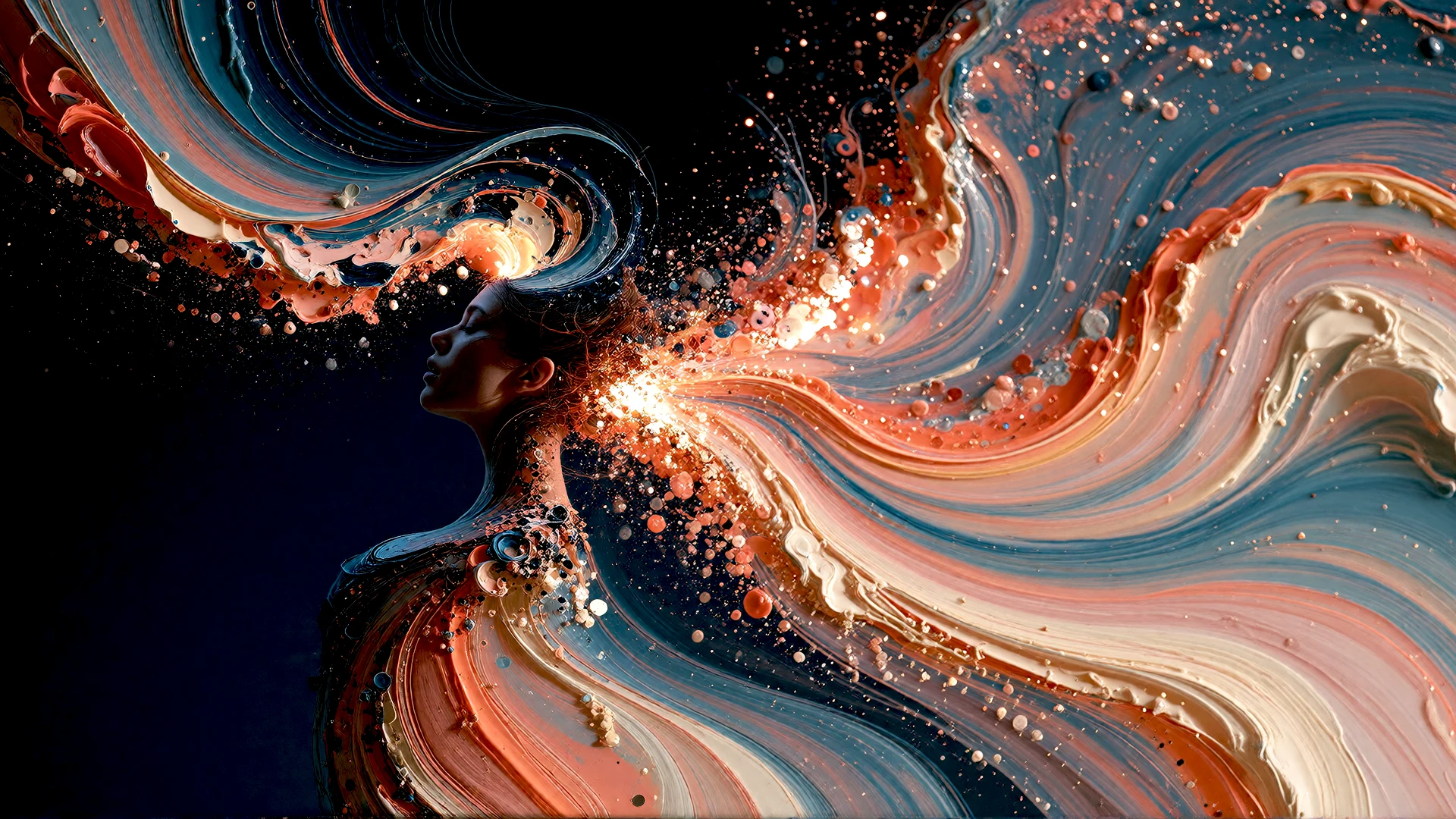
Capture the tactile strength of palette-knife impasto, cobalt pigments, and classic canvas texture, then apply them to any photographic portrait:
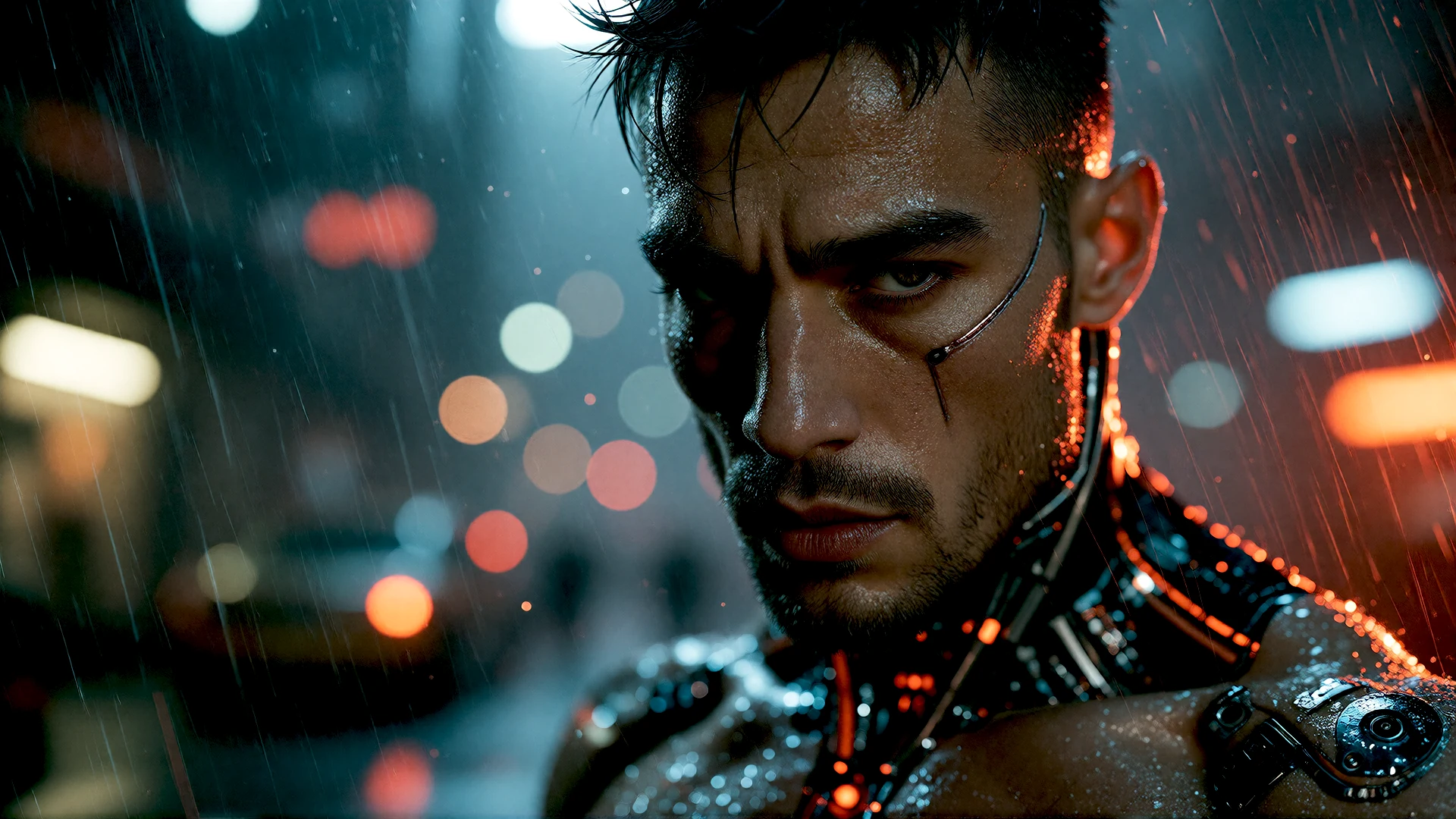
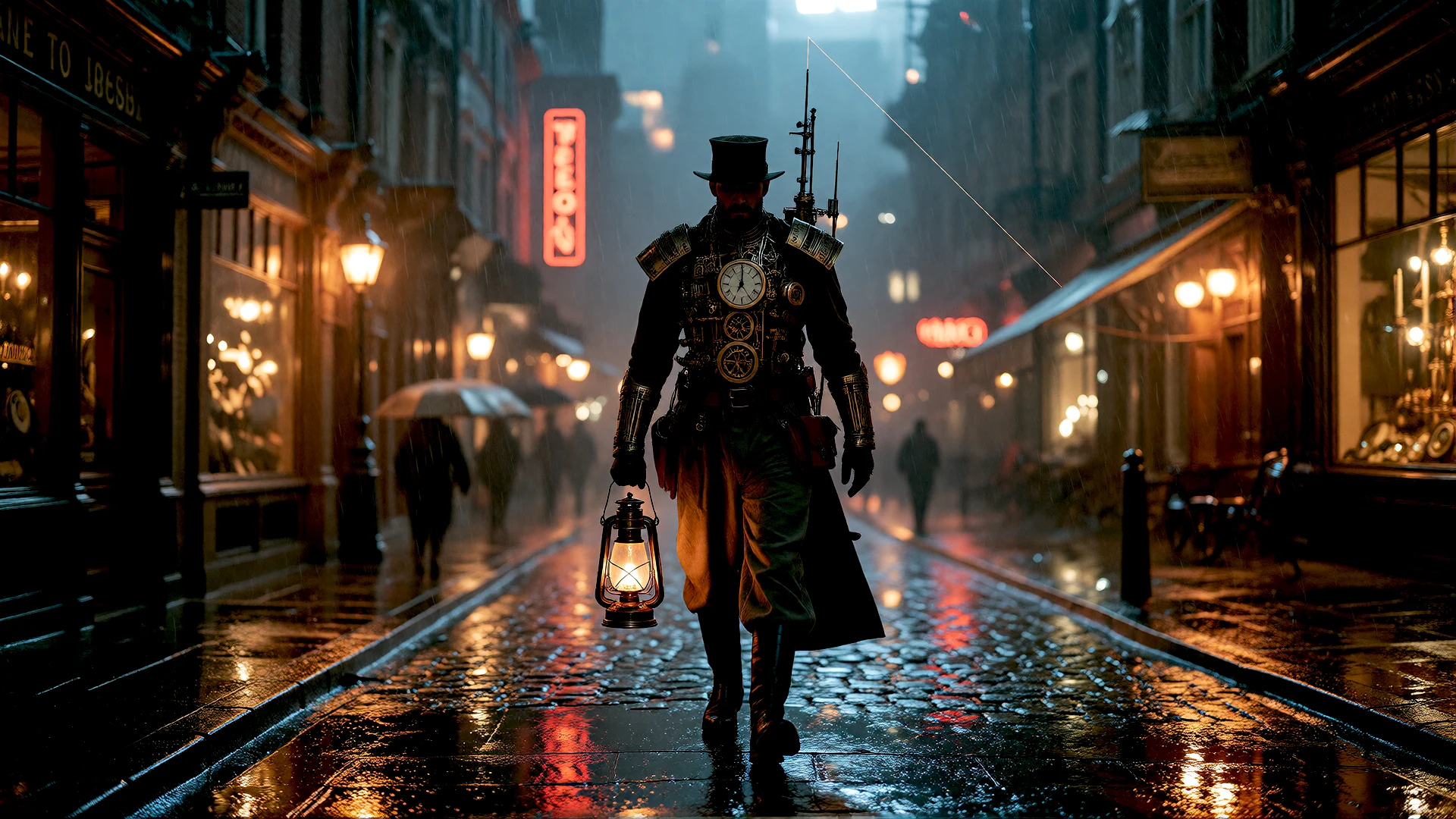
Forget green screens and artificial composites. Place a person in a nighttime atmosphere and ambient light will naturally cast reflections on skin and clothing:
Beyond generative models, Nomad Studio integrates creative extensions that give you absolute manual precision, instant composition, and the freedom to import new community add-ons or craft your own.
A real canvas where you place cutouts over any background, adjust position, scale, and rotation with visual smart guides, and export immediately. No queues, zero latency, pixel-perfect accuracy.
Pure creative control. Assemble covers, thumbnails, or pre-render composites with visual precision. Its open architecture lets you import new community add-ons or craft custom extensions effortlessly.
En segundos pruebas 3 modelos de difusión distintos para el fondo. Luego extraes los personajes con el módulo de recorte y los compones en tiempo real sobre el lienzo.
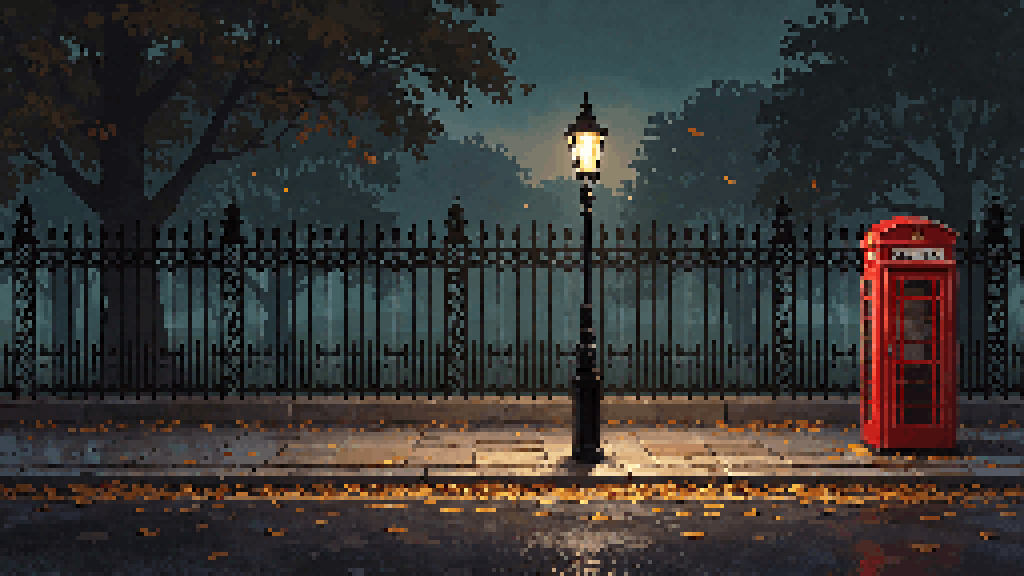
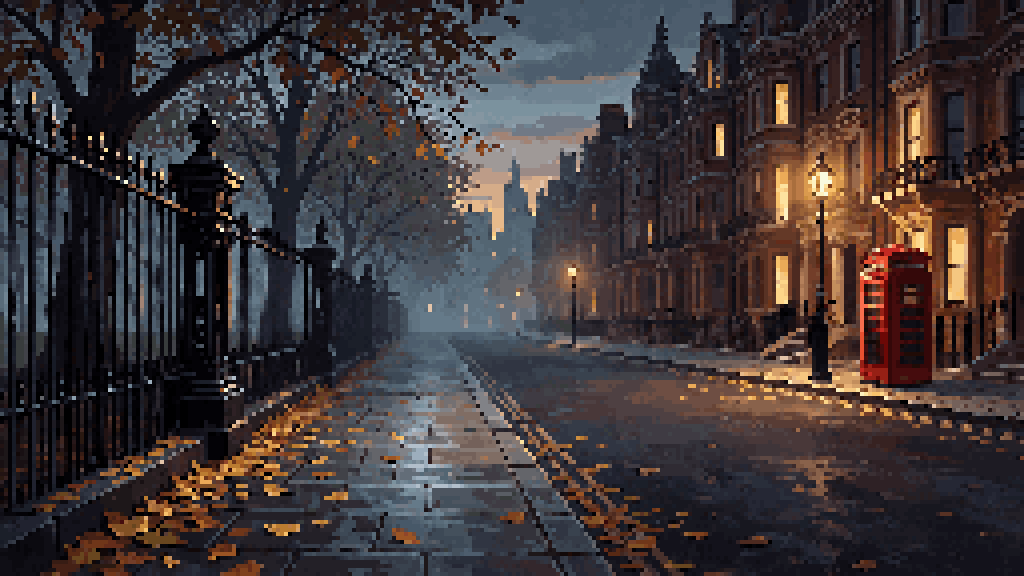
Turn any photo or illustration into authentic retro game pixel art. Adjust pixel cell size (e.g. 6px), quantise to tailored palettes (128 tones), and cleanly upscale up to 4× or 8× with zero blur or distortion.
Applies color clustering and authentic console texture to your designs, sprites, and adventure backdrops in 0.2s without complex workflows or resource overhead.
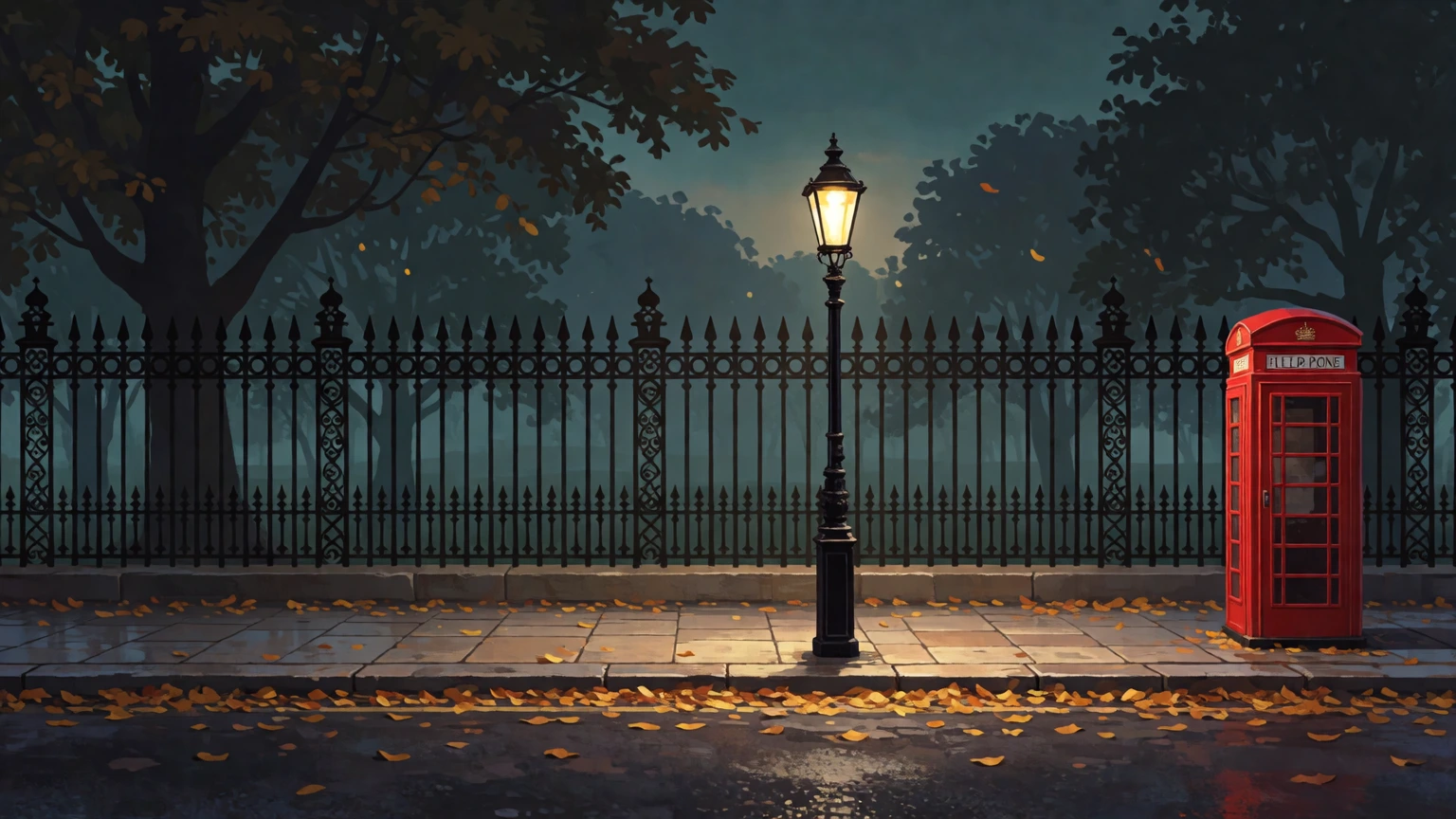
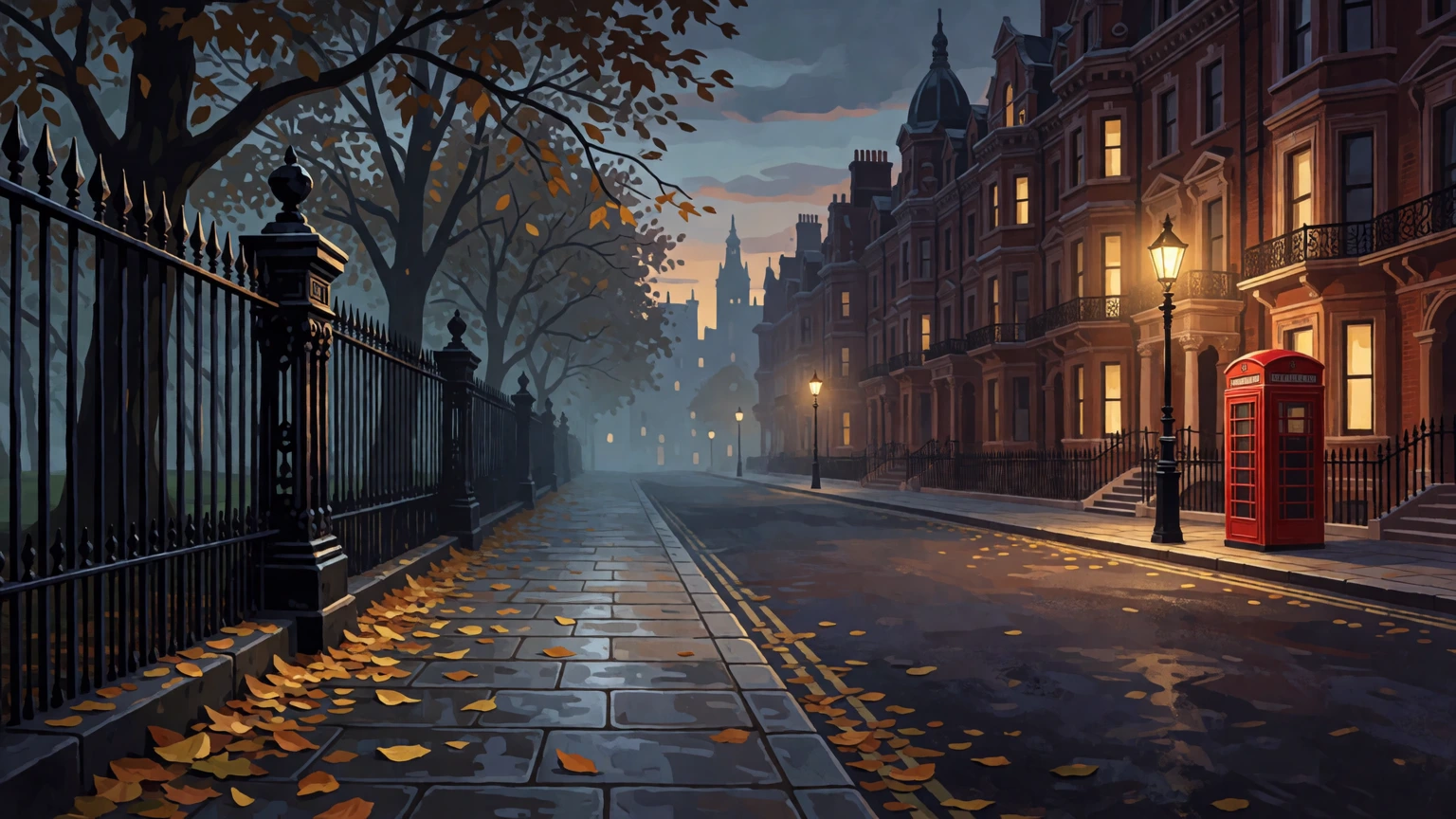
Arriba el resultado procesado en puro pixel art con celda de 6px y paleta de 128 colores; abajo las pinturas originales de partida generadas para la aventura en Londres.
Two essential compositing extensions: Chroma Key strips flat or vignette backdrops with soft progressive feathering, and Edge Defringe removes green or halo fringes without degrading subject silhouettes.
Cut out a subject with Chroma Key, clean its edges with Defringe, and drop it into Canvas Composer over your new scene. All seamlessly unified on your machine.
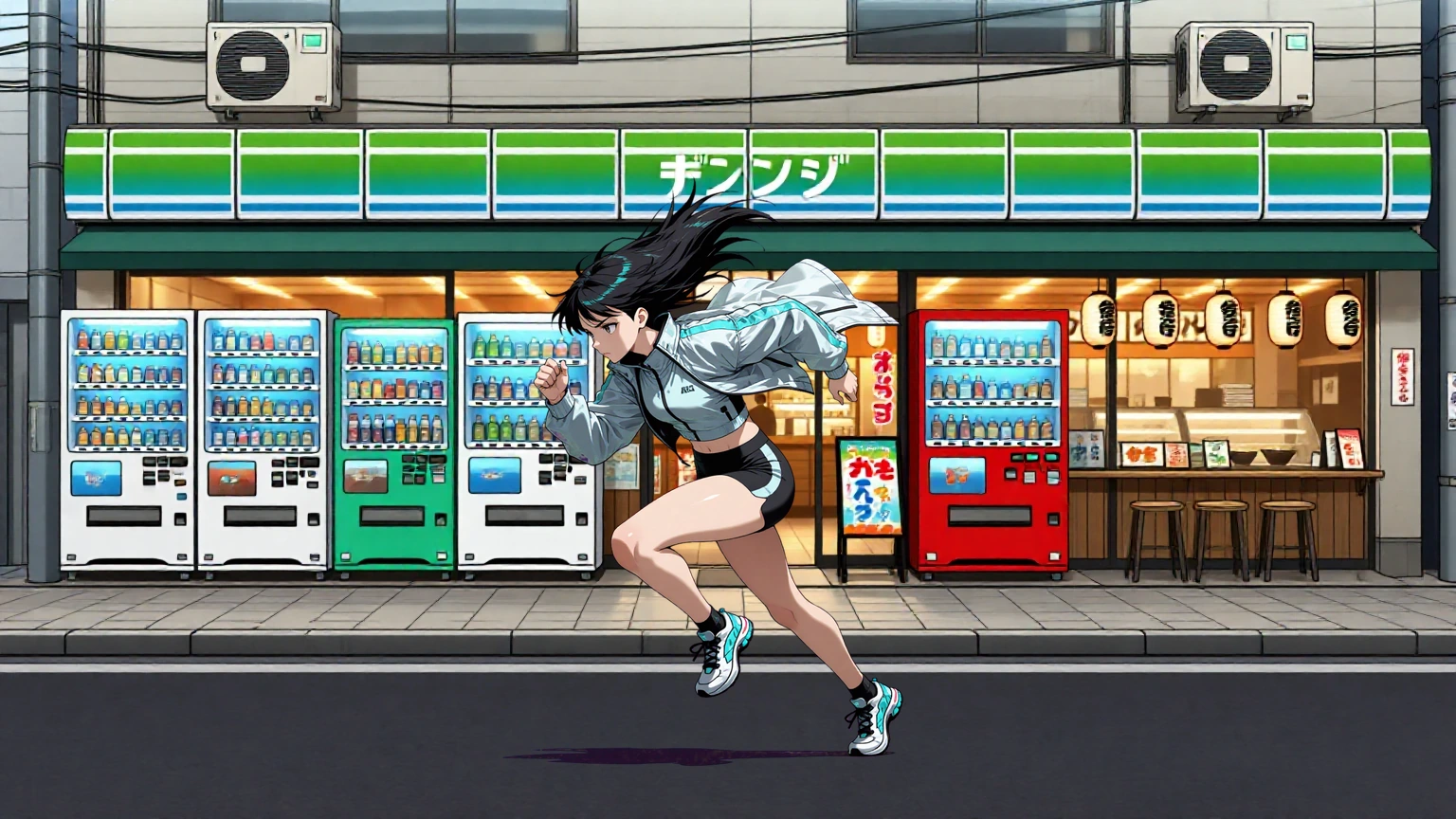
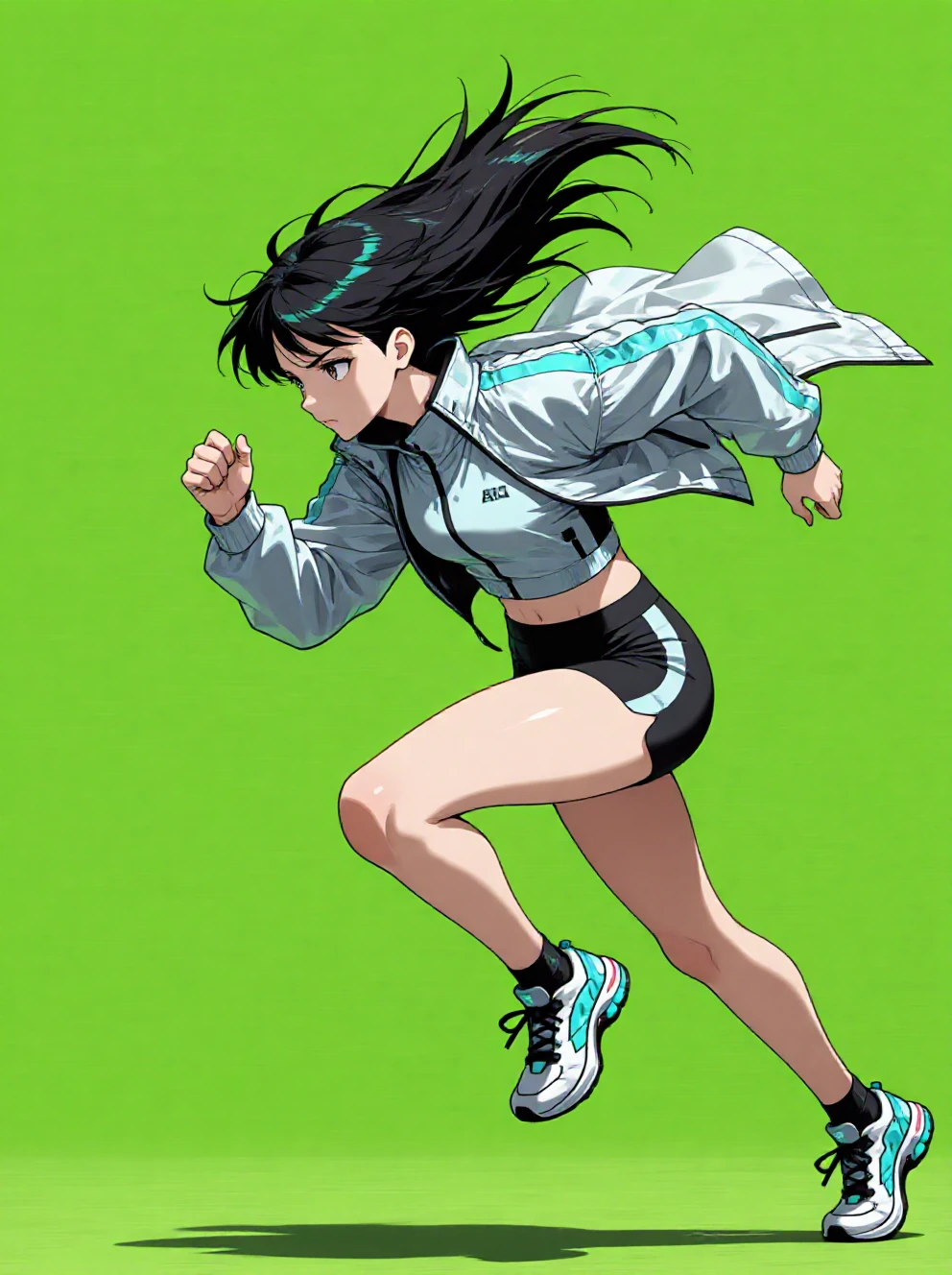
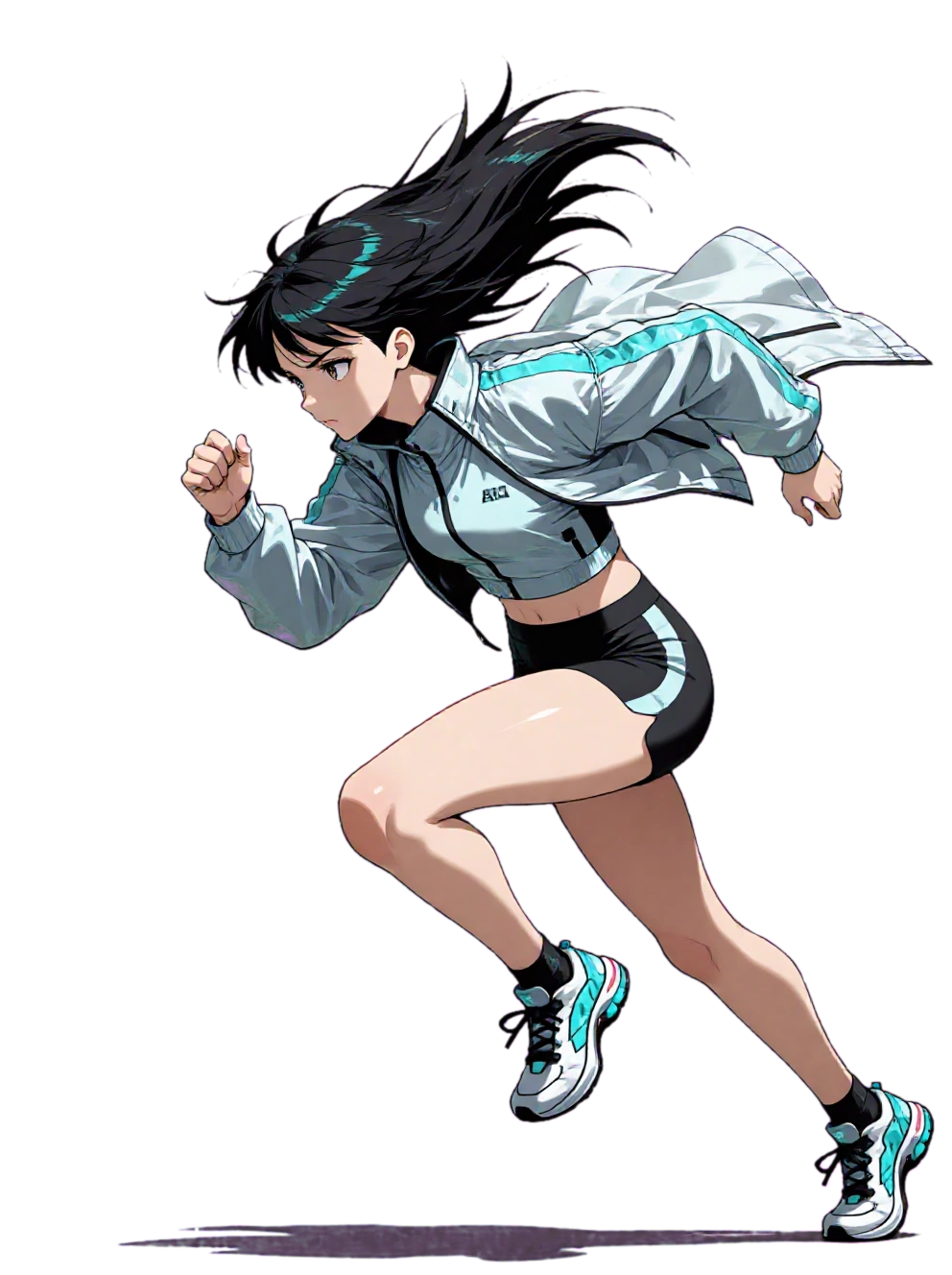
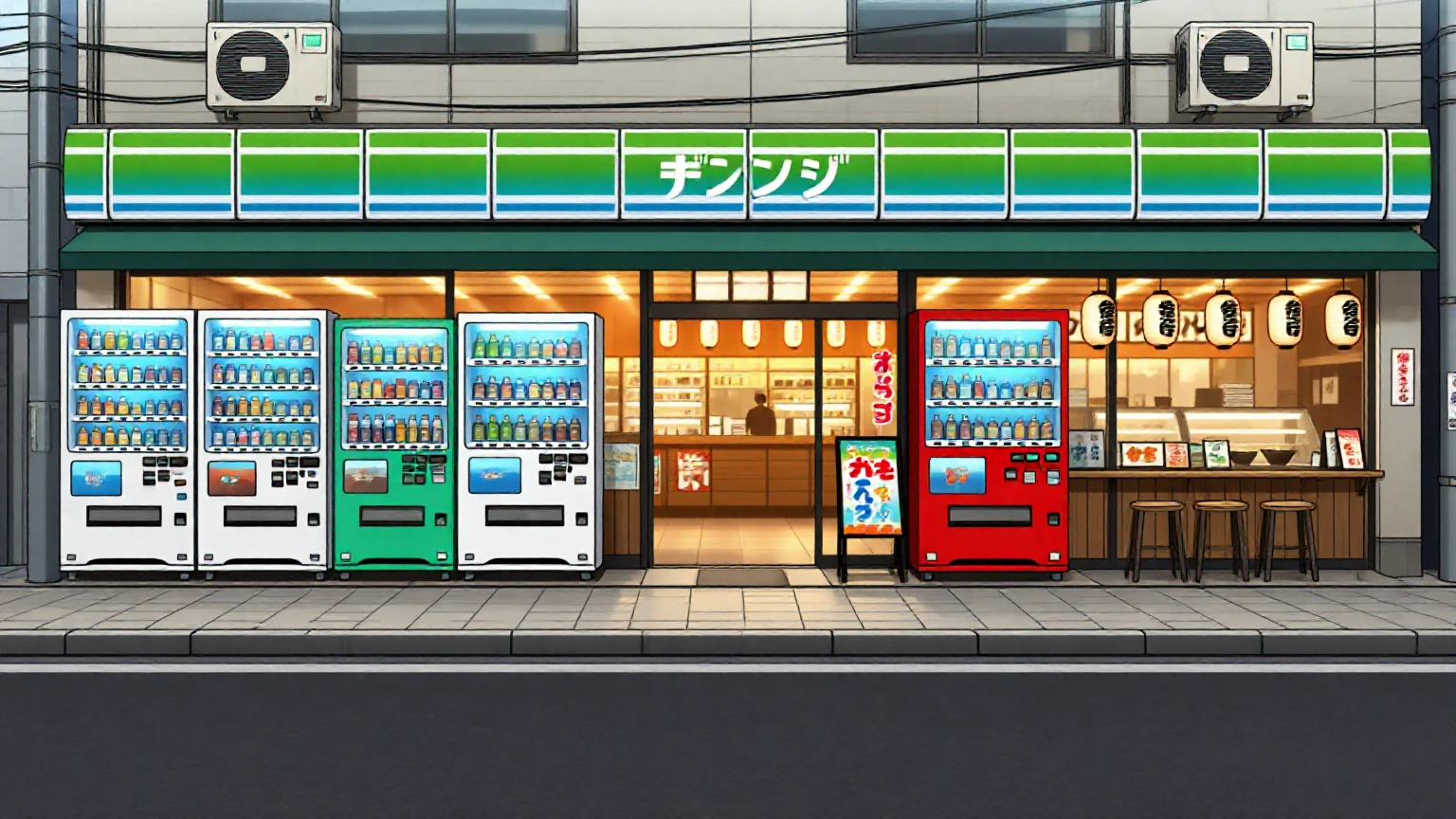
The anime runner girl generated on a solid chroma backdrop is isolated in 0.18s with a clean alpha channel, zero residual halos, and integrated in real time into the 2D Tokyo street.
Production-grade flows built for creative control: hold subject identity, generate multi-angle reference sheets, and blend layers with cinematic lighting match.
Preserve the facial features, bone structure, and likeness of your subject across new scenes and lightings. Three specialized engines (Klein 9B, 4B, and Qwen) maintain true identity without flattening atmospheric depth.
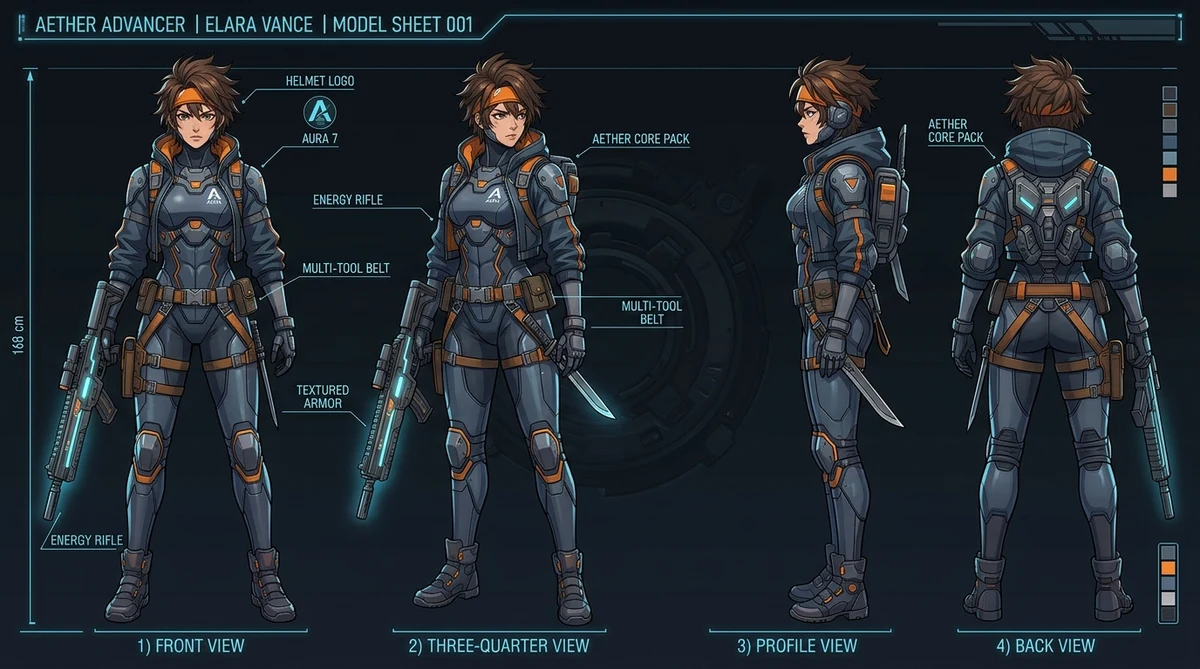
Generate professional turnaround model sheets with front, three-quarter, side, and back views plus portrait details on transparent backdrops. Built for concept artists, comic creators, and animators.
Transfer painterly finishes, color grading, or texture from an artwork to your photo without morphing the subject's anatomy. Multiple paths choose between aesthetic fidelity and free reinterpretation.
Interactive canvas to arrange and scale cutouts with smart ambient lighting match: harmonize shadows, exposure, and color temperature so composite elements blend seamlessly into the environment.
Pick a shot type and a pose for your subject, and the flow assembles the prompt for you. It is the difference between writing “medium shot, three-quarter turn, hand on hip, soft key light” and choosing two things from a list.
Several Mix flows run a vision describe step first — the model reads the reference garment or style and pre-fills the prompt before you generate.
Style flows chain ReferenceLatent nodes so the reference informs the render at the latent level, not as a text description of it.
RF Inversion routes on Anima and Z-Image Turbo transfer a look with no LoRA to train and nothing to download beyond the base model.
Save a subject to your character library once, and it is available as a reference in any flow across the studio.