Download

Refine Real-World Projects 100% Local Your Own GPU

From your idea,
to the exact finish you want.

Nomad Studio turns everyday phone photos and rough pencil sketches into real-world results: finished gardens, wall-ready canvas art, or objects ready for the workshop. Everything runs directly on your local GPU, with no subscriptions or cloud queues.

No cloud fees. No intermediaries. Just your computer and your vision.
From Sketch to Reality

Four ways to create real things

See how a casual phone photo or a quick pencil sketch transforms into a finished garden, a piece of canvas wall art, a workshop-ready design concept, or an immaculate travel memory without bystanders.

Spaces & Gardens

Patios, terraces, and gardens

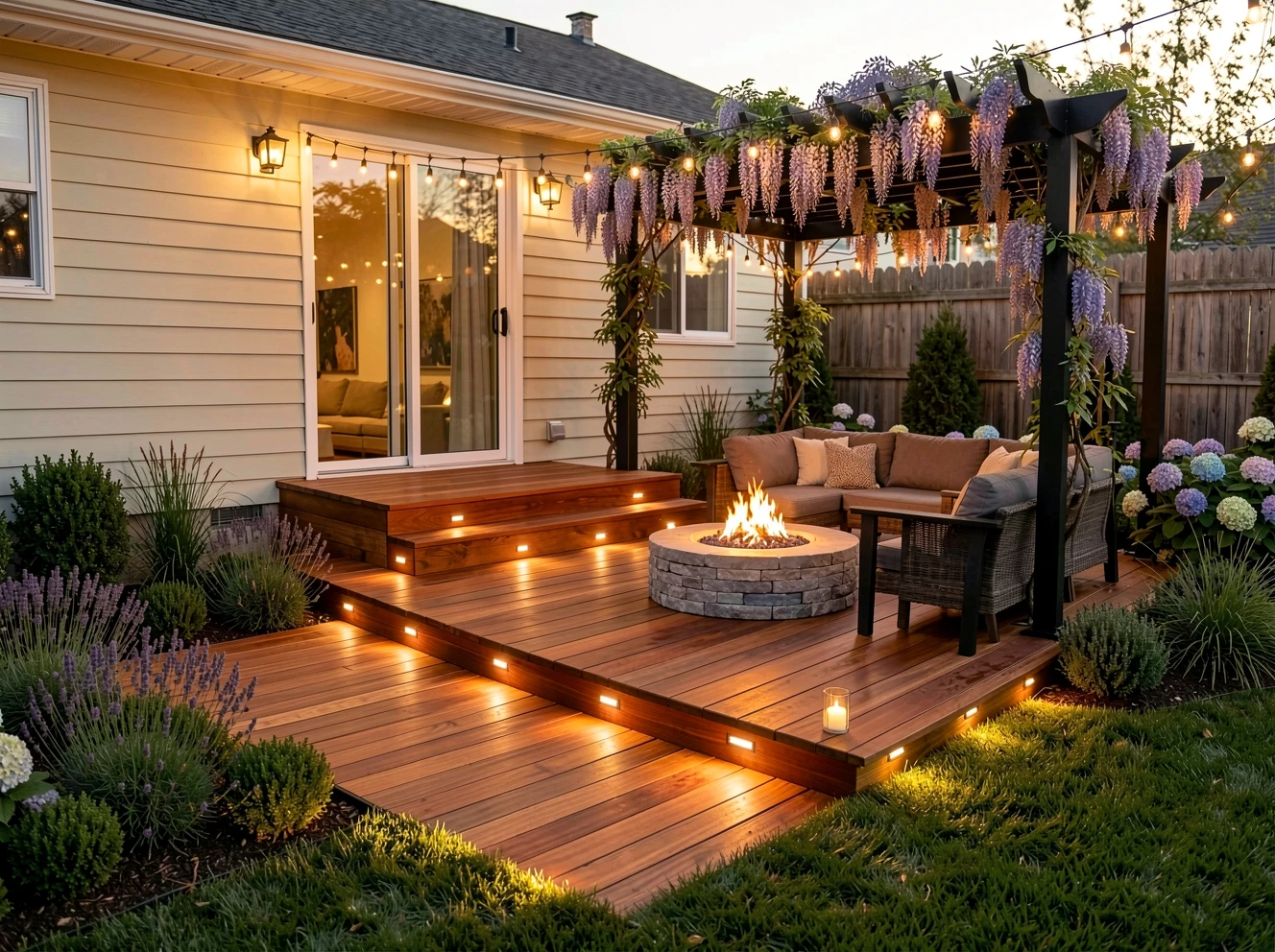
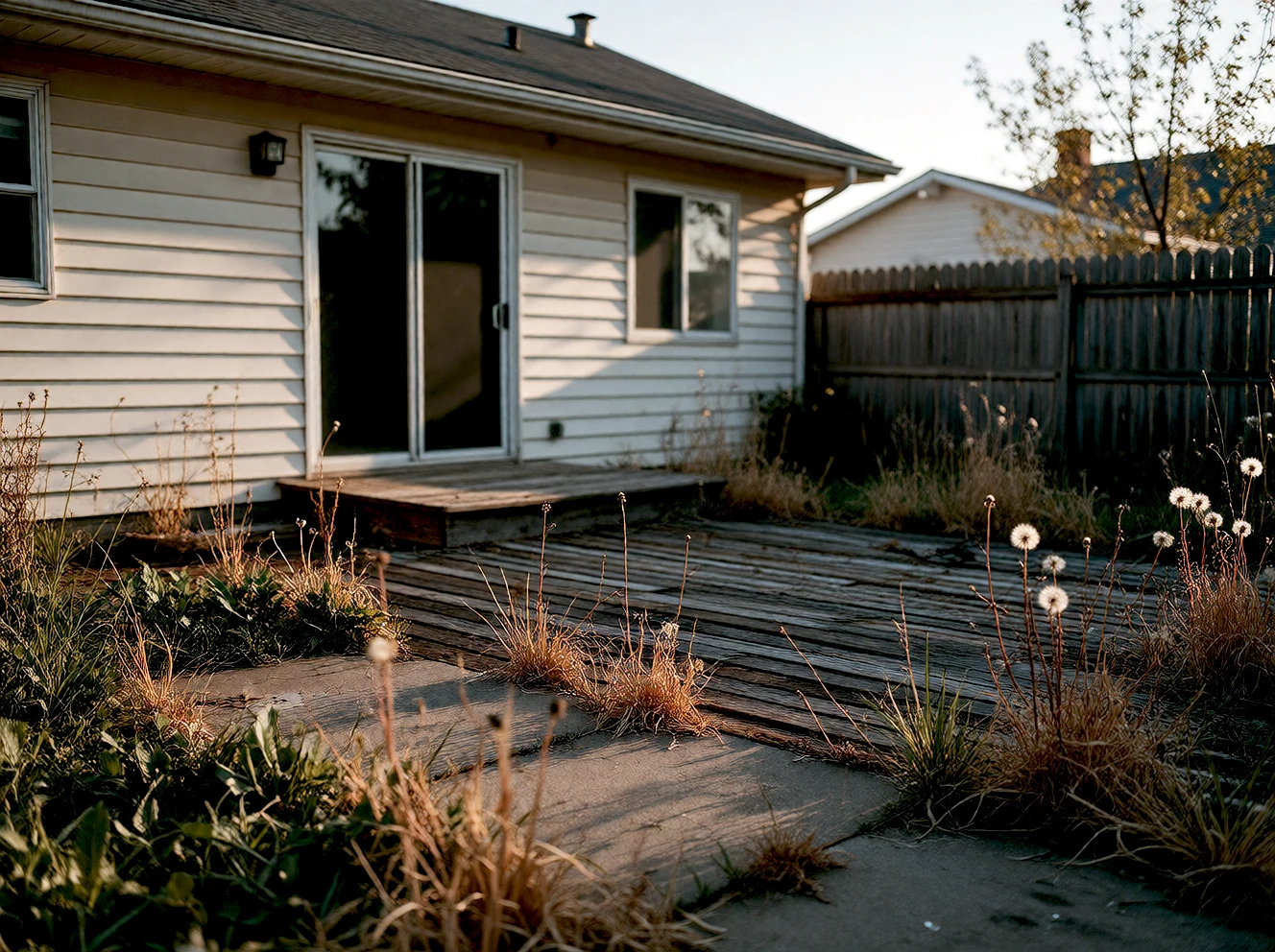
Snap a photo with your phone of any empty corner — a stone patio, an untamed terrace, or an overgrown flowerbed — and see what it looks like finished:

Phone photo A regular photo of your space exactly as it stands right now.
Add what you envision Place stone walkways, rustic ponds, curated greenery, or wooden benches respecting the lighting and exact geometry of your photo.
See it before building Verify how the end result looks before moving a single stone or spending budget on materials.
True to Your Real Photo Plants & Materials Natural Light 100% on Your Machine
Empty stone patio
Stone, pond & lanterns
Canvas & Prints

Turn your photos into art for your wall

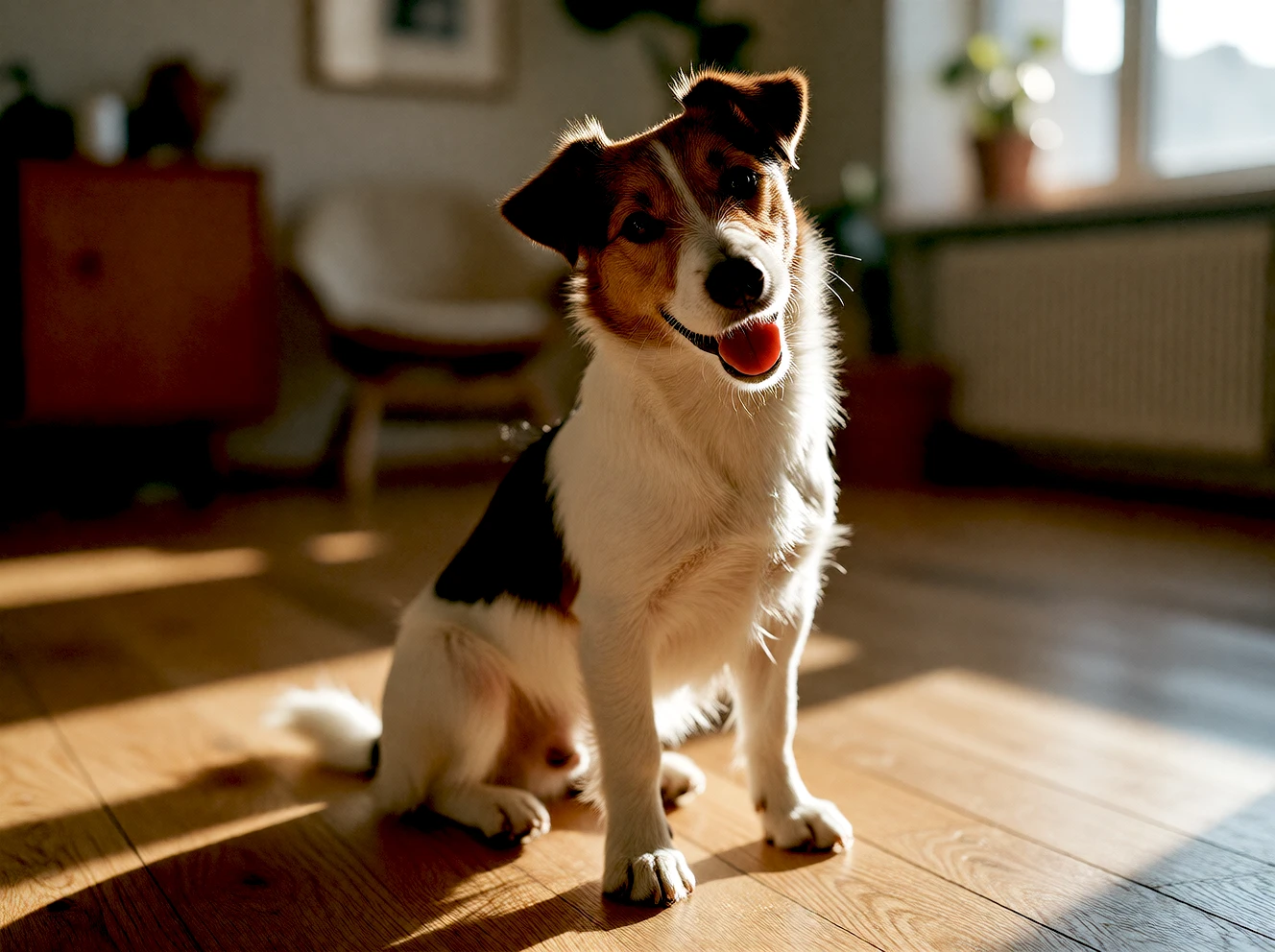
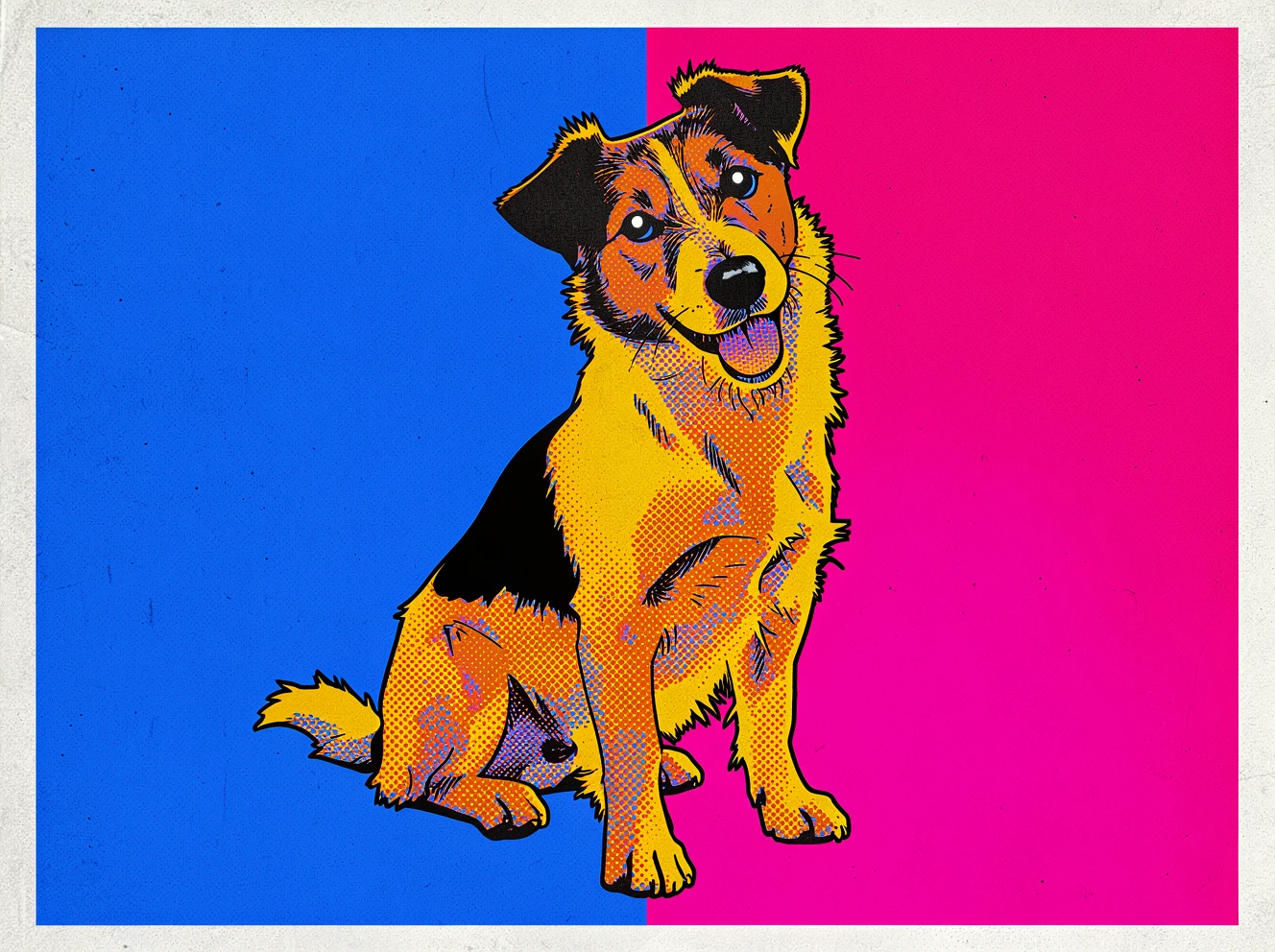
Turn everyday pictures of your pet or family into striking, print-ready art pieces ready to frame and hang:

Pop Art & Comic style Transform the photo into a 4-color Andy Warhol silkscreen or vintage comic illustration with classic halftone print dots.
Automatic cutout AI detects your pet or subject and cleanly isolates the background without any manual lasso or masking work.
Ready to hang Export the file in ultra-high resolution ready for large canvas, posters, or merchandise.
1-Click Cutout Print & Comic Effect Vivid Colors High Quality for Printing
Pet in the living room
Pop art canvas ready to hang
From Idea to Workshop

From sketch to design concept

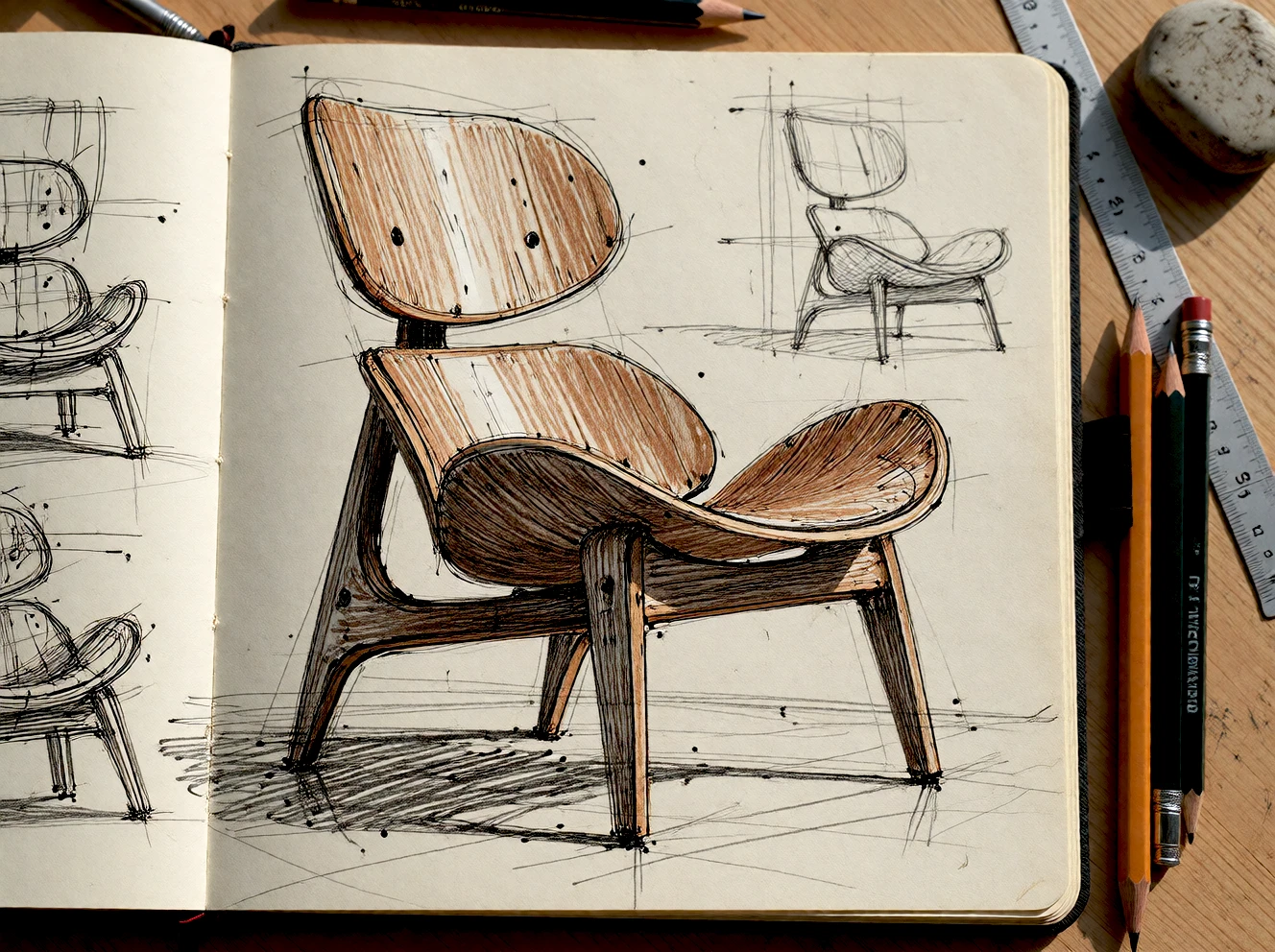
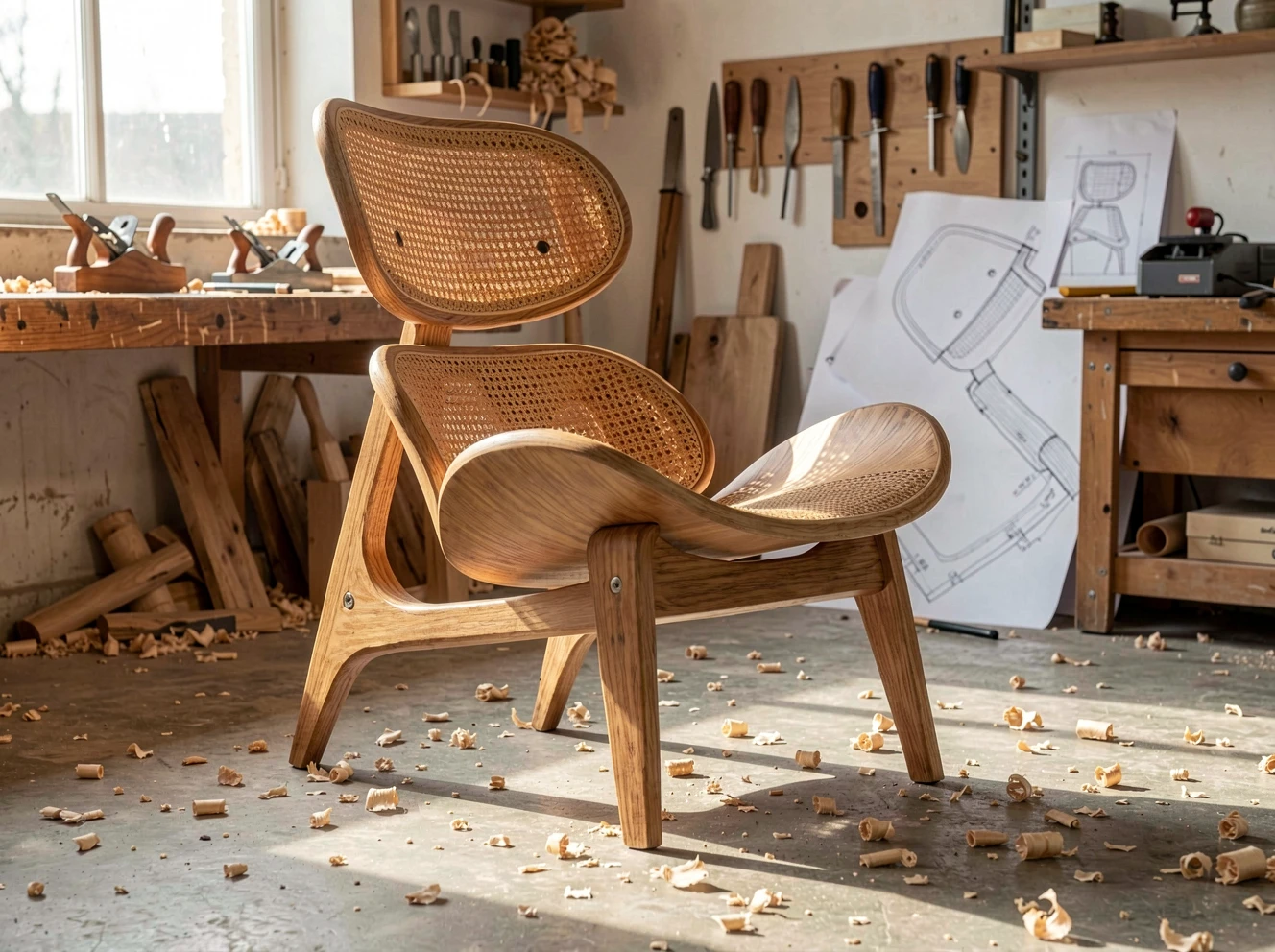
Turn a sketch into a visual study of a wood, metal, or ceramic object before developing the design for fabrication.

Sketch your idea Doodle or sketch on paper and immediately see how it looks rendered in authentic solid oak, metal, or ceramics.
Explore forms and finishes Create visual references for your design. Real-world fabrication requires dimensional blueprints and toolpaths prepared in dedicated CAD/CAM software.
Experiment without wasting stock Iterate curves and tactile finishes on screen as much as you want before cutting the first timber board.
Sketch to Real Photo Design References Wood & Metal Explore Before Building
Notebook sketch
Design concept visualization
Travel & Photography

Clean up your travel photos with a single phrase

Get the perfect vacation portrait without crowded avenues or strangers passing behind:

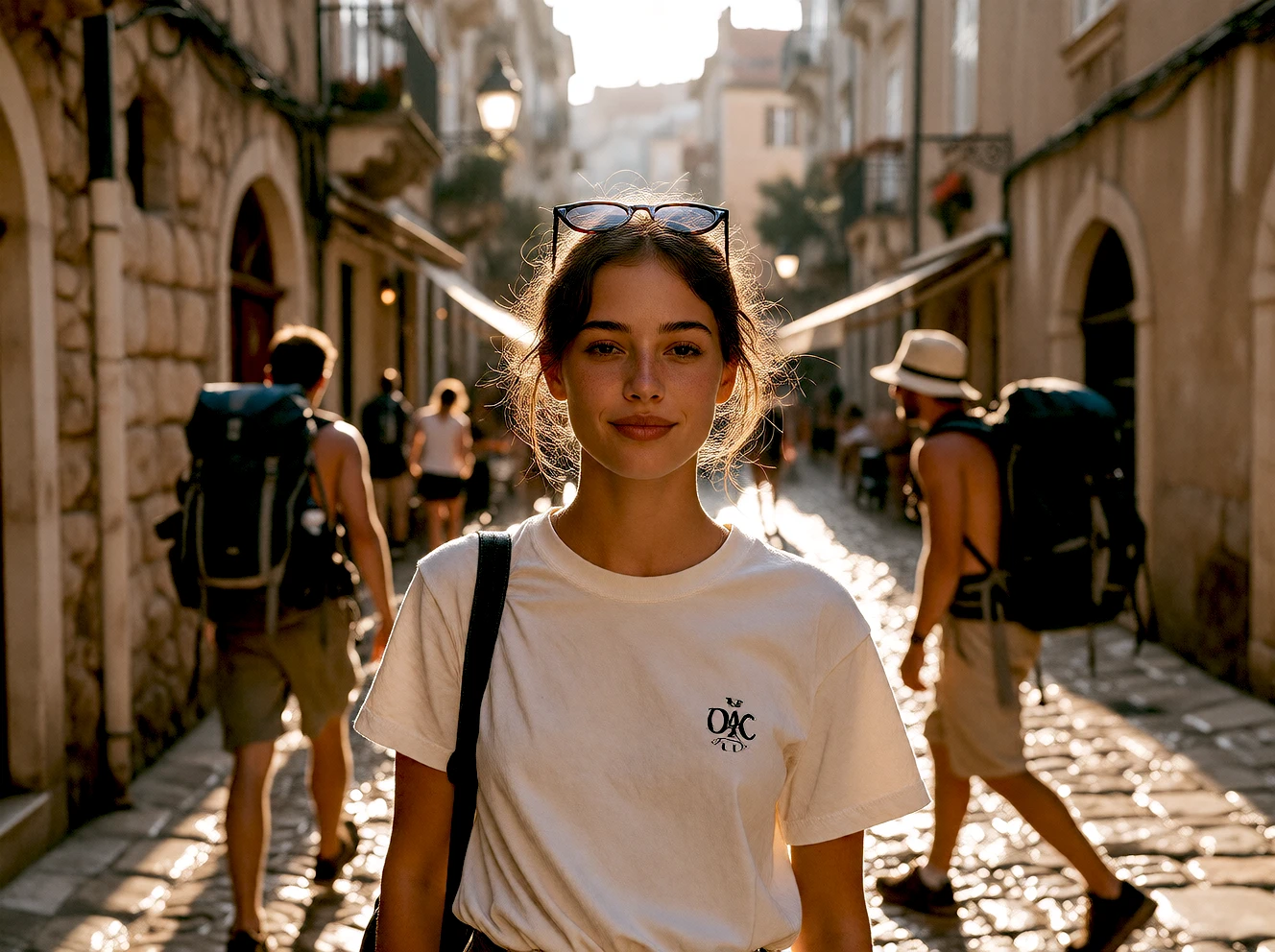
The bystander A stunning photo ruined by tourists and backpackers crossing the scene in the background.
Natural language prompt Just type “remove the backpackers” — no tedious lasso tool, magic wands, or clone stamps required.
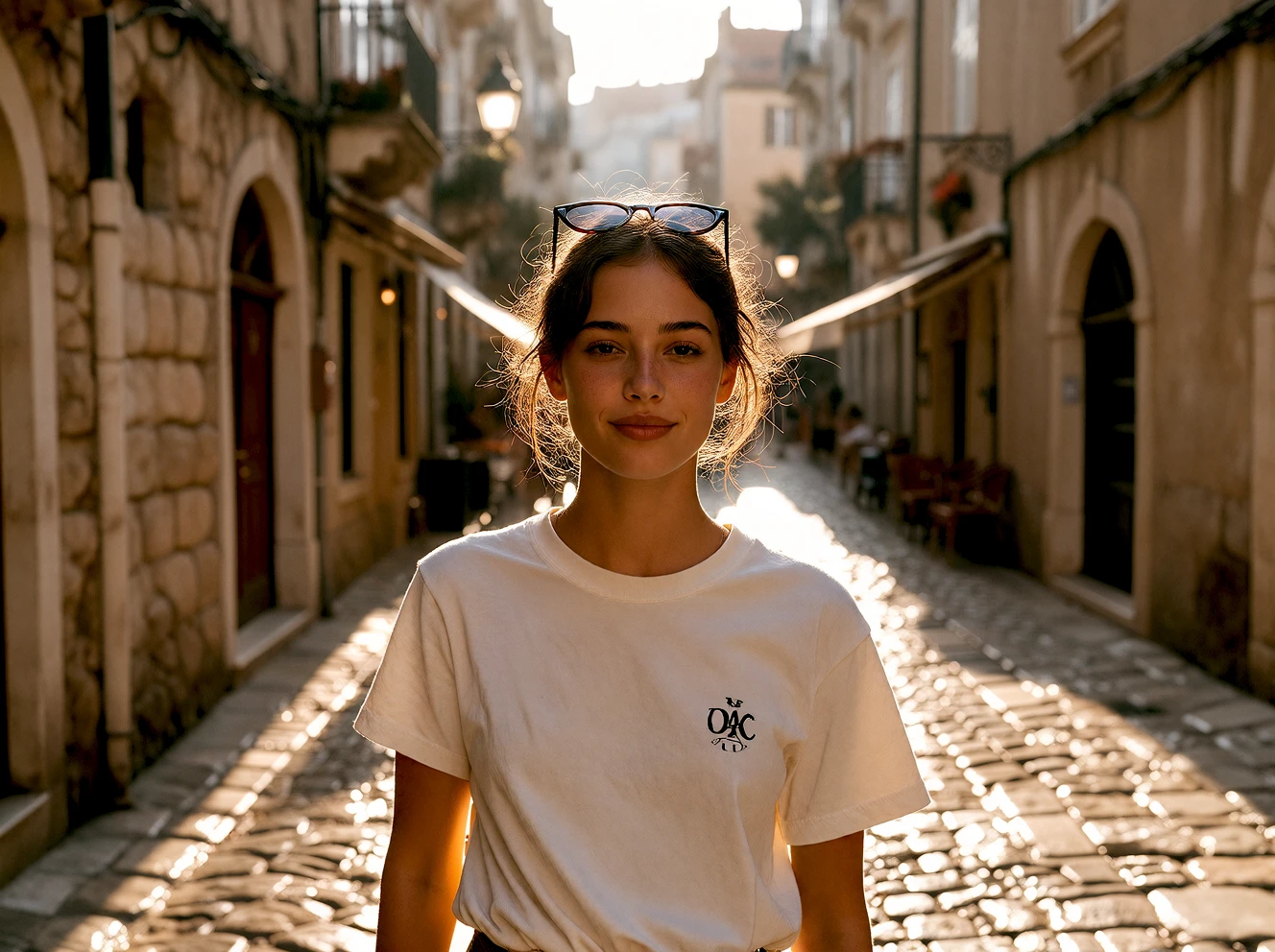
Immaculate inpaint reconstruction Nomad Studio preserves the subject, ambient lighting, and texture, cleanly reconstructing the cobblestone street behind.
Erase by Phrase Preserve Subject Zero Manual Cutout 100% on Your Machine
Tourists in background
Clean photo without tourists
Creative Precision

Four pillars of post-production mastery.

No complex formulas. In every Refine flow you direct composition, subject cutout, compute power, and artistic finish with instant responsiveness.

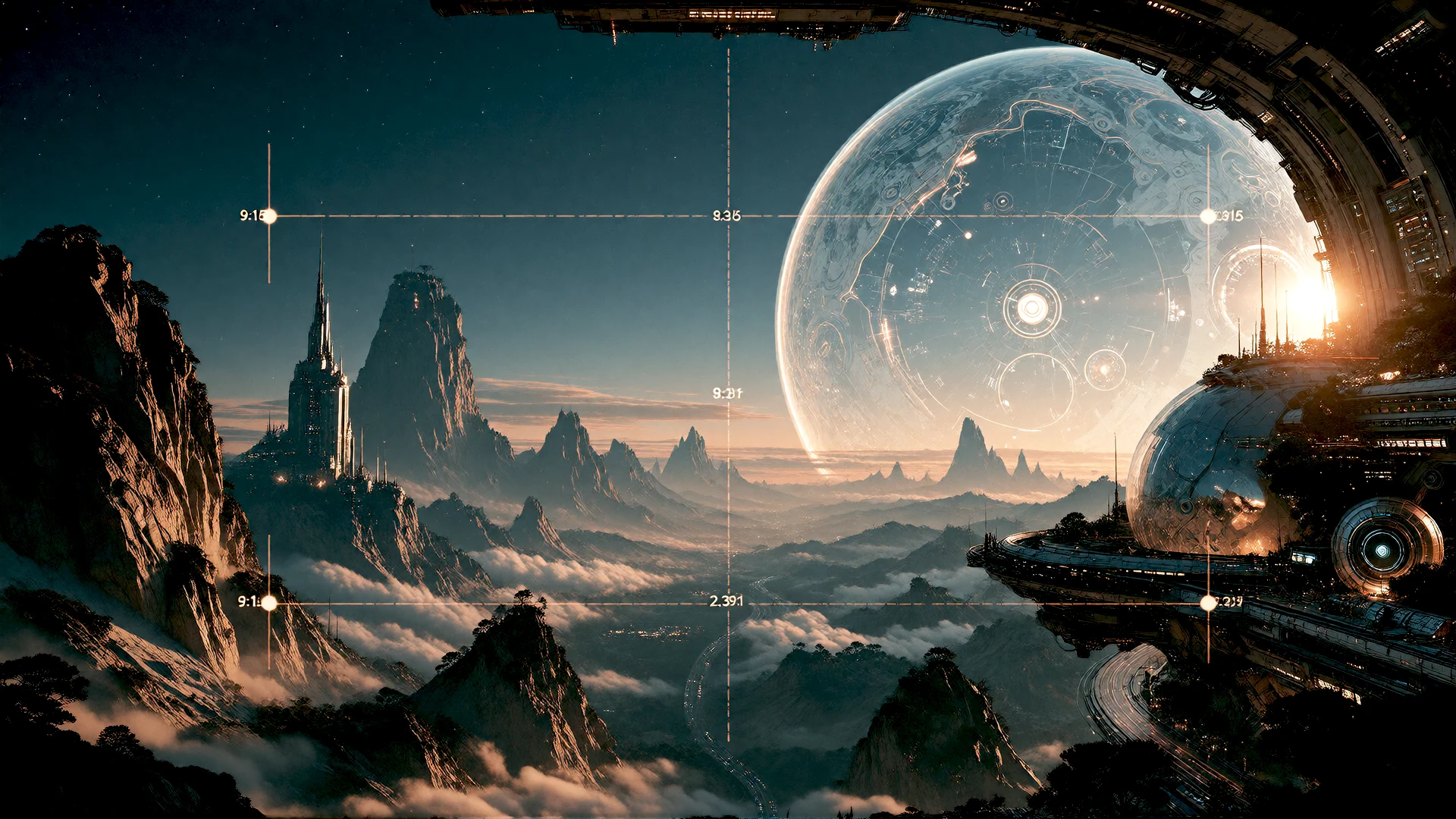
Outpaint and framing
Canvas & Scale

Outpaint & framing

Expand any frame outward from 9:16 Reels to 2.39:1 Cinemascope. Place your subject across 9 grid anchors and scale from 10% to 100% with live canvas preview.

9:16 to 2.39:1 9 Grid Anchors 10–100% Scale
Smart Selection SAM3
Selection & Cutout

Smart mask & clean edges

Meta SAM3 locates subjects by natural text description. Refine edges with up to 5 passes, expand contact margins, and eliminate colour fringing on alpha transparencies.

Meta SAM3 by text 5 Mask Passes Alpha Defringing
Swappable Engine Pipeline
Engines & Precision

Swappable model pipeline

Switch mid-job between Flux 2 Klein 9B, 4B Turbo, Qwen Image 2.1, and Boogu. Steps, CFG, and seeds adapt automatically to each engine's optimal range.

4 Core Engines Live Re-mapping 1–40 Steps & CFG
Native Upscale and Finishes
Finish & Upscale

Native styles & upscaling

Apply 306 curated colour looks, transfer aesthetics with ReferenceLatent or RF Inversion, and upscale with deterministic super-resolution models.

306 Curated Styles RF Inversion Native .pth Upscale
A level of control most tools withhold

Change the engine. Keep your flow.

Every edit preset and the Outpaint flow feature an engine selector. Switch from Qwen Image 2.1 to Flux 2 Klein 9B mid-job and steps, CFG, and seed re-adapt to that engine's native range.

Qwen Image 2.1

Fast, prompt-guided scene editing

Klein 9B

Maximum fidelity in native resolution

Klein 4B

Lighter and faster, same behavior

Boogu Turbo

Apache-2.0, 4-step rapid editing

Chain them together. Nothing is destructive.

Generate, upscale, edit, relight, export — each step feeds into the next, and every intermediate result stays in your Session without having to manually save.