 NOMAD
NOMAD Controls that fit the task
Framing for Outpaint. Selection for object removal. Edge refinement for cutouts. Each panel is built around what you want to do.
Every flow is a ready-made tool for one job: pick it, adjust what matters and generate. This catalog is generated from the studio itself, so what you see here is exactly what ships.

Start from an idea. A few words are enough.
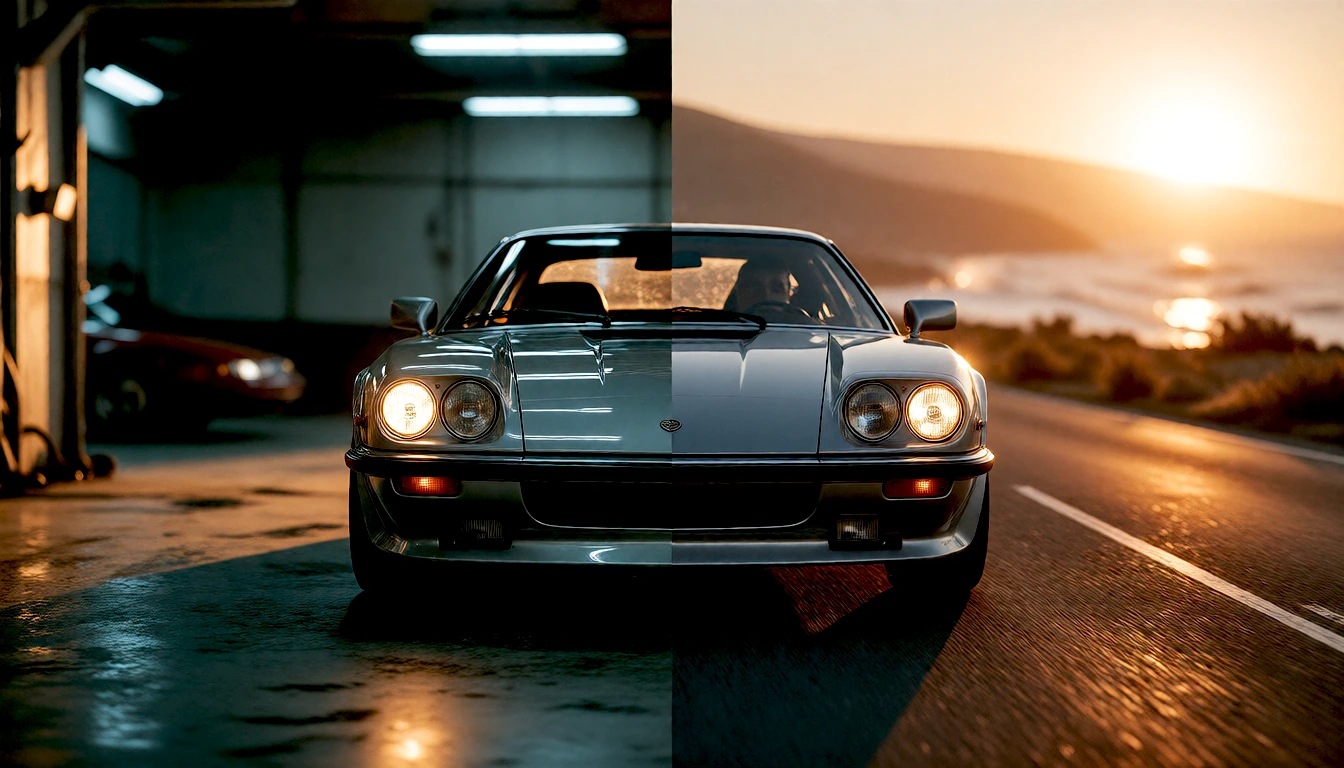
Start from one image and change what you need.
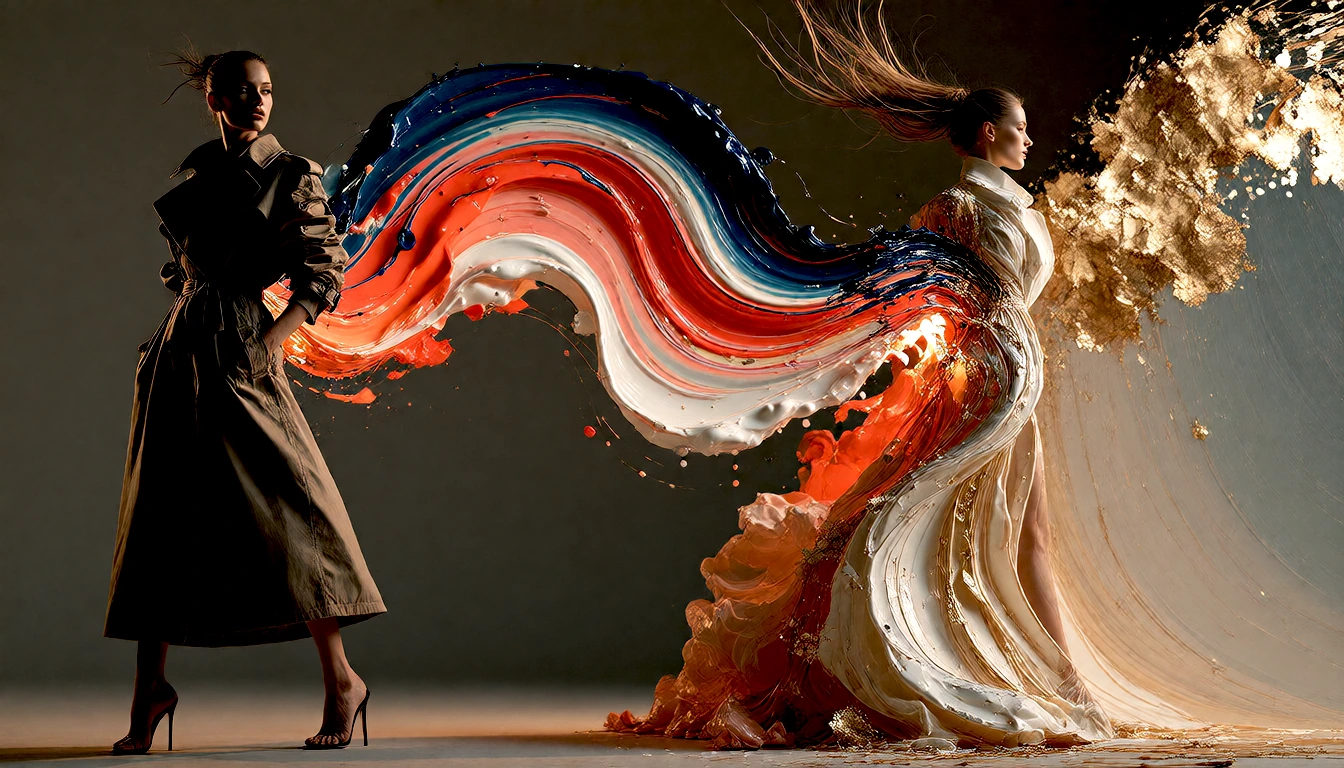
Bring in several images and combine them into a new one.
AI-assisted Direct In AI-assisted flows a local language model helps you write, plan or describe. Direct flows go straight to the image, with no language model needed.
Framing an image, removing an object and refining a cutout need different tools. Each flow brings the relevant controls into its own panel, in the same familiar workspace.
Framing for Outpaint. Selection for object removal. Edge refinement for cutouts. Each panel is built around what you want to do.
Move between flows with the same visual language. The tools change with the task; the workspace stays familiar.
Start with the main controls, then explore the advanced settings available for your flow and engine.
The catalog includes free tools and optional content packs. Explore the Marketplace to see what each pack adds.