 NOMAD
NOMAD Nomad Studio/ Documentation/ Create/ Layout Storyboard
Create · Layout compositionLayout Storyboard
Layout Storyboard describes a subject or story moment once, and builds an entire contact-sheet layout in a single LLM call — a 2×2 (4 panels), 2×3 (6 panels) or 3×3 (9 panels) grid, in one of five dedicated visual languages: cinematic photography, manga panels, graphic novel, concept art, or anime keyframes. Each visual style has its own fully separate system prompt with its own typography, shading and rendering rules — this isn't one prompt with a style keyword swapped in.
The shared design discipline across all five styles: every panel must be a genuinely different story beat (WORLD/establishing, ARRIVAL, SEARCH, CONFRONTATION, REACTION close-up, DETAIL macro, ACTION, ESCAPE, AFTERMATH) — not just the same moment reframed. A contrast rule requires adjacent panels to differ in at least 3 of: subject size in frame, depth of field, camera height, story-beat type, and lighting emphasis. Every grid is required to include at least one pure establishing shot, one reaction close-up, and one detail macro.
Guided walkthrough
-
Step type: Workflow picker
Choose engine
Pick the imported engine, or auto-selected if you only have one.
-
Step type: Prompt input
Subject or story
The shared world and subject every panel will draw from — e.g. a weathered detective in a rain-soaked Tokyo alley at night.
-
Step type: LLM transform — llm.ideogram_storyboard
Generate storyboard
Builds the full grid layout in one call, following the shared story-beat and contrast rules described above, rendered in the chosen visual style.
- Grid — 2×2 / 2×3 / 3×3, default 2×3 (6 panels).
- Visual style — cinematic photography, manga panels, graphic novel, concept art, or anime keyframes; default cinematic photography.
-
Step type: Parameter group
Format
Seed, steps, CFG, image count.
-
Step type: Ideogram composer
Composition
Review the full grid and each panel's placement before generating.
-
Step type: Action — generation.submit_queue
Generate Image
Sends the composed grid layout to the queue as a single image.
-
Step type: Result view
Result
Save, Upscale, Send to Refine, Regenerate.
Examples
Subject: "an elegant jewel thief in a sleek black gown slipping through a moonlit museum gala, stealing a diamond necklace from a display case" — Cinematic photography · 2×2 grid · Ideogram 4 · 1:1
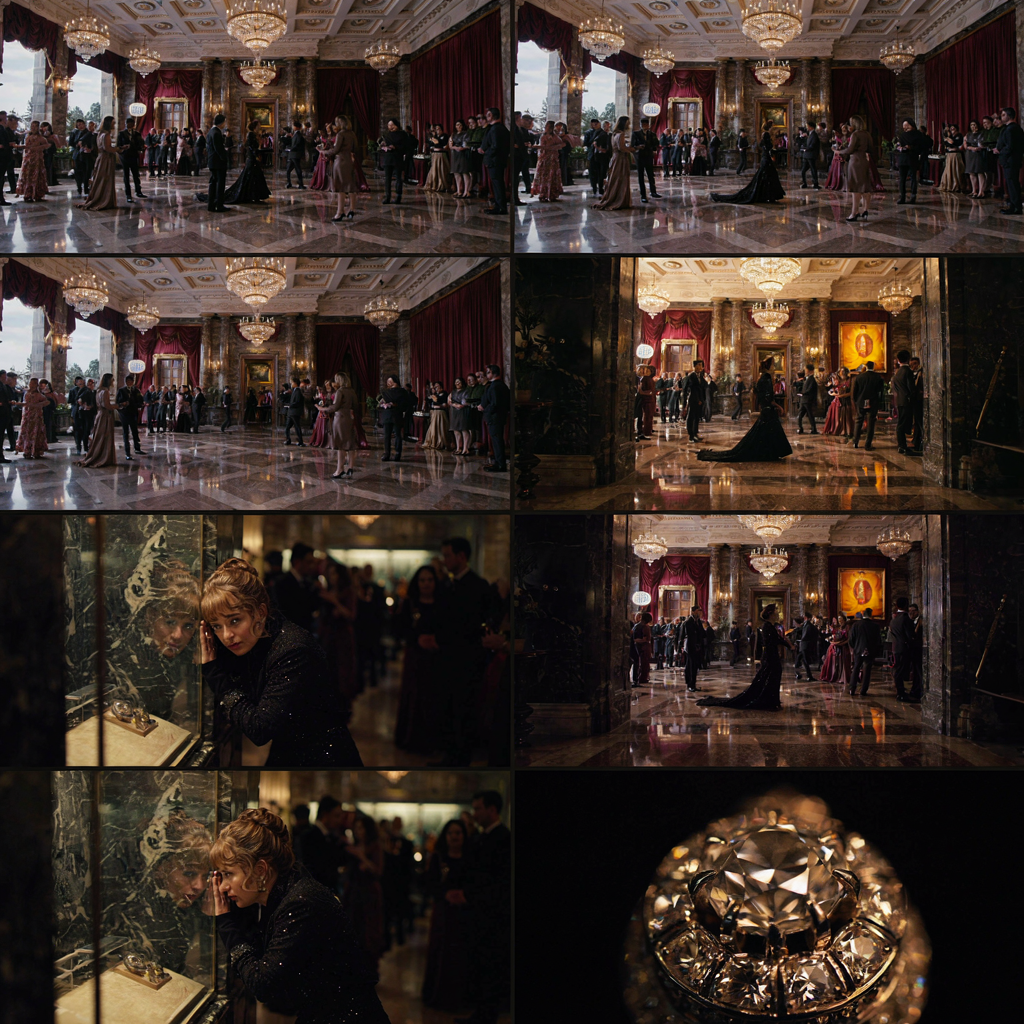
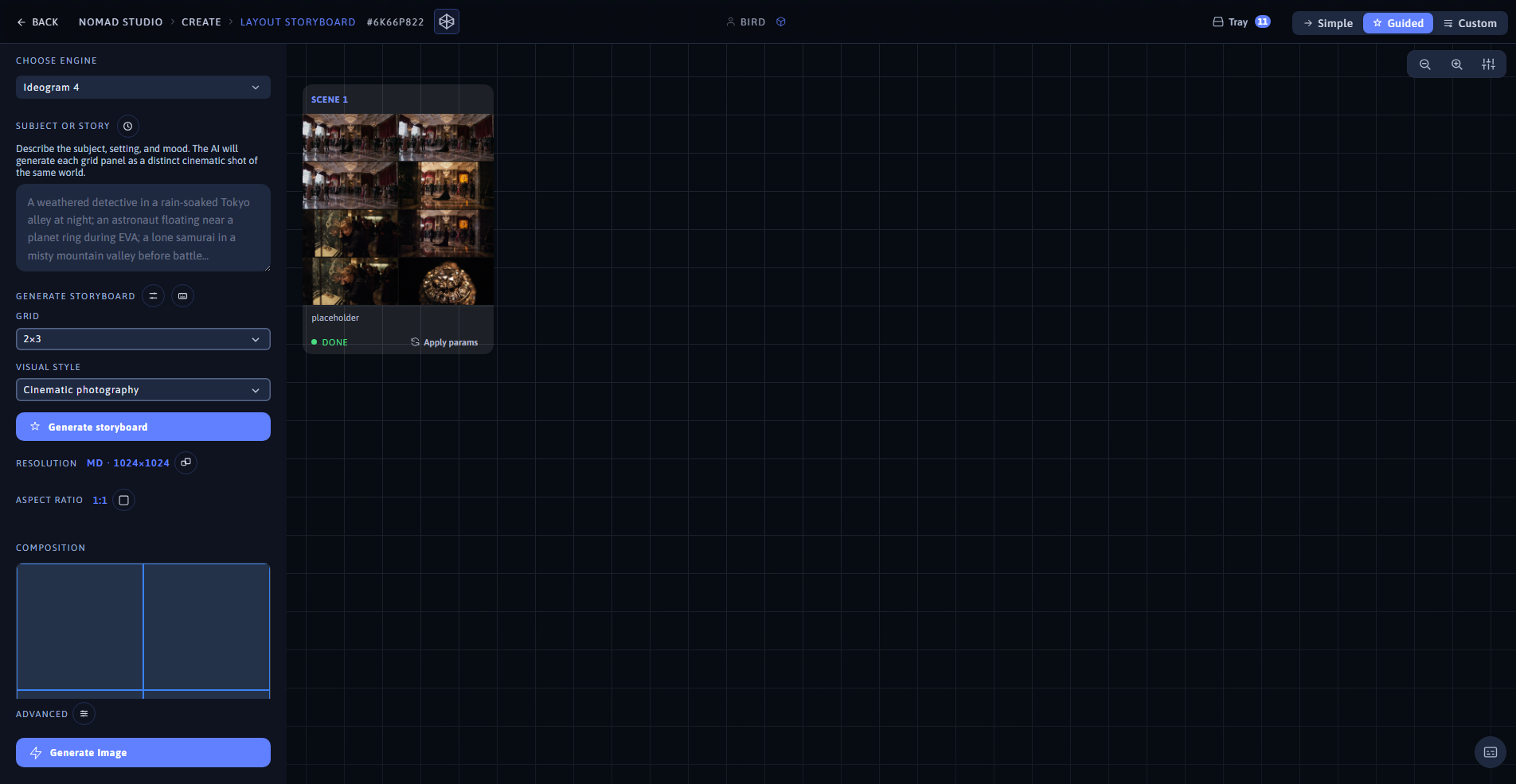
Result (left) · App at 1920×1080 (right)
Subject: "an elegant sorceress in a flowing violet gown discovering a hidden library of forbidden magic deep beneath an ancient castle" — Concept art · 2×2 grid · Ideogram 4 · 1:1
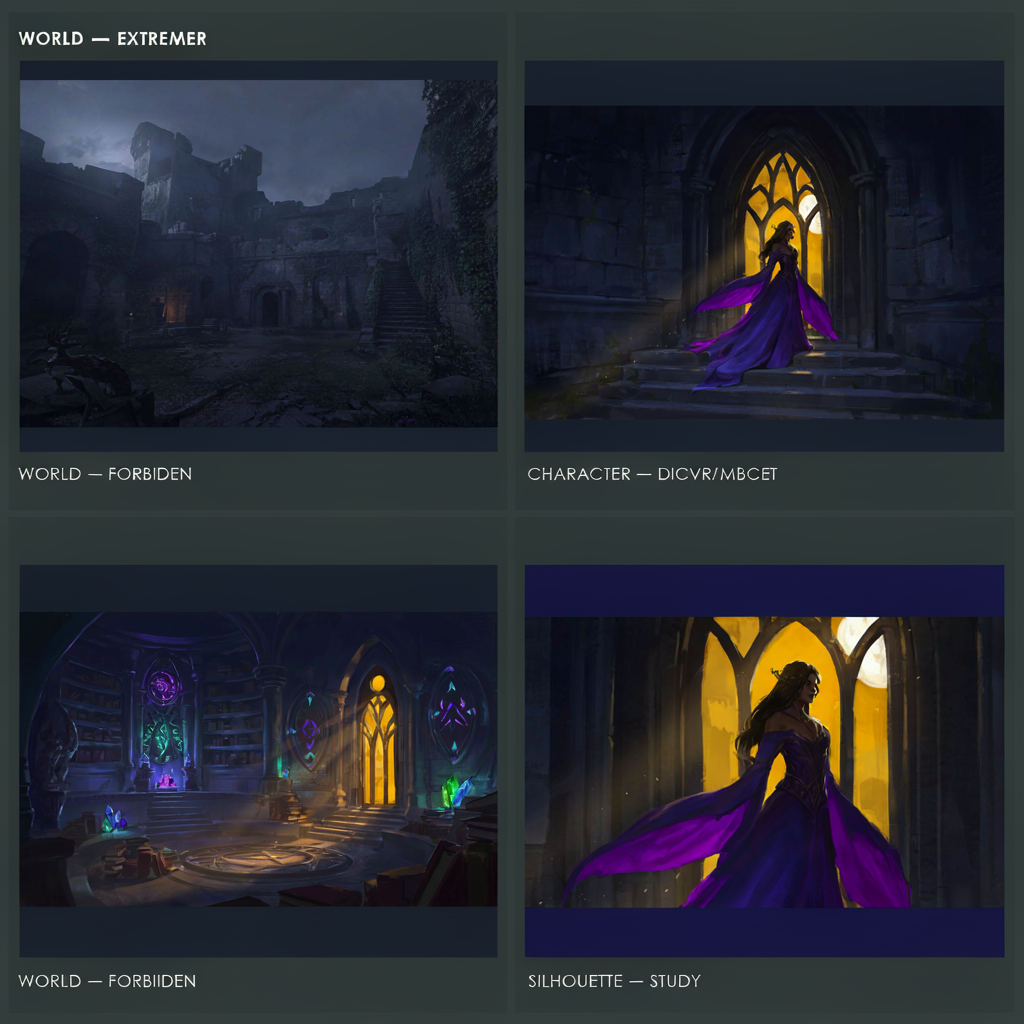
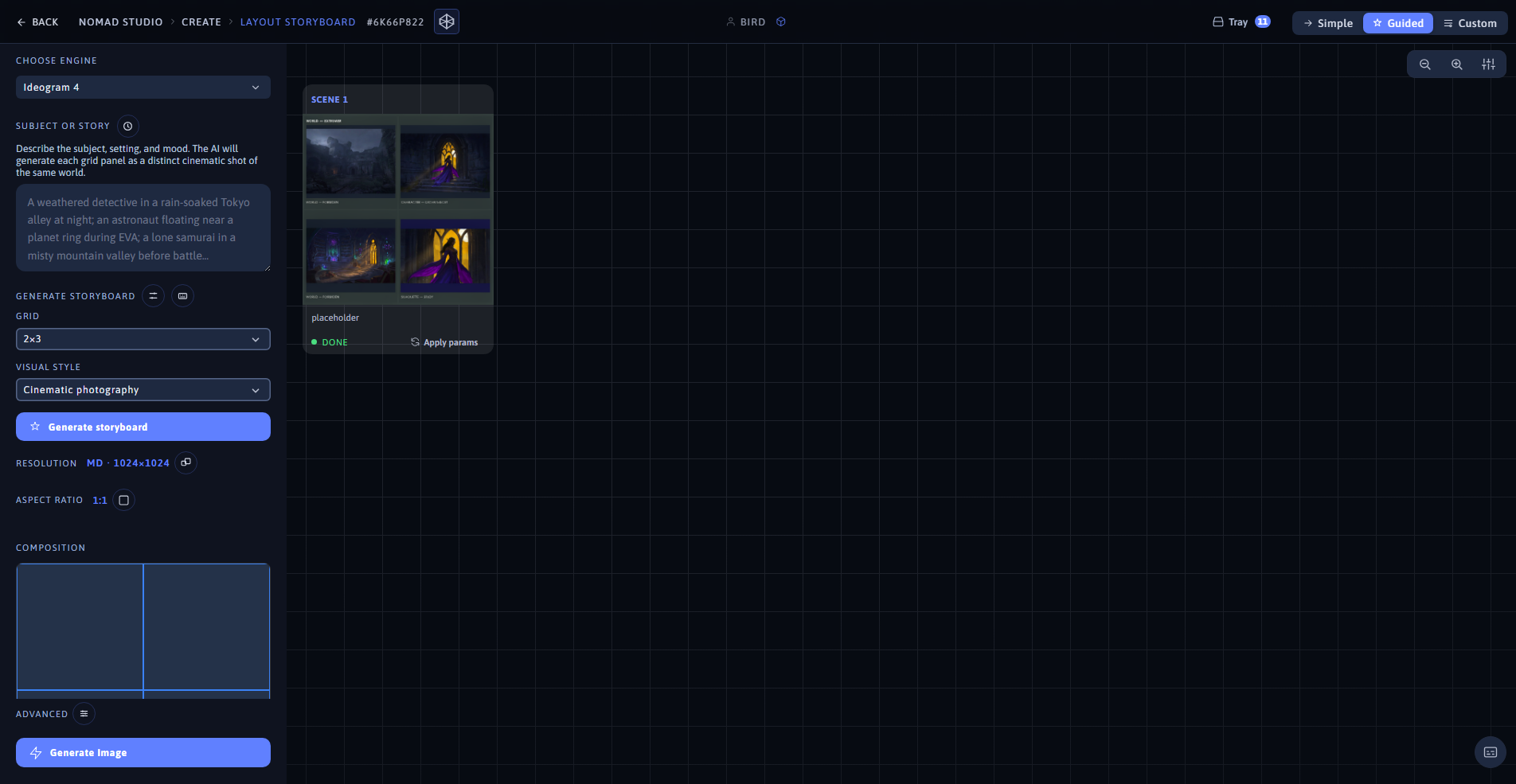
Result (left) · App at 1920×1080 (right)