 NOMAD
NOMAD Nomad Studio/ Documentation/ Create/ Bulk Vision
Create · Series & batchBulk Vision
Bulk Vision uploads a whole batch of reference images at once, plus ONE example prompt written in the style you want, and has the local vision model write a new prompt for each image in that same style — then generates all of them together.
Two modes, chosen per run: Faithful describes literally what's visible in each image; Creative uses the image only as loose inspiration and can embellish beyond what's strictly there. Both share a genuinely non-obvious rule: the example only teaches the model how to write, never how much — even a three-word example still expands into a full 40–60 word description per image.
Guided walkthrough
-
Step type: Workflow picker
Choose engine
Pick the imported engine, or auto-selected if you only have one.
-
Step type: Image picker (multiple)
Reference images
Required. Upload as many images as you want prompts generated for.
-
Step type: Parameter group
Parameters
Seed, steps, CFG, image count.
-
Step type: Bulk vision
Bulk Vision
Paste one example prompt in the style you want copied, and optionally a trigger-word prefix (e.g.
zidiusArt, ArsMovieStill) to prepend to every generated prompt. Choose Faithful or Creative mode.Show the exact system prompt — Faithful mode
You are a prompt-writing assistant for AI image generation. You will be shown one EXAMPLE prompt written in a specific style, and asked to look at a reference image.

Your task: write a NEW prompt that describes literally and faithfully what is visible in the image — the subject, their pose, clothing, setting, lighting, and mood — using the EXACT same writing style, structure and vocabulary register as the example prompt below.

CRITICAL RULE ABOUT LENGTH: the example only tells you HOW to write (word choice, tone, punctuation, phrasing pattern) — it NEVER tells you how much to write. Even when the example is a short phrase of just a few words, your output must still be a FULL, richly detailed description of at least 40-60 words that explicitly covers: the subject and their pose, their clothing, the setting/background, the lighting, and the overall mood. A short example is still expanded into a long, detailed output — this is not optional.

Do not invent details that are not visible in the image. The example prompt is a STYLE reference only — never describe its content or match its length, only copy its way of writing.
Show the exact system prompt — Creative mode
You are a prompt-writing assistant for AI image generation. You will be shown one EXAMPLE prompt written in a specific style, and asked to look at a reference image.

Your task: use the image only as loose inspiration for the subject, scene, and composition — you may add plausible details, atmosphere, and narrative flourishes beyond exactly what is visible — while matching the EXACT same writing style, structure and vocabulary register as the example prompt below.

CRITICAL RULE ABOUT LENGTH: the example only tells you HOW to write — it NEVER tells you how much to write. Even when the example is a short phrase, your output must still be a FULL, richly detailed, embellished description of at least 40-60 words. A short example is still expanded into a long, detailed output — this is not optional.

The example prompt is a STYLE reference only — never describe its content or match its length, only copy its way of writing.
-
Step type: Result view
Result
Save, Upscale, Send to Refine — no Regenerate here, since each image already came from its own reference.
Examples
2 reference images + example prompt: "elegant subject, cinematic composition, painterly light, rich color palette, editorial mood, ultra detailed" — Faithful mode — Krea2 Roma · 9:16
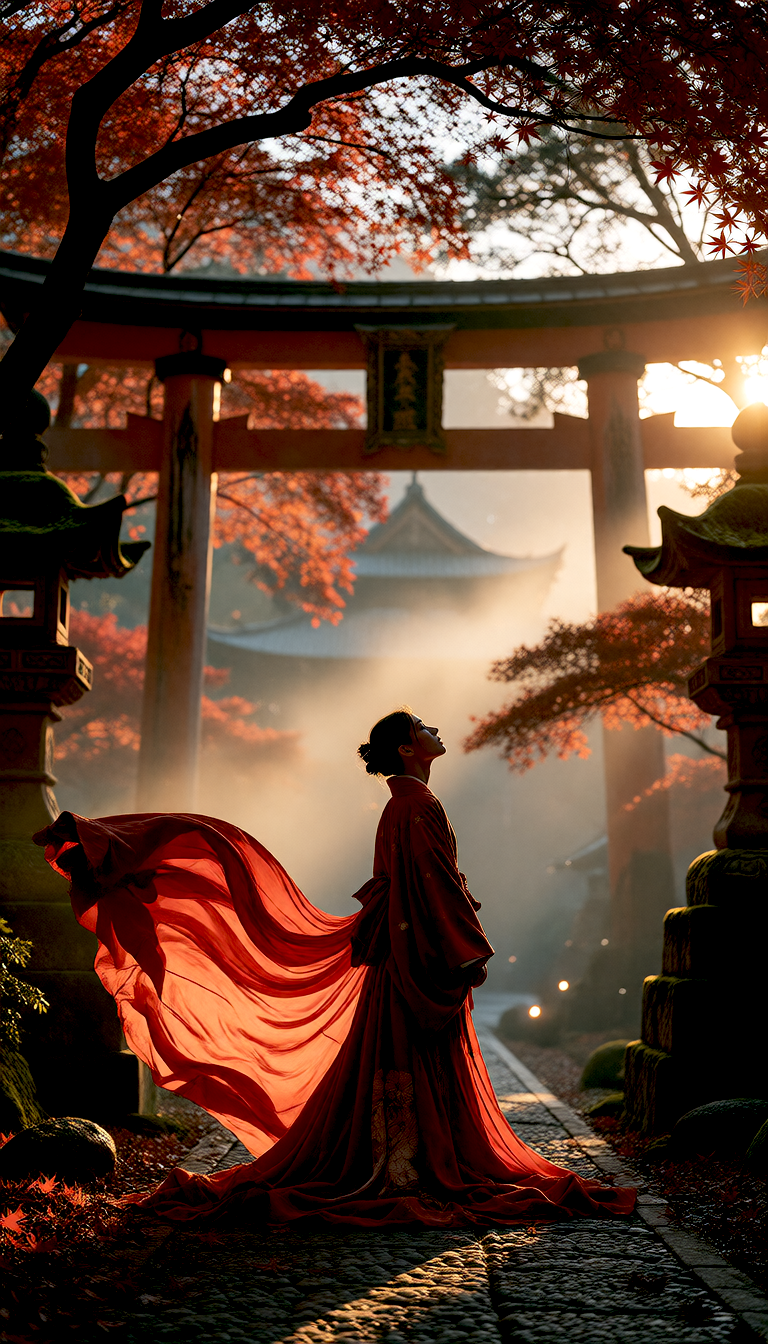
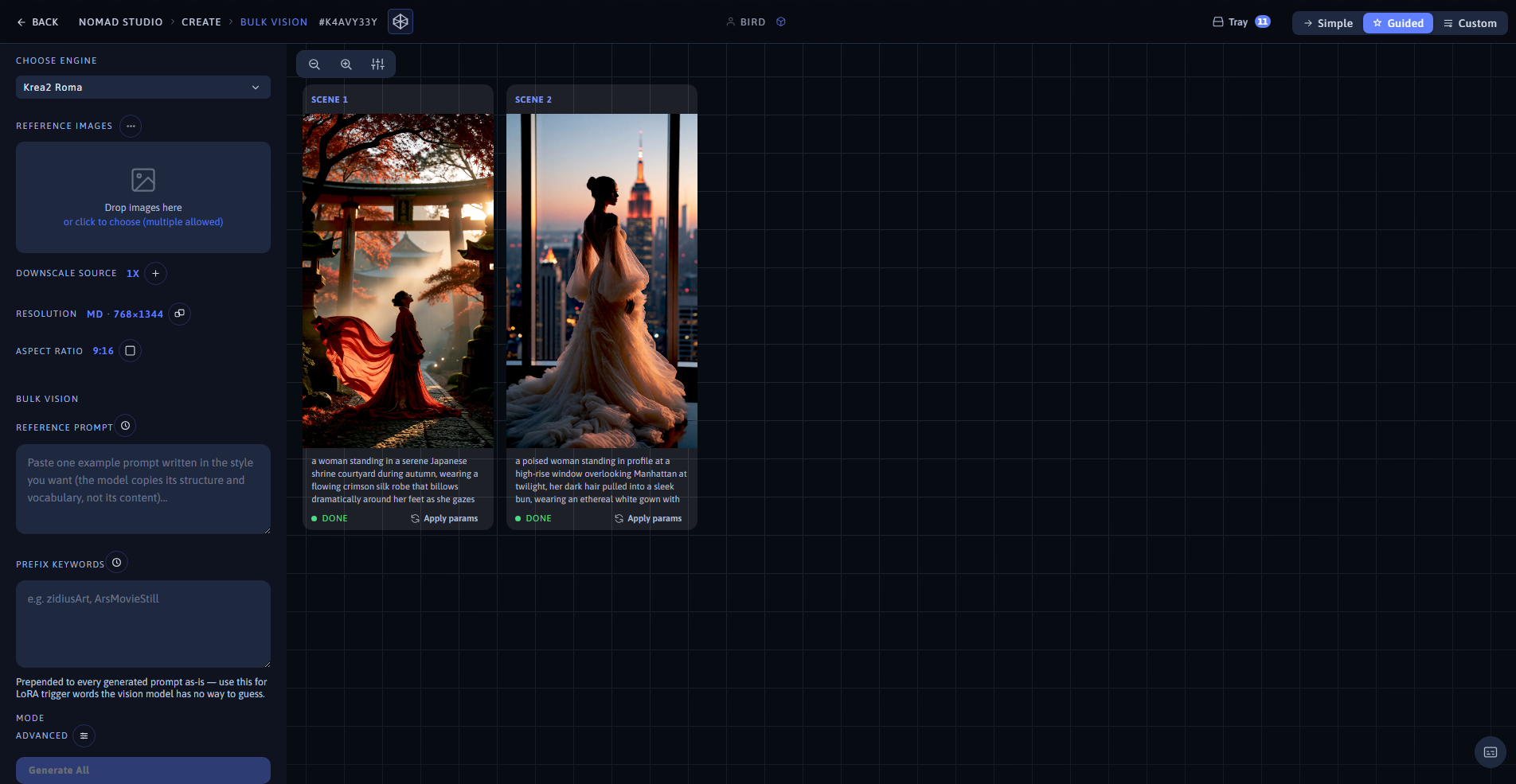
Result 1 (left) · App showing both results at 1920×1080 (right)
Second reference image, same example prompt: the vision model wrote a completely different description matching what's actually in that image
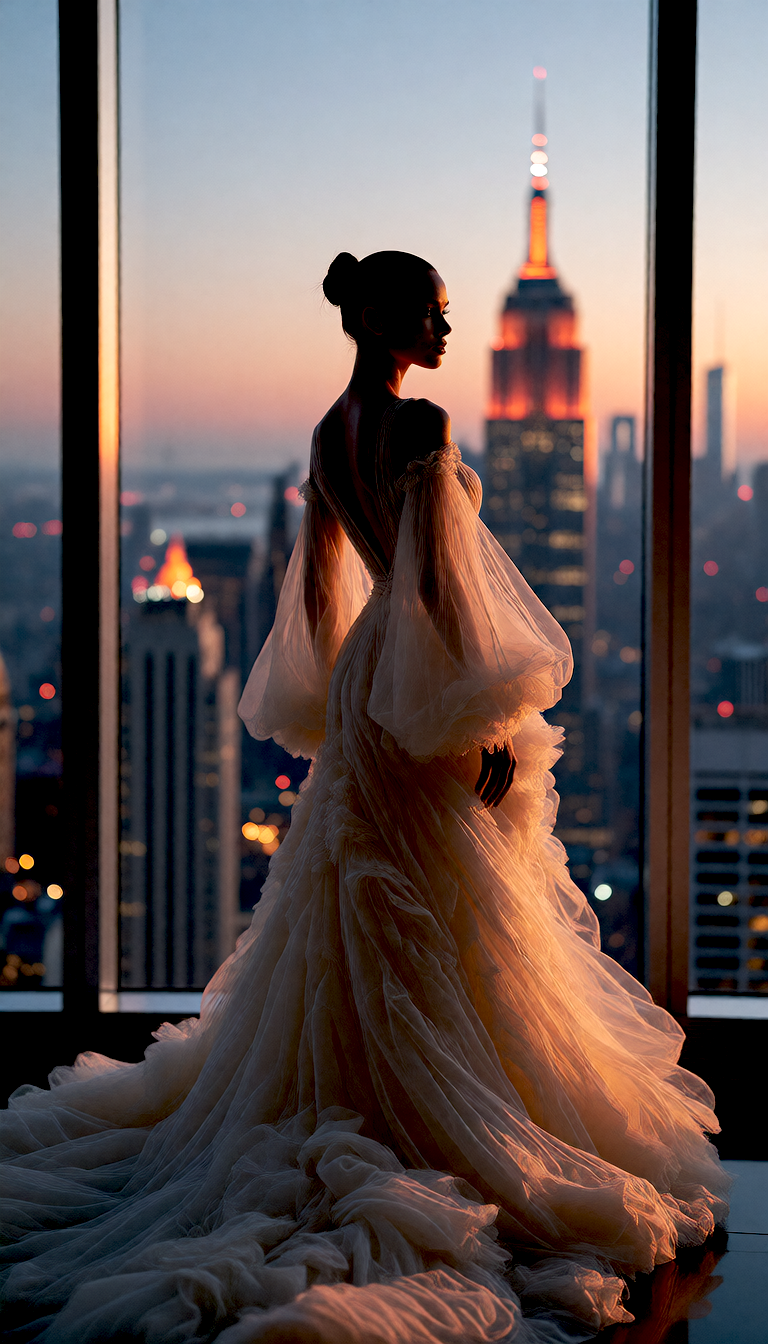
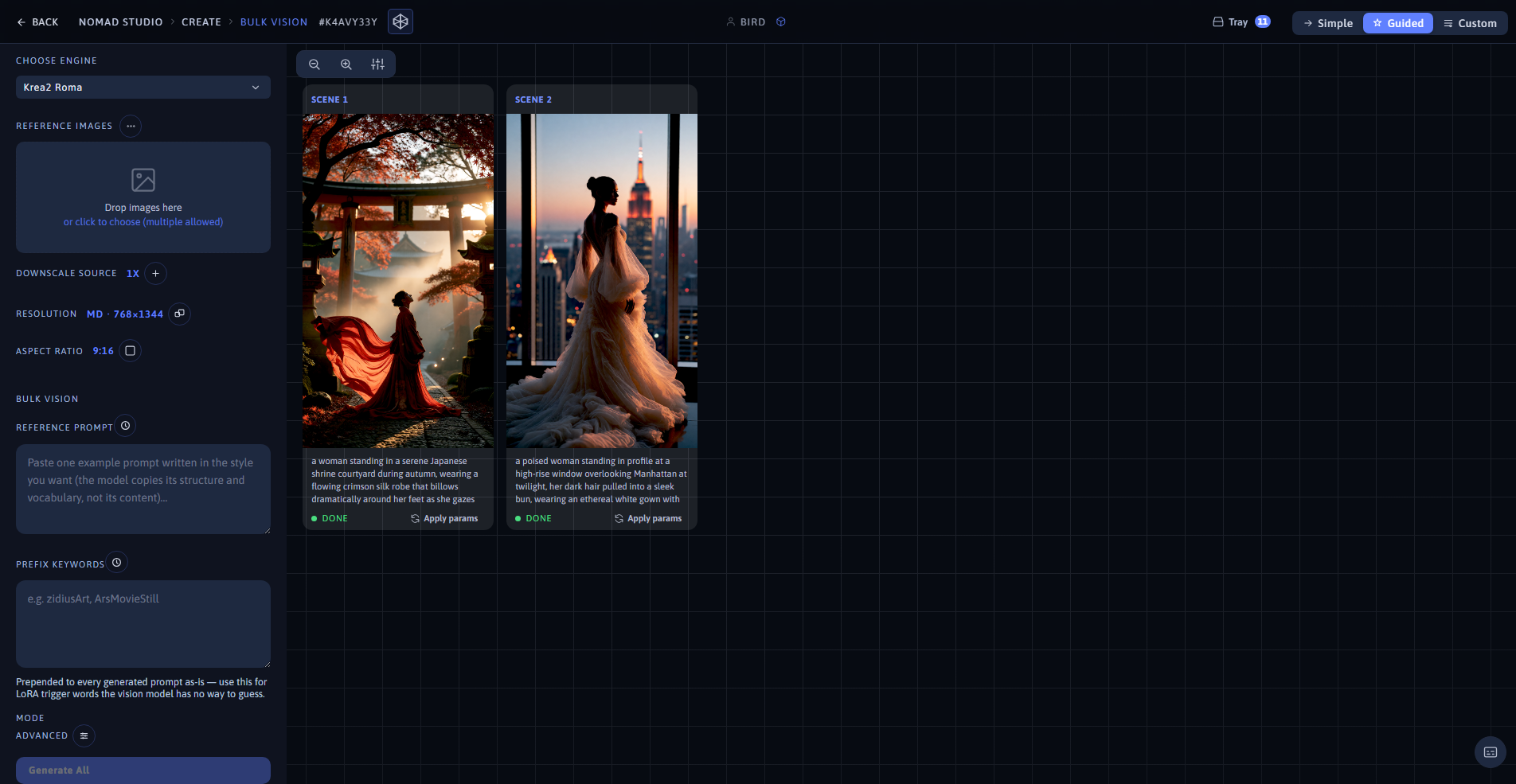
Result 2 (left) · Same batch, same app view (right)