 NOMAD
NOMAD Nomad Studio/ Documentation/ Create/ Simple CivitAI
Create · DirectSimple CivitAI
Simple CivitAI reads the metadata block CivitAI shows under any image — prompt, negative prompt, model, LoRAs, sampler settings — and pre-fills your prompt from it automatically. Nothing is rewritten by an LLM; the parsed positive prompt lands in an editable box exactly as CivitAI wrote it.
Reach for it when you found a CivitAI image whose look you want to reproduce or start from, and want the exact recorded prompt rather than a fresh interpretation of it.
Guided walkthrough
-
Step type: Workflow picker
Choose engine
Pick the imported engine, or auto-selected if you only have one.
-
Step type: CivitAI paste
CivitAI generation
A paste box for the full CivitAI generation block. Nomad Studio parses it for the positive prompt, negative prompt, model and LoRA references, and sampler parameters.
-
Step type: Prompt input (pre-filled)
Prompt
Pre-filled from the parsed CivitAI positive prompt — edit freely before generating.
-
Step type: Parameter group
Parameters
Seed, steps, CFG, image count — collapsed by default, same as every Direct flow.
-
Step type: Action — generation.submit_queue
Generate Image
Sends the (possibly edited) parsed prompt straight to the queue. No LLM call anywhere in this flow.
-
Step type: Result view
Result
Save, Upscale, Send to Refine, Regenerate.
Examples
Prompt: "an elegant woman in a tailored navy pantsuit standing on a rooftop terrace at dusk…" — Krea2 Roma · 16:9

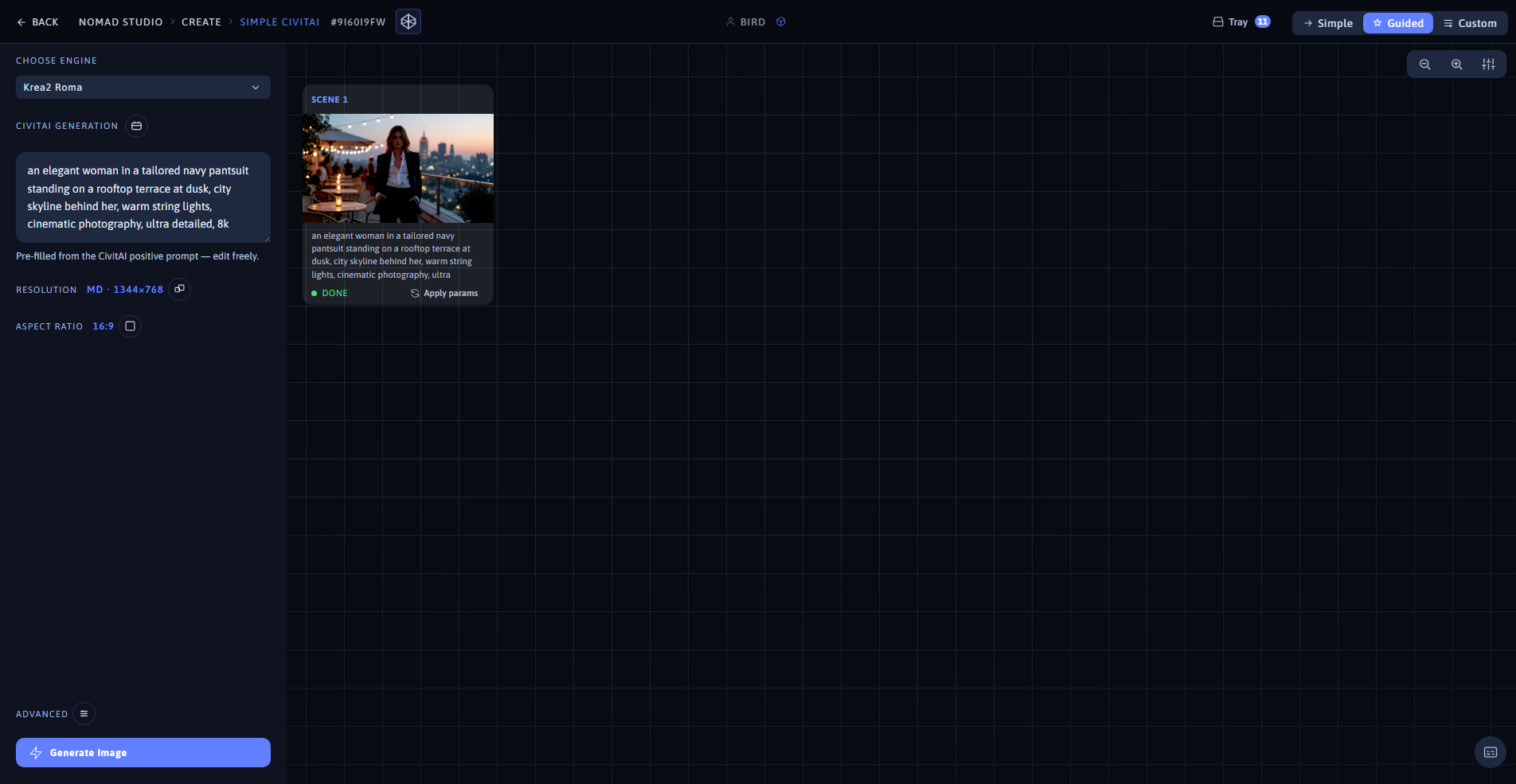
Result (left) · App at 1920×1080 (right)
Prompt: "a graceful woman in a flowing lavender gown walking through a blooming wisteria garden tunnel…" — Krea2 Roma · 9:16

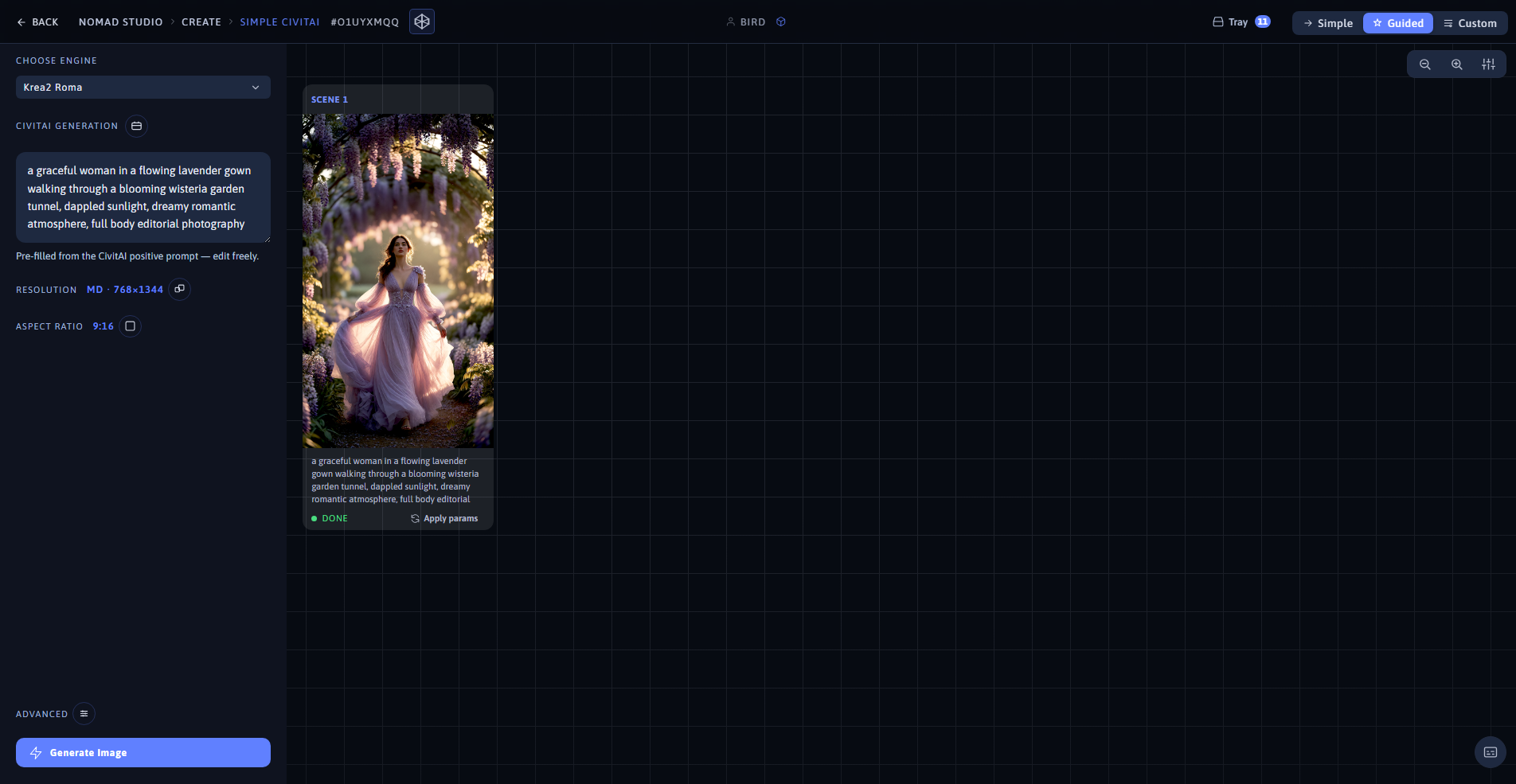
Result (left) · App at 1920×1080 (right)