 NOMAD
NOMAD Nomad Studio/ Documentation/ Create/ Variations
Create · Series & batchVariations
Variations takes one prompt template with [bracketed placeholders] and has the LLM fill in every bracket with a different, specific, visually concrete value — N times (1 to 20, default 4) — producing N genuinely distinct prompts from one structure, generated as one batch.
You don't have to write the template by hand: paste a finished prompt (or drop an image with embedded ComfyUI/A1111/CivitAI metadata) and a dedicated step extracts a bracketed template from it automatically.
Guided walkthrough
-
Step type: Workflow picker
Choose engine
Pick the imported engine, or auto-selected if you only have one.
-
Step type: Prompt input (optional)
Input prompt
Optional. Paste any finished prompt, or drop an image whose embedded generation metadata gets extracted automatically, as raw material for the next step.
-
Step type: LLM transform — llm.studio_templateize
Templateize
Converts the input prompt into a bracketed template automatically — identifying which parts should become
[placeholders]. -
Step type: Prompt input (pre-filled)
Prompt template
Required. Prefilled from Templateize if you used it, or write your own
[bracket]template from scratch. -
Step type: LLM transform — llm.studio_variations
Generate variations
Fills in every bracket with a specific value, N times (1–20, default 4). Runs as one continuous conversation across all N so the model doesn't repeat itself between variations.
Show the exact system prompt
You are a creative AI image prompt specialist. The user provides a prompt template with [bracketed placeholders]. Fill in every [bracket] with a specific, vivid, and creative value to produce one complete image-generation prompt.

Rules:
- Preserve the entire template structure and all text outside the brackets exactly as given.
- Replace EVERY [bracketed placeholder] with a specific and visually concrete value.
- Write in the comma-separated descriptive style used by Stable Diffusion and Flux image generation models.
- Do NOT include any explanation, markdown, or wrapper text.
Output ONLY the single filled-in prompt string — no JSON array, no quotes, no labels.
-
Step type: Parameter group
Parameters
Seed, steps, CFG, image count.
-
Step type: Action — generation.submit_queue
Generate Images
Queues all N filled-in prompts.
-
Step type: Result view
Result
Save, Upscale, Regenerate — no Send to Refine on this one.
Examples
Template: "A dramatic editorial portrait of an elegant woman with [hair style], wearing [structured elegant outfit in a rich color], set in [a striking location], [expression/emotional state]..." — Krea2 Roma · 16:9 · N=2
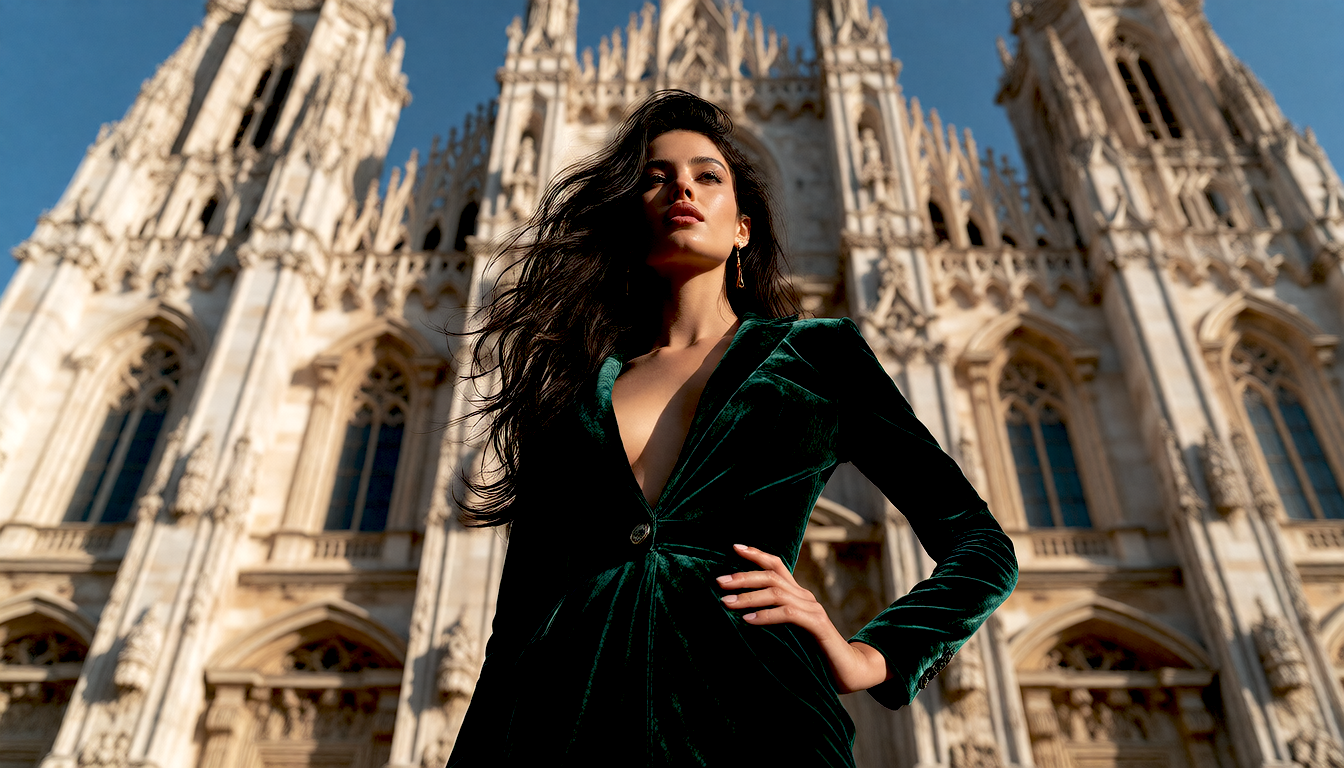
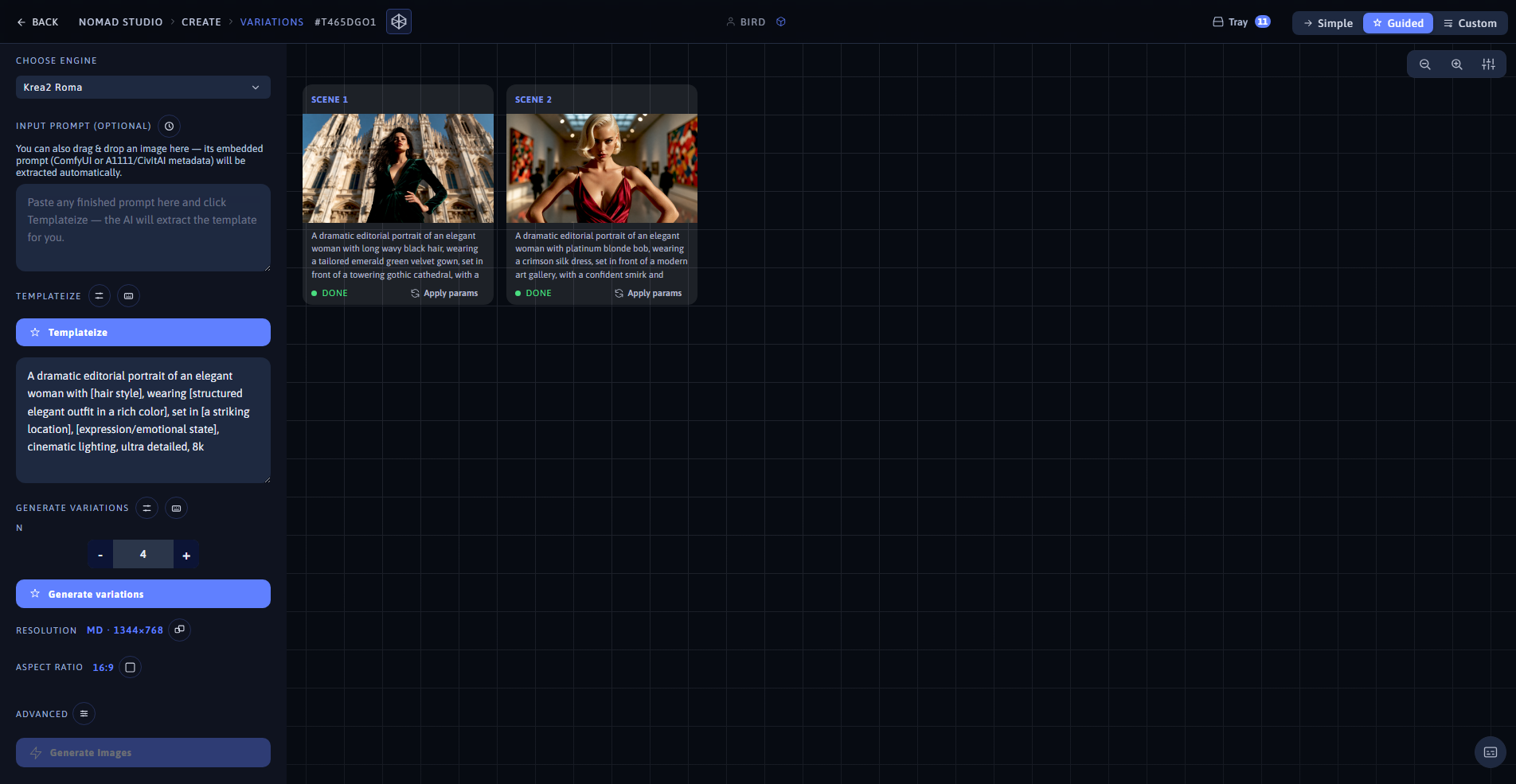
Variation 1 (left) · App showing both variations at 1920×1080 (right)
Same template, second fill: platinum blonde bob, crimson silk dress, a modern art gallery, confident smirk
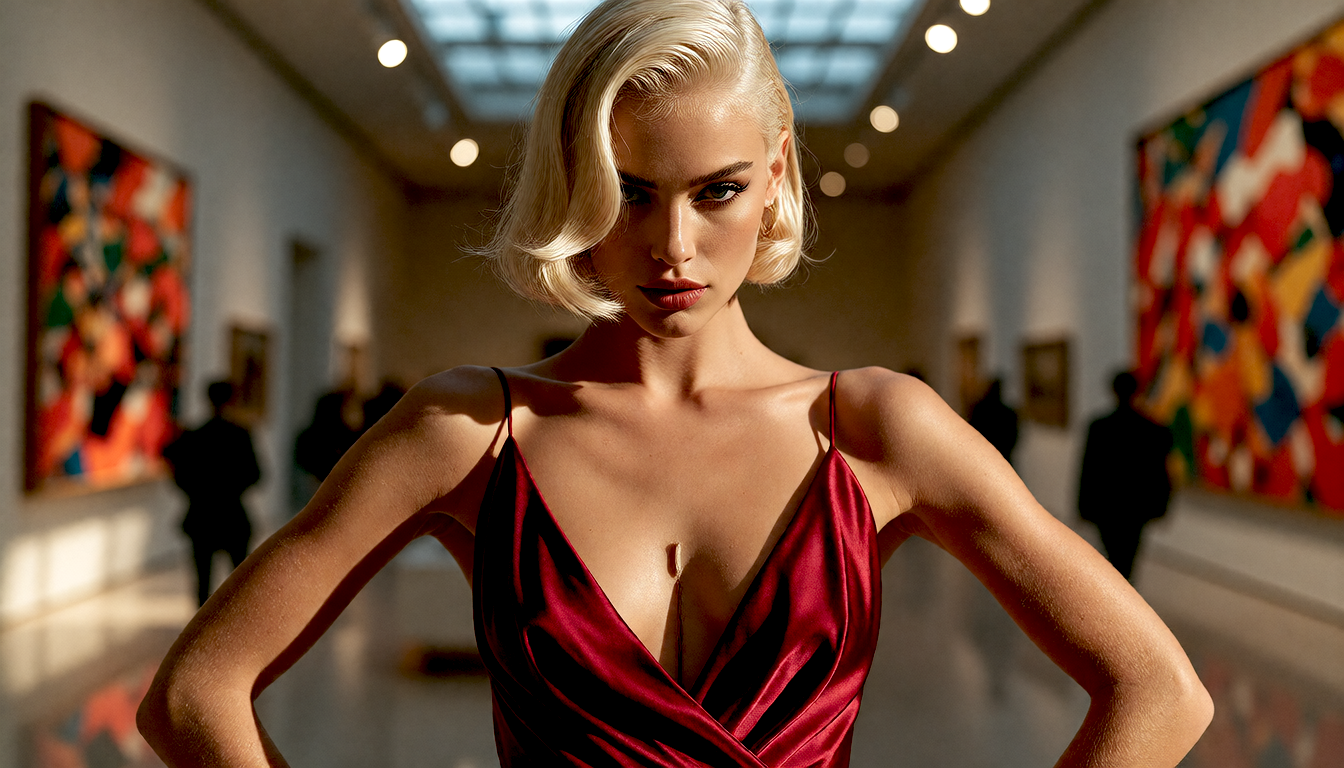
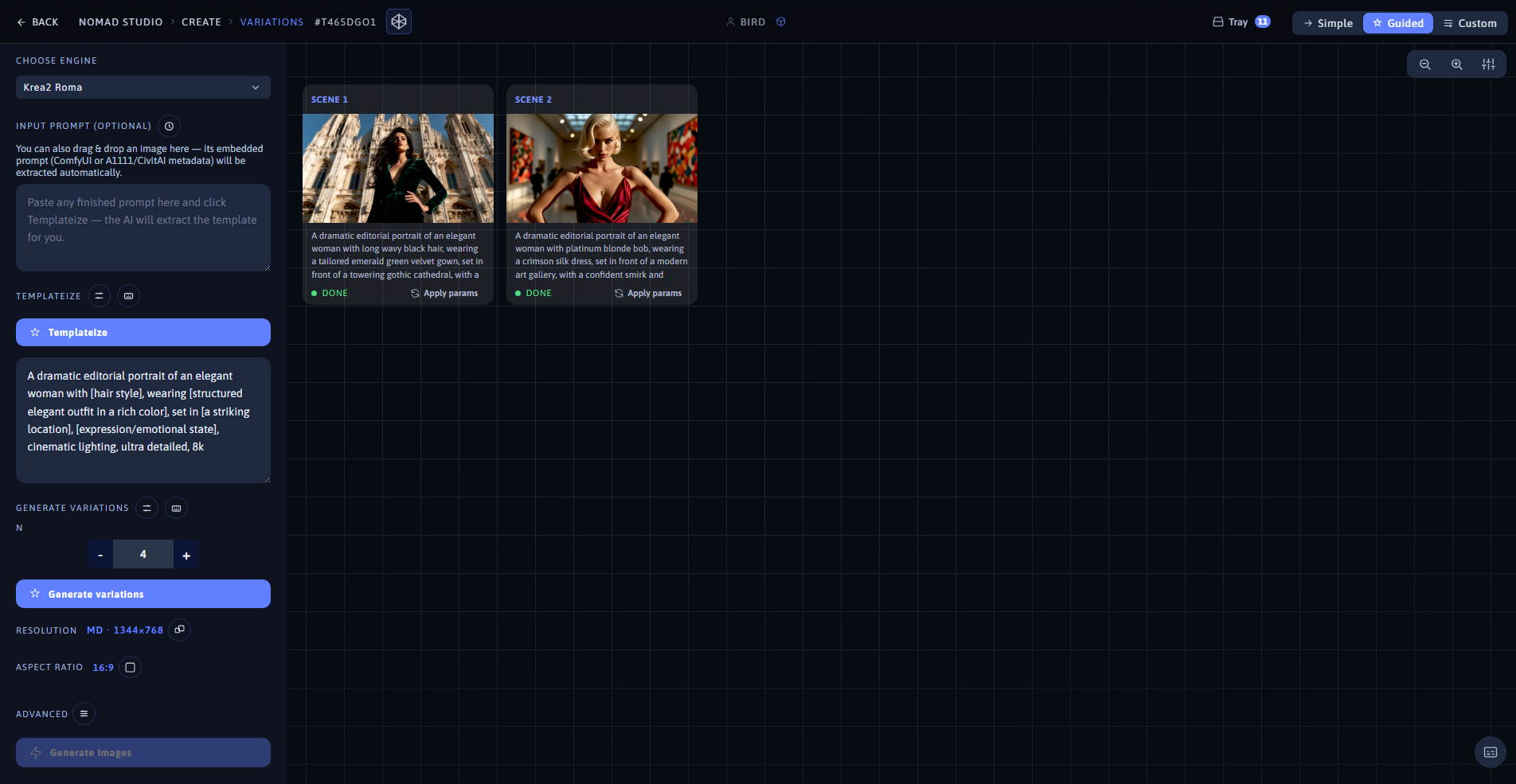
Variation 2 (left) · Same batch, same app view (right)