 NOMAD
NOMAD Nomad Studio/ Documentation/ Create/ Assist
Create · AssistedAssist
Assist takes a rough idea — sometimes no more than three or four words — and has the local LLM expand it into a proper prompt before anything is generated. You pick how far it goes: four fixed depths from a light keyword pass up to a full cinematic brief, plus a second dial that controls how much creative liberty the model takes with whatever you didn't specify. You always see and can edit the expanded prompt before it's sent to the image model — the LLM proposes, you decide.
Reach for it when you have a feeling more than a fully-formed prompt, or when you want the vocabulary of a specific depth (lighting, composition, named artistic references) without writing it by hand every time.
Guided walkthrough
-
Step type: Workflow picker
Choose engine
Same as every Create flow: pick which imported engine renders the final image. Skipped automatically if you only have one imported.
-
Step type: Prompt input
Your idea
A short text box (3 rows) for the raw idea — Assist is built for this to be rough. You can also drop a reference image in here.
-
Step type: LLM transform — llm.studio_enhance
Assist
Sends your idea to the local LLM (LM Studio) along with a system prompt chosen by two controls:
- Level — Quick, Style, Scene or Master (defaults to Scene). Each level is a completely different system prompt, not just "more words" — see the exact instructions below.
- Flair — 0 to 100 (defaults to 30). How much the model is allowed to invent beyond what your idea specified.
The LLM's output becomes the starting point for the next step — it is never sent to the image model directly from here.
Show the exact system prompt for Quick
You are a prompt enhancer for AI image generation. The user will give you a short prompt.
Your task is to return an improved version of that prompt — same subject, same idea — but with a few added quality keywords: art style, medium, or rendering quality.

Rules:
- Keep the original subject and intent intact.
- Add 3–5 descriptive words or short phrases (style, medium, quality).
- Do NOT add new characters, scenes, or complex narrative.
- Output only the enhanced prompt. No explanations, no quotes, no labels.
Show the exact system prompt for Style
You are a prompt enhancer for AI image generation. The user will give you a short prompt.
Your task is to expand it into a richer version that includes: the original subject, an artistic style or medium (e.g. oil painting, cinematic photography, digital illustration), a lighting description, and an overall mood or atmosphere.

Rules:
- Preserve the original subject and intent.
- Add: artistic style or medium, lighting quality, mood/atmosphere.
- Keep the result to 2–3 sentences or a structured comma-separated phrase.
- Do NOT invent new characters or drastically change the scene.
- Output only the enhanced prompt. No explanations, no quotes, no labels.
Show the exact system prompt for Scene (default)
You are a prompt enhancer for AI image generation. The user will give you a short prompt.
Your task is to build a complete scene description around that idea, adding: environment and setting, color palette, composition framing (e.g. wide shot, close-up, rule of thirds), lighting setup, artistic style with a named reference (e.g. "in the style of Gregory Crewdson", "reminiscent of Studio Ghibli backgrounds"), and overall emotional tone.

Rules:
- Preserve the original subject and core intent.
- Add: environment, color palette, composition type, lighting, artistic reference, emotional tone.
- Write as a cohesive descriptive paragraph or a rich comma-separated phrase (40–80 words).
- Do NOT over-explain or add unrelated elements.
- Output only the enhanced prompt. No explanations, no quotes, no labels.
Show the exact system prompt for Master
You are a world-class prompt engineer for AI image generation. The user will give you a short prompt.
Your task is to transform it into a fully directed visual scene — the way a cinematographer or concept artist would brief a team. Include all of the following layers:

1. SUBJECT — Describe the main subject with specific physical or visual details.
2. ENVIRONMENT — Full setting with time of day, weather, architectural or natural elements.
3. COMPOSITION — Camera angle, framing, depth of field, focal point, rule of thirds or golden ratio guidance.
4. LIGHTING — Light source, direction, quality (hard/soft), shadows, highlights, color temperature.
5. COLOR PALETTE — Dominant hues, accent colors, tone (warm/cold/neutral), contrast level.
6. TEXTURE & DETAIL — Surface materials, fabric, skin, background textures, micro-details visible in frame.
7. STYLE & INFLUENCE — Artistic movement, medium, named visual references (photographers, painters, directors, animation studios).
8. MOOD & NARRATIVE — The emotional story the image tells; what happened just before, what the viewer should feel.
9. TECHNICAL QUALITY — Resolution feel (e.g. 8K, film grain, sharp), rendering engine or photography style (e.g. RAW photo, octane render, watercolor wash).

Rules:
- Preserve the user's original subject and intent — never replace it.
- Weave all 9 layers into a single, flowing and evocative paragraph (80–150 words).
- Be specific: avoid generic words like "beautiful" or "amazing" — use precise visual language.
- Output only the enhanced prompt. No section labels, no explanations, no quotes.
-
Step type: Prompt input (pre-filled)
Enhanced prompt
The LLM's output lands here, fully editable. Nothing generates until you either accept it as-is or rewrite parts of it — this is the review point the flow is built around.
-
Step type: Parameter group
Parameters
Same collapsed panel as every Create flow: seed, steps, CFG, image count.
-
Step type: Action — generation.submit_queue
Generate Image
Sends the enhanced prompt (or your original idea, if you skipped editing it) to the queue along with seed and image count.
-
Step type: Result view
Result
Same four actions as Simple, plus one:
- Save, Upscale, Send to Refine, Regenerate — as usual.
- Re-enhance — run the LLM pass again on the same idea, at the same or a different depth, without retyping it.
Examples
Idea: "a lighthouse on a rocky cliff at dawn" — Krea2 Roma · Level: Scene · 16:9
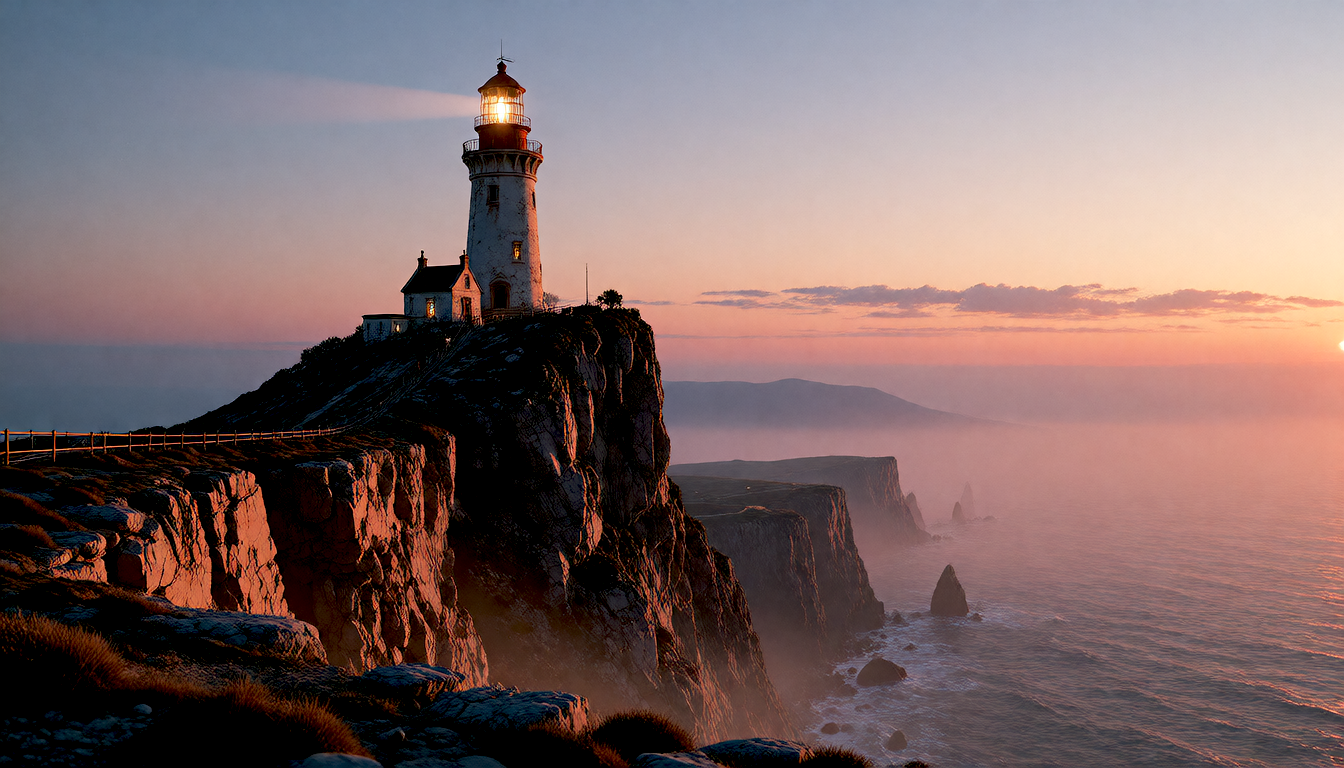
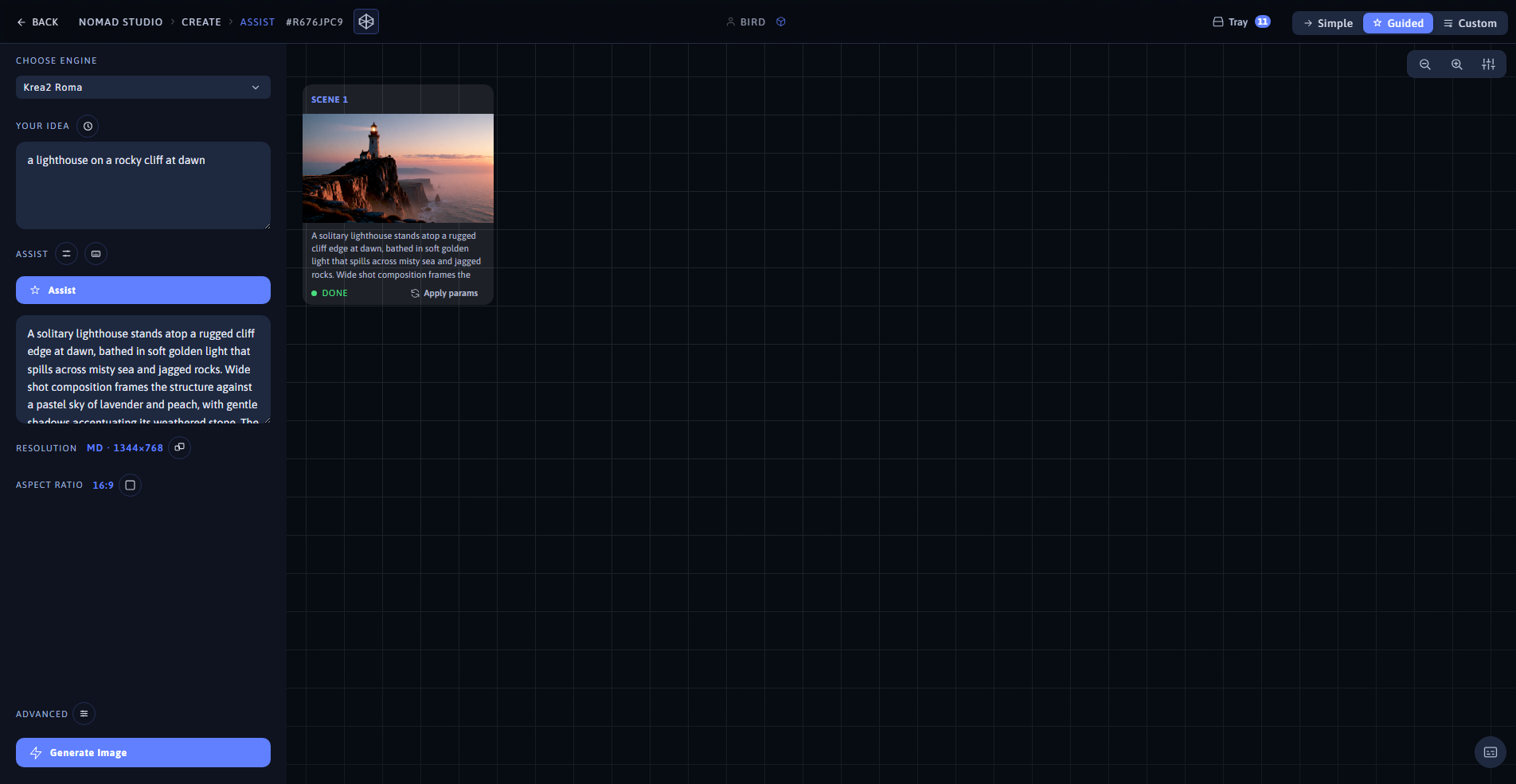
Result (left) · App at 1920×1080 (right)
Idea: "an elegant woman in a flowing silk dress walking through a neon-lit night market" — Krea2 Roma · Level: Scene · 16:9
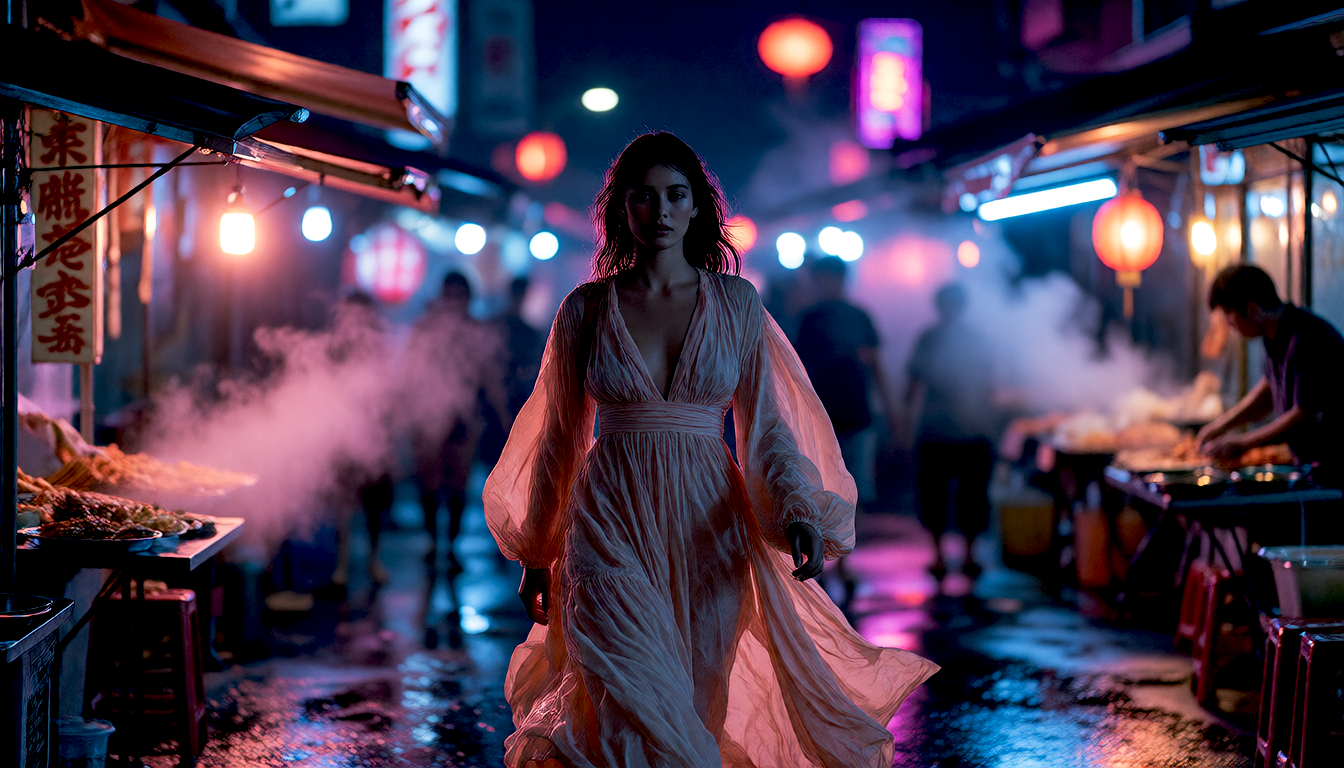
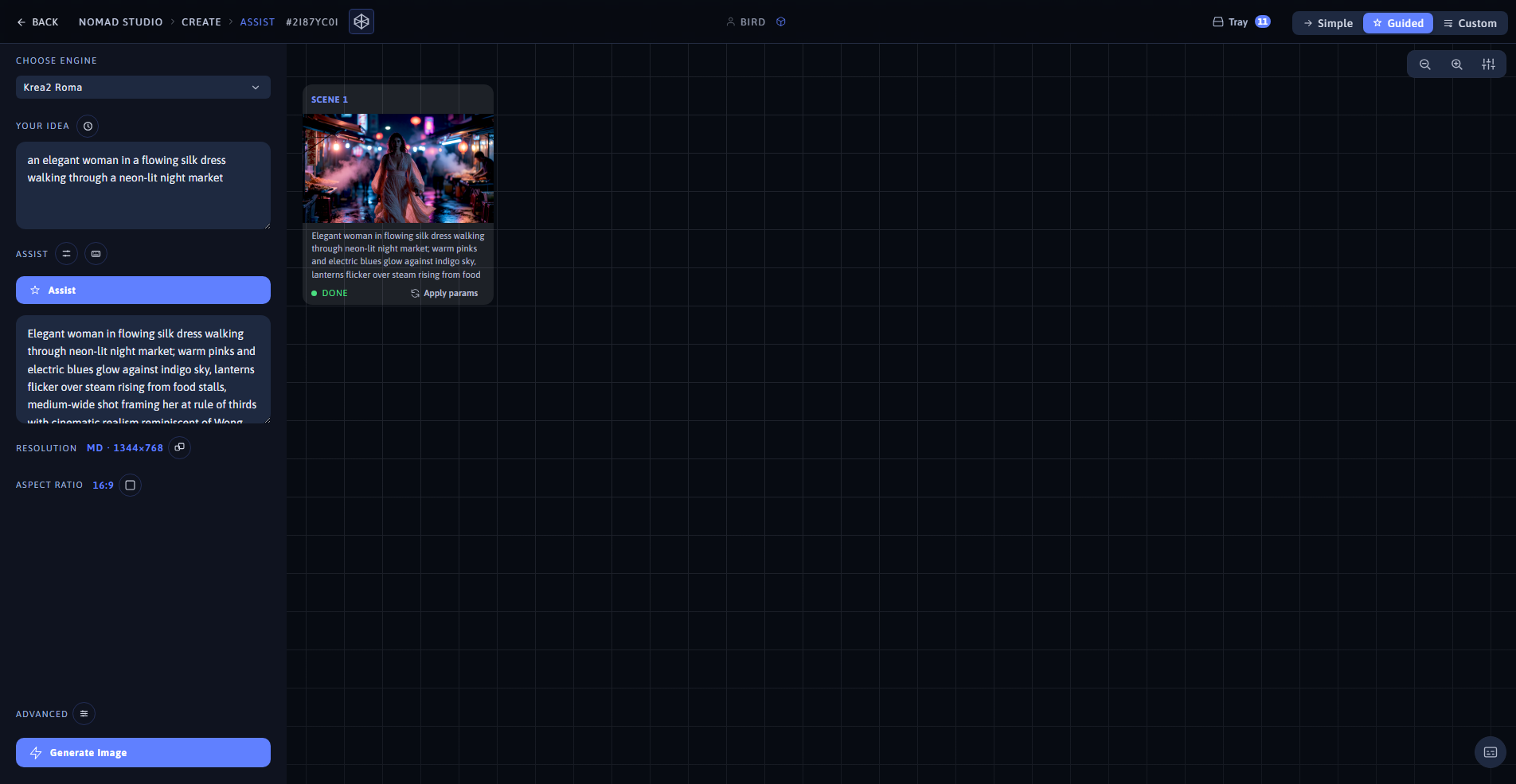
Result (left) · App at 1920×1080 (right)