 NOMAD
NOMAD Nomad Studio/ Documentation/ Create/ Describe Image
Create · AssistedDescribe Image
Describe Image starts from a picture instead of words. Upload a reference, the local vision model writes a description of what it sees, and you can optionally say what you'd like changed — a second LLM pass applies just that instruction to the description before it becomes your final prompt.
Reach for it when you have a reference image and want a prompt that starts from what's actually in it, rather than typing a description yourself.
Guided walkthrough
-
Step type: Workflow picker
Choose engine
Pick the imported engine, or auto-selected if you only have one.
-
Step type: Image picker
Reference image
Required. The image you want described.
-
Step type: Vision describe
Describe reference
Runs the local vision model over the uploaded image and writes a description of it.
-
Step type: Prompt input (pre-filled)
Description
The vision output lands here, fully editable. Placeholder text reminds you to click "Describe reference" above if you haven't yet.
-
Step type: Prompt input
Your idea (optional)
What you'd like to change about the description — leave empty to generate the description exactly as Vision wrote it.
-
Step type: LLM transform — llm.edit_prompt
Apply idea to description
Takes your change instruction and the current description as context, and rewrites the description to apply just that change.
-
Step type: Prompt input (pre-filled)
Final prompt
The edited result, still editable, prefilled from the previous step's output.
-
Step type: Parameter group
Parameters
Seed, steps, CFG, image count.
-
Step type: Action — generation.submit_queue
Generate Image
Sends the final prompt (or the plain description, if you skipped the idea step) to the queue.
-
Step type: Result view
Result
Save, Upscale, Send to Refine, Regenerate, Re-enhance.
Examples
Reference → description as-is — Krea2 Roma · 1:1
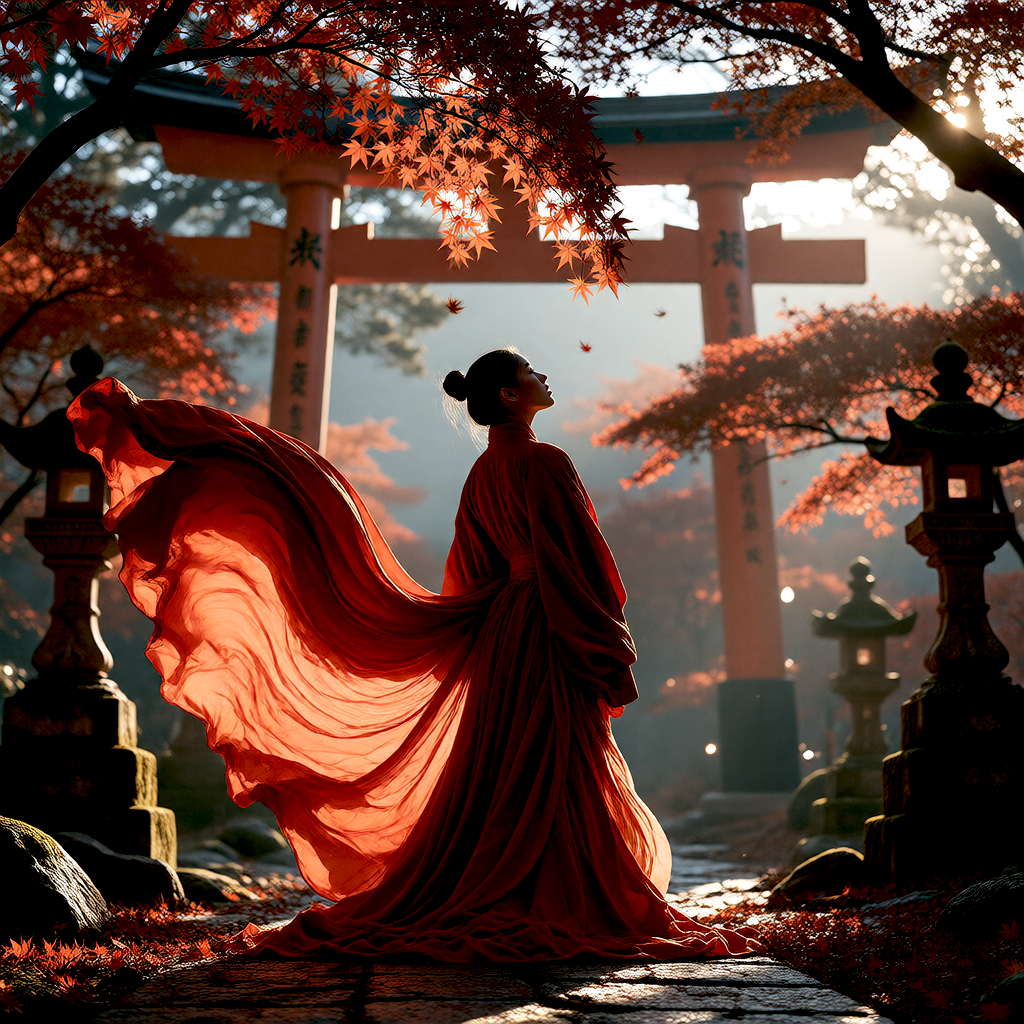
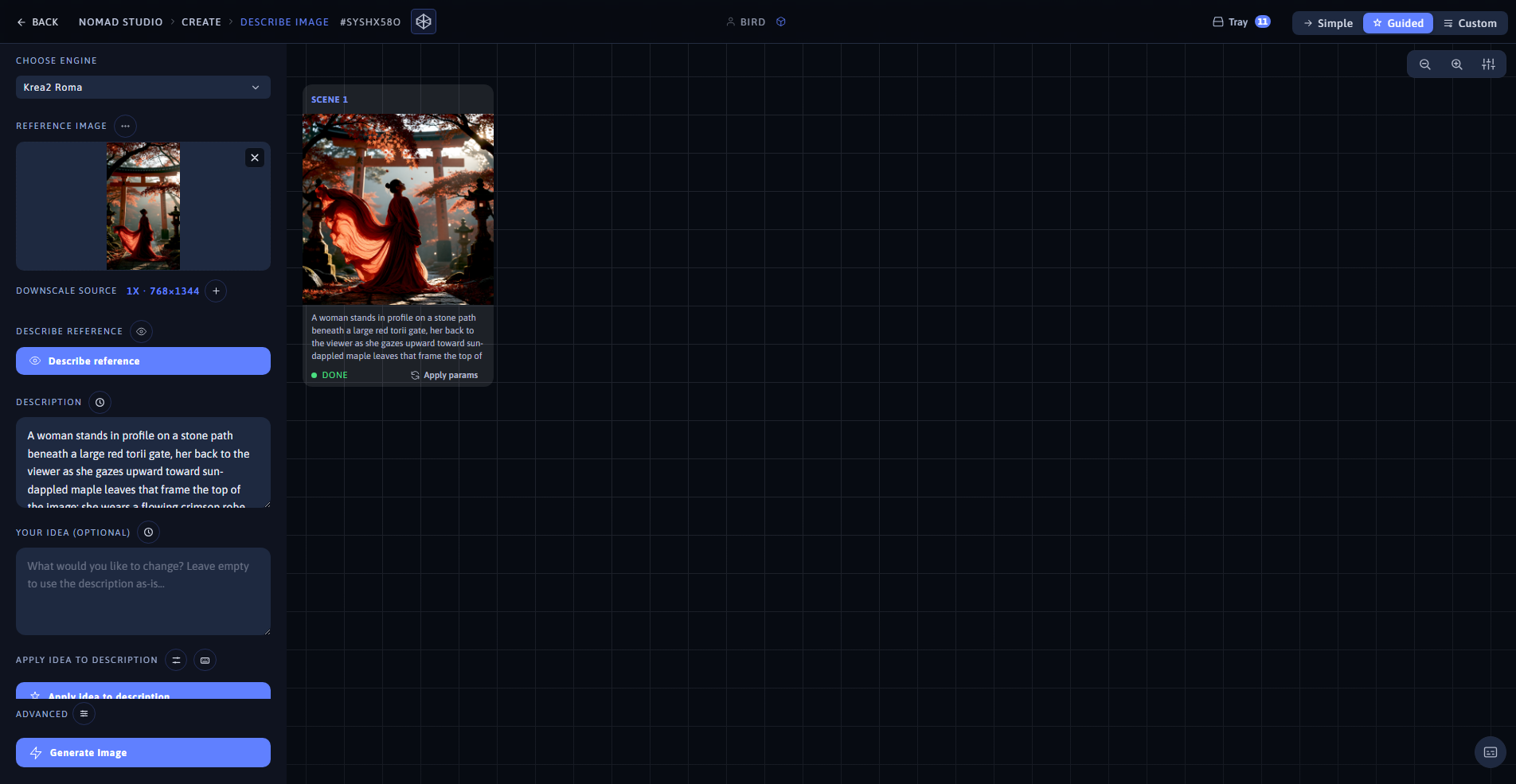
Result (left) · App at 1920×1080 (right)
Reference + idea: "change her outfit to a flowing white gown and set the scene at sunrise instead of twilight" — Krea2 Roma · 16:9
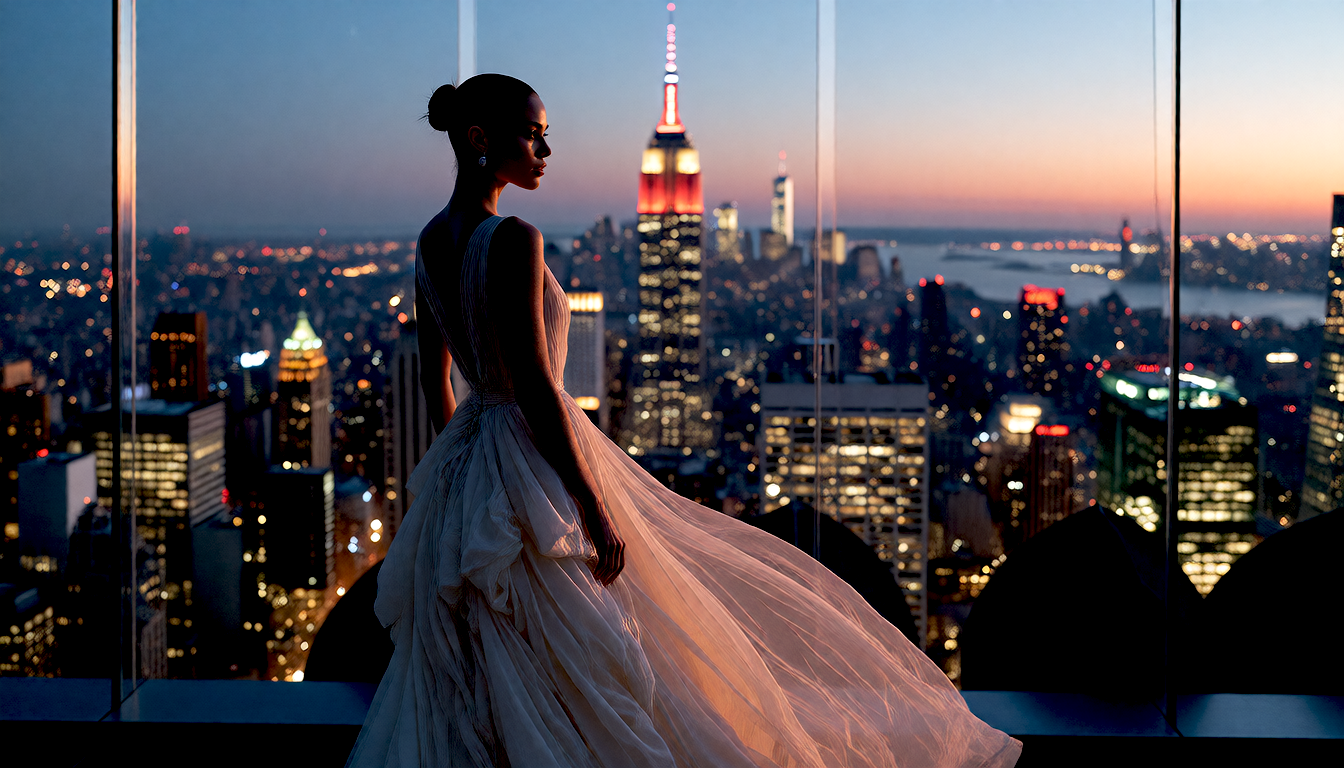
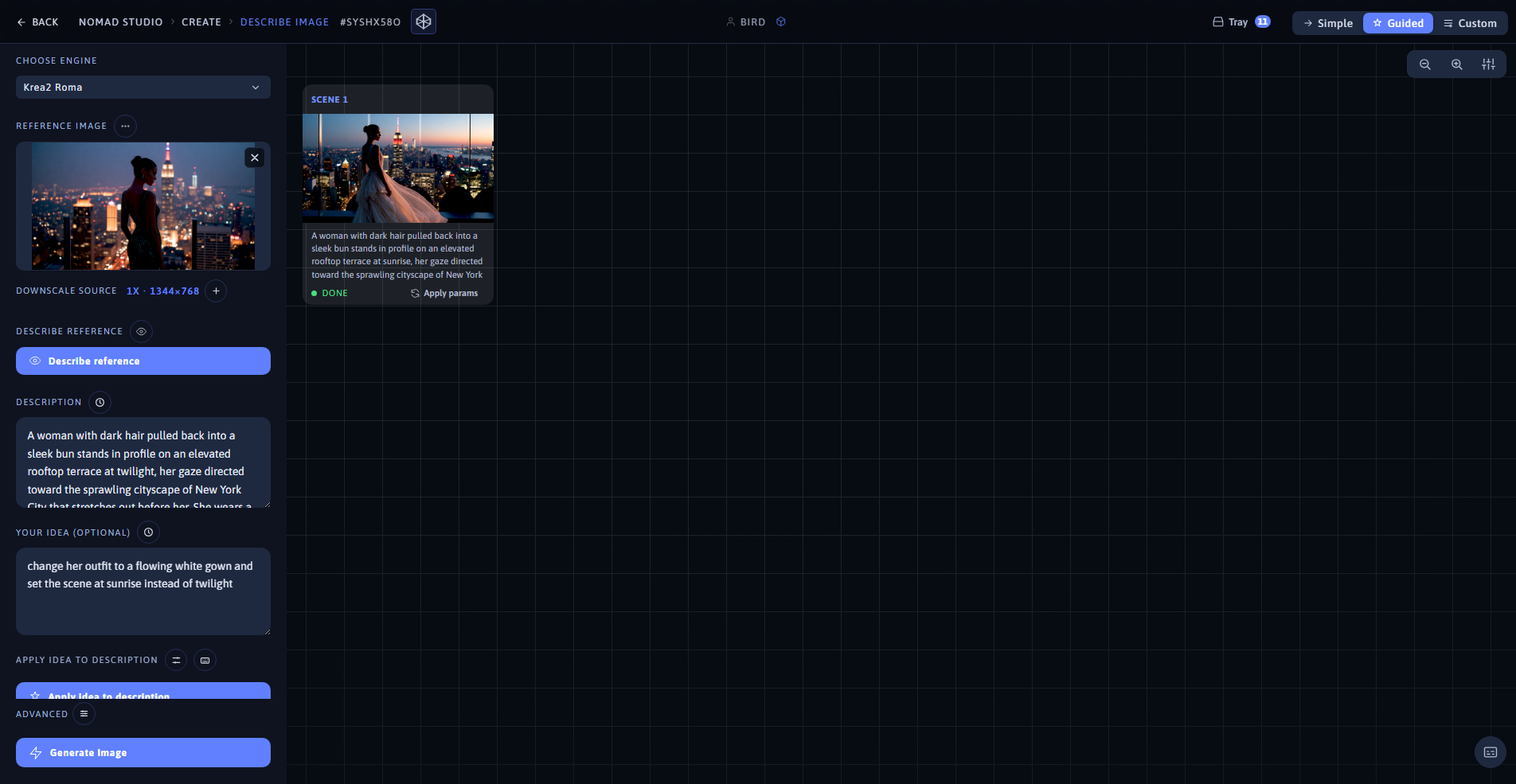
Result (left) · App at 1920×1080 (right)