 NOMAD
NOMAD Nomad Studio/ Documentation/ Create/ Layout Character Reference
Create · Layout compositionLayout Character Reference
Layout Character Reference uploads one character photo, takes a new scene description, and drops that exact character into the new scene using the diptych technique — the reference photo's actual pixels are sent alongside the generated layout (not just a text description of it), which is what makes identity carry over reliably from a single reference image.
The model extracts the character's complete appearance from the photo via vision and reproduces it verbatim in the new scene's element description — but the pose, action and expression always come from your scene description, never copied from the original photo. Both available depth levels (Scene and Master — there's no Quick/Style here) explicitly enforce this, and require the character's gaze and body language to stay physically consistent with the new action (eyes down while reading, forward while walking, and so on).
Guided walkthrough
-
Step type: Workflow picker
Choose engine
Pick the imported engine, or auto-selected if you only have one.
-
Step type: Image picker
Character reference
Required. Has vision analysis, fixed to the character reference type.
-
Step type: Prompt input
Scene description
The new pose and setting — e.g. seated in a velvet armchair in a London townhouse.
-
Step type: Parameter group
Format
Seed, steps, CFG, image count — no aspect-ratio field here, since it's fixed by the diptych workflow itself.
-
Step type: LLM transform — llm.ideogram_compose
Compose
Builds the new-scene layout, reproducing the character's extracted appearance verbatim and applying only your scene's pose/action — Scene or Master depth.
-
Step type: Ideogram composer
Composition
Review and fine-tune before generating.
-
Step type: Action — generation.submit_queue
Generate Image
Sends the composed layout and the original reference photo together to ComfyUI — the diptych pairing that anchors identity.
-
Step type: Result view
Result
Save, Upscale, Send to Refine, Regenerate.
Examples
Character photo + "walking gracefully through a sunlit orangery filled with blooming flowers, gentle smile, hand trailing along a marble railing" — Ideogram 4 · 9:16
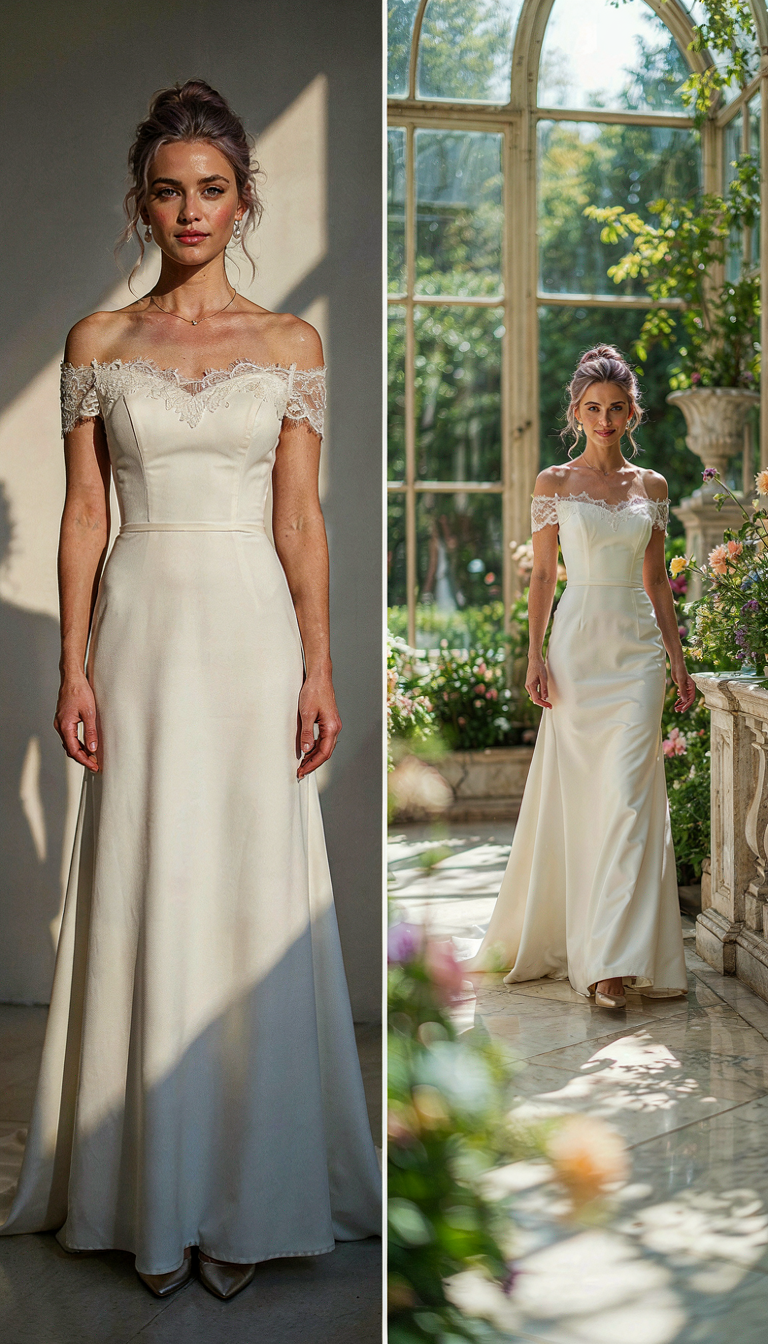
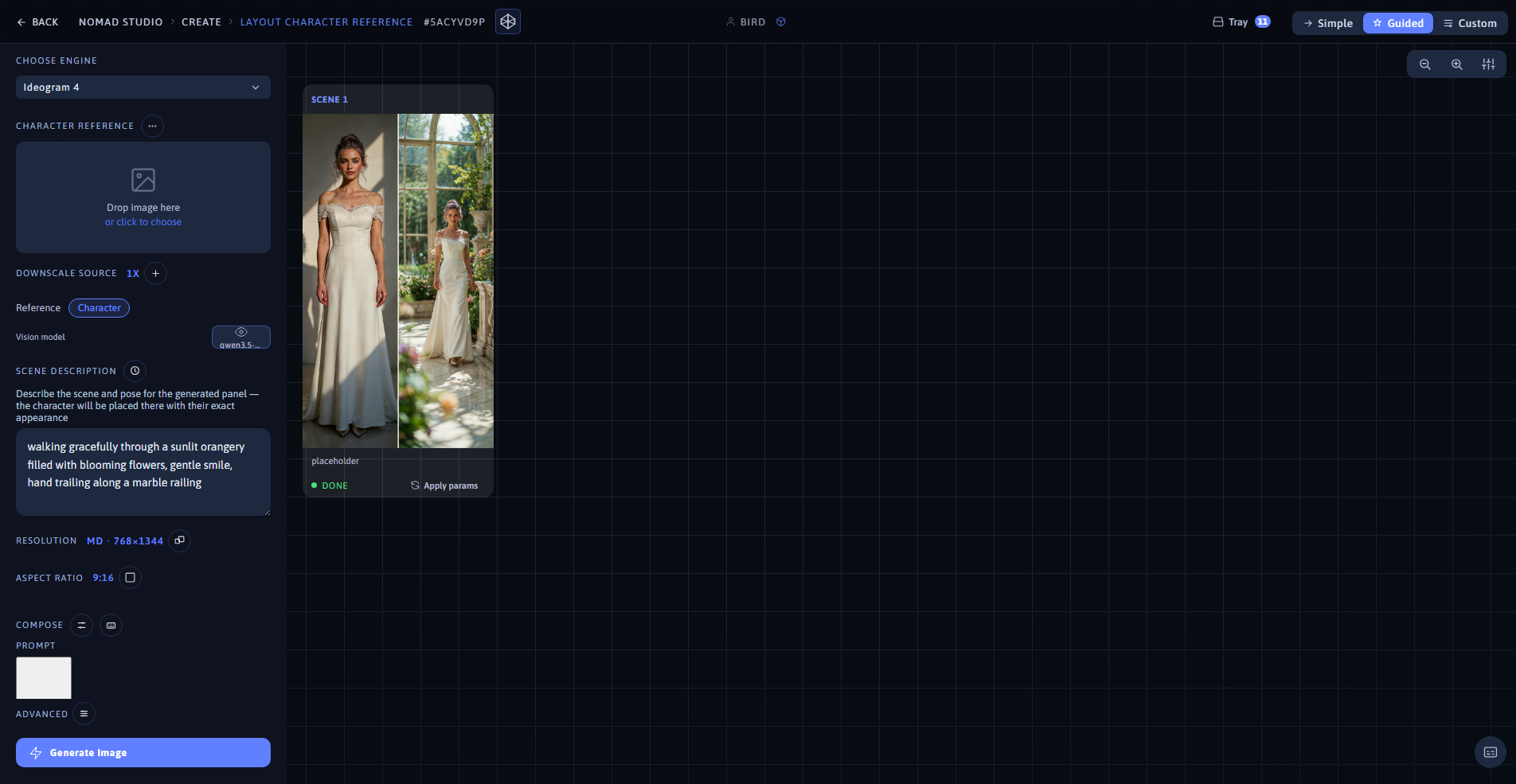
Result (left) · App at 1920×1080 (right)
Same character photo + "standing at the balcony railing of a Venetian palazzo at sunset, looking out over the canal, warm golden light" — Ideogram 4 · 16:9
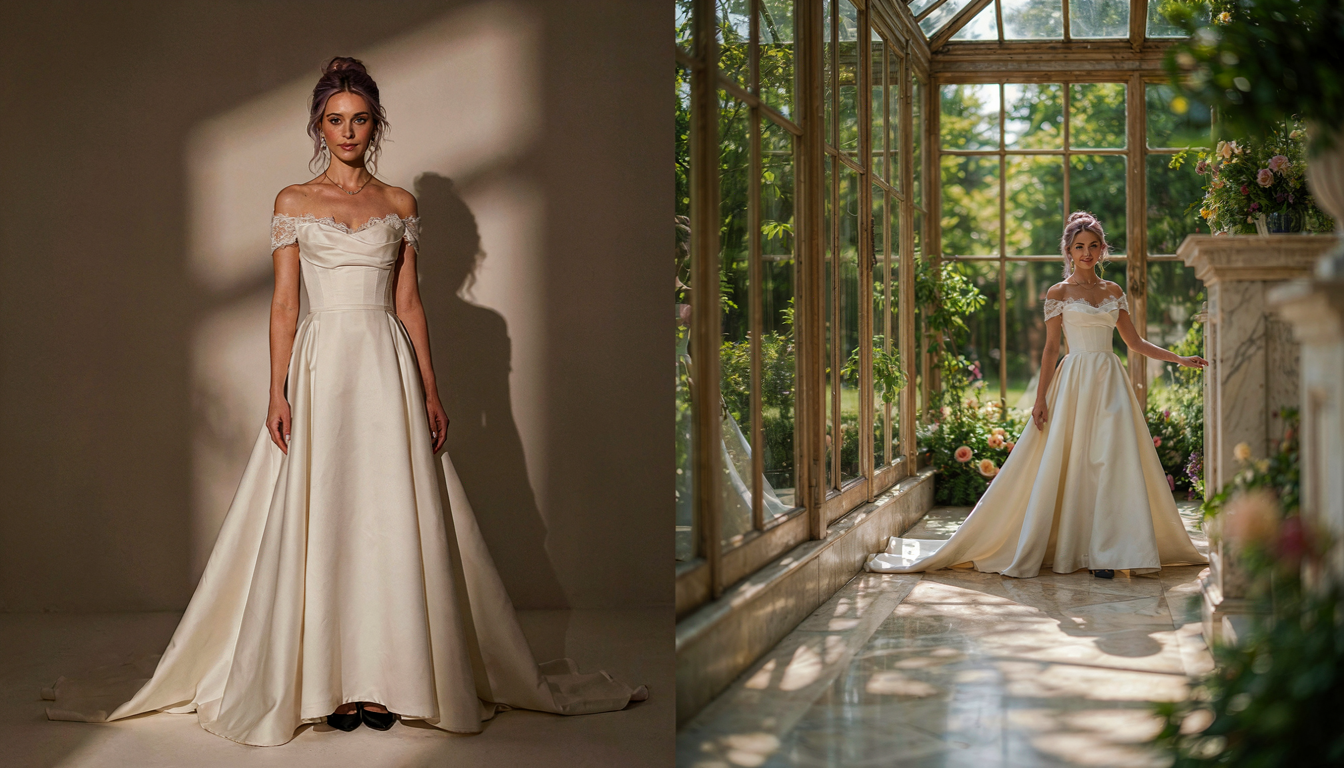
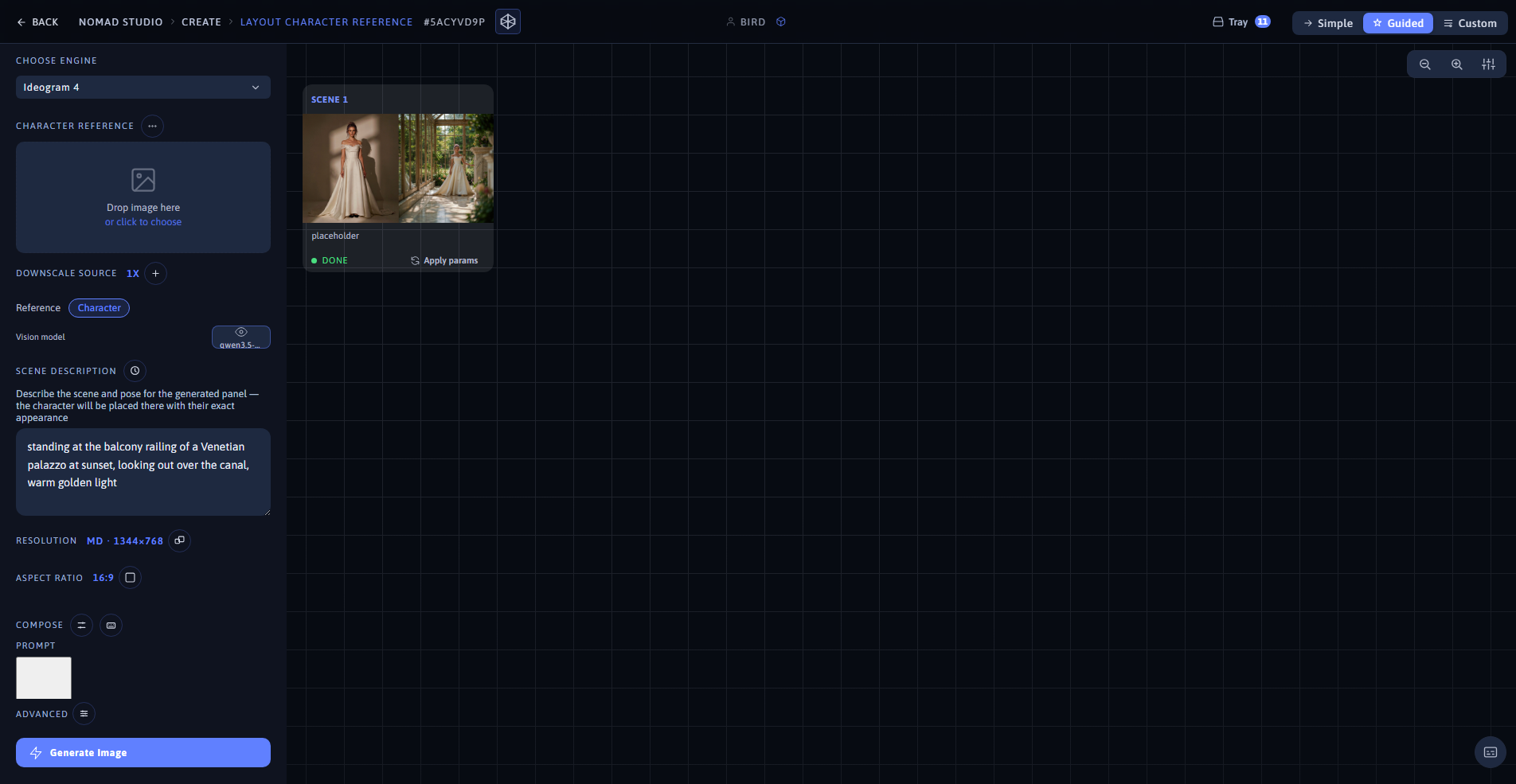
Result (left) · App at 1920×1080 (right)