 NOMAD
NOMAD Nomad Studio/ Documentation/ Create/ Simple
Create · DirectSimple
Simple is the shortest possible distance between a prompt and an image. You write what you want, pick which imported engine should render it, and generate — nothing reads your prompt, rewrites it, or adds anything to it in between. It is the flow every other Create flow is implicitly compared against: whatever another flow adds — an LLM pass, a reference image, a multi-turn conversation — Simple is what's left when you strip all of that away.
Reach for it when you already know exactly what you want to type, when you're testing a raw prompt idea before wrapping it in Assist, or any time you specifically don't want the local LLM touching your wording.
Guided walkthrough
-
Step type: Workflow picker
Choose engine
Lists every image-generation workflow you've imported into Nomad Studio (Krea 2, Z-Image Turbo, Flux Klein, Ideogram 4, or anything else you've added) and lets you pick which one this generation should use.
If you only have a single engine imported, this step selects it automatically and gets out of your way — you won't even see the picker.
-
Step type: Prompt input
Your prompt
A plain multi-line text box (4 rows visible, scrolls for more). Whatever you type here is exactly what reaches the model — no rewriting, no added keywords, no system prompt wrapped around it.
You can also drag an image straight onto this field to drop it in as a visual reference alongside your text.
-
Step type: Parameter group
Parameters
A collapsed-by-default panel holding the raw generation controls: seed, steps, CFG, and how many images to queue from this one submission. It stays folded because Simple's whole premise is not needing to touch these — Nomad Studio already ships sensible per-engine defaults — but they're one click away if you want to override any of them.
-
Step type: Action — generation.submit_queue
Generate Image
Sends your prompt text, seed and image count straight to the ComfyUI generation queue. Nothing is transformed on the way — this is the step that makes Simple "simple": there is no LLM call anywhere in this flow.
-
Step type: Result view
Result
Once the image lands, four actions are available on it directly from the card:
- Save — keep it in your Album.
- Upscale — send it through an upscale flow without leaving the result.
- Send to Refine — jump straight into any Refine flow you have installed, with this image pre-loaded.
- Regenerate — run the exact same submission again (new seed unless yours was fixed).
Examples
Prompt: "a poised woman in a tailored ivory blazer standing before floor-to-ceiling windows at golden hour…" — Krea2 Roma · 16:9

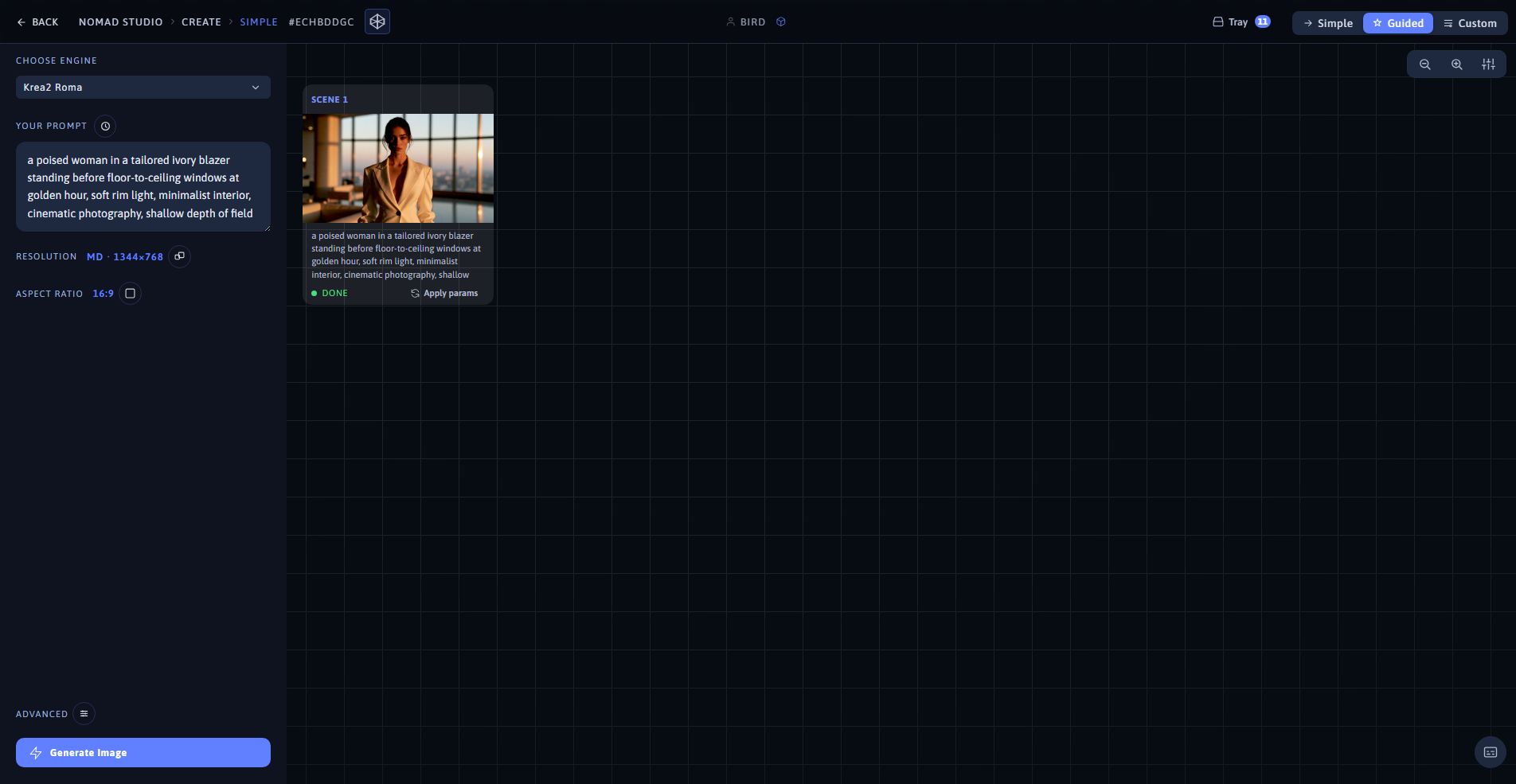
Result (left) · App at 1920×1080 (right)
Prompt: "an elegant woman in a flowing emerald evening gown descending a grand marble staircase…" — Krea2 Roma · 9:16

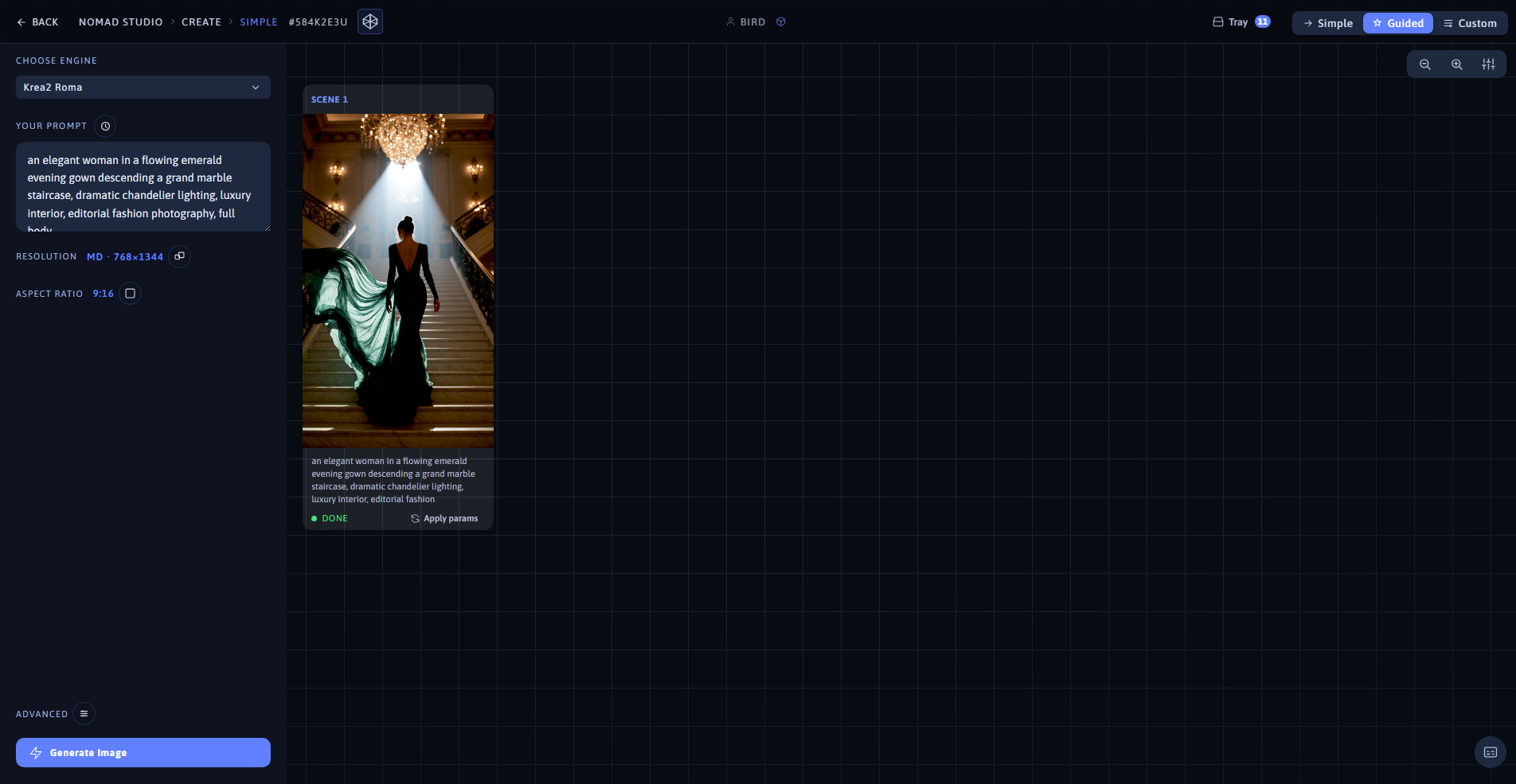
Result (left) · App at 1920×1080 (right)