 NOMAD
NOMAD Nomad Studio/ Documentation/ Create/ Layout Reference
Create · Layout compositionLayout Reference
Layout Reference works like Layout Assist, but adds an optional reference image — a character, a background, a style, or a general scene. Vision analyzes it and blends the extracted details into the composition. For a character reference specifically, the AI extracts a complete verbatim appearance (skin tone, hair, makeup, every garment, every accessory) and reproduces it in full inside that element's description, then adds your own scene and pose direction on top — so the same character can be redrawn in a new scene while keeping their exact look.
All Layout composition flows share one coordinate system: a normalized 1000×1000 canvas, with each element's bounding box written as [y_min, x_min, y_max, x_max] (origin top-left, y increases downward). The LLM never draws pixels directly — it writes this JSON layout, and the Composition step renders and lets you fine-tune it before generating.
At Scene and Master depth, the model is instructed to work through a 7-point checklist on the reference photo before writing any JSON: camera vantage point, apparent focal length, subject orientation and gaze, foreground anchors, the background's focal point, medium/colour grading, and environment-specific colours as real hex values — all of it used to inform the final layout with photographic precision.
Guided walkthrough
-
Step type: Workflow picker
Choose engine
Pick the imported engine, or auto-selected if you only have one.
-
Step type: Prompt input
Composition idea
Fragments separated by
;, same as Layout Assist. -
Step type: Image picker (optional)
Reference image
Has vision analysis. Choose what it represents: character, background, style, or scene (default character).
-
Step type: Parameter group
Format
Aspect ratio, seed, steps, CFG, image count — open by default.
-
Step type: LLM transform — llm.ideogram_compose
Compose
Blends your fragments with the reference analysis into a full layout, at the chosen depth (Quick → Master).
-
Step type: Ideogram composer
Composition
Review and fine-tune before generating.
-
Step type: Action — generation.submit_queue
Generate Image
Sends the composed layout to the queue.
-
Step type: Result view
Result
Save, Upscale, Send to Refine, Regenerate.
Examples
Character reference + "same woman now seated at an elegant café table on a Parisian street at dusk; warm string lights overhead; soft golden ambience" — Ideogram 4 · 9:16
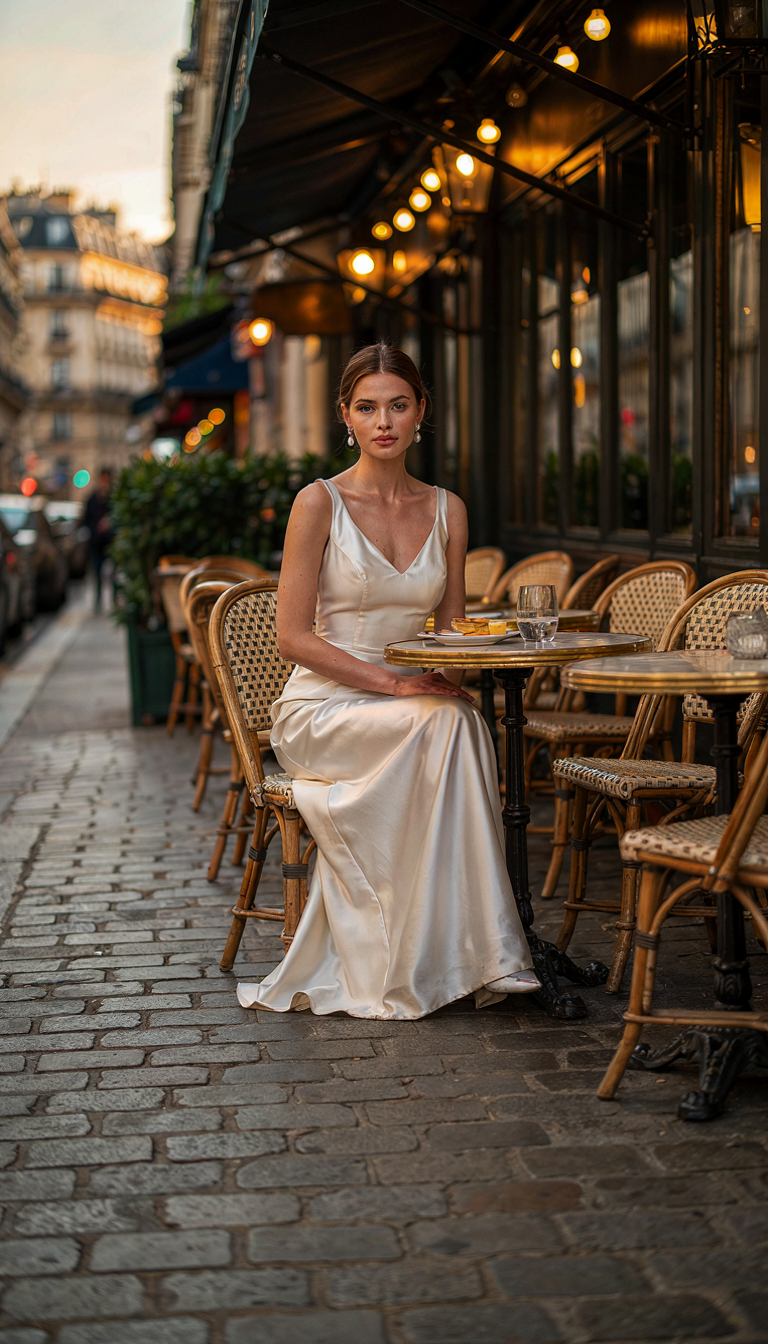
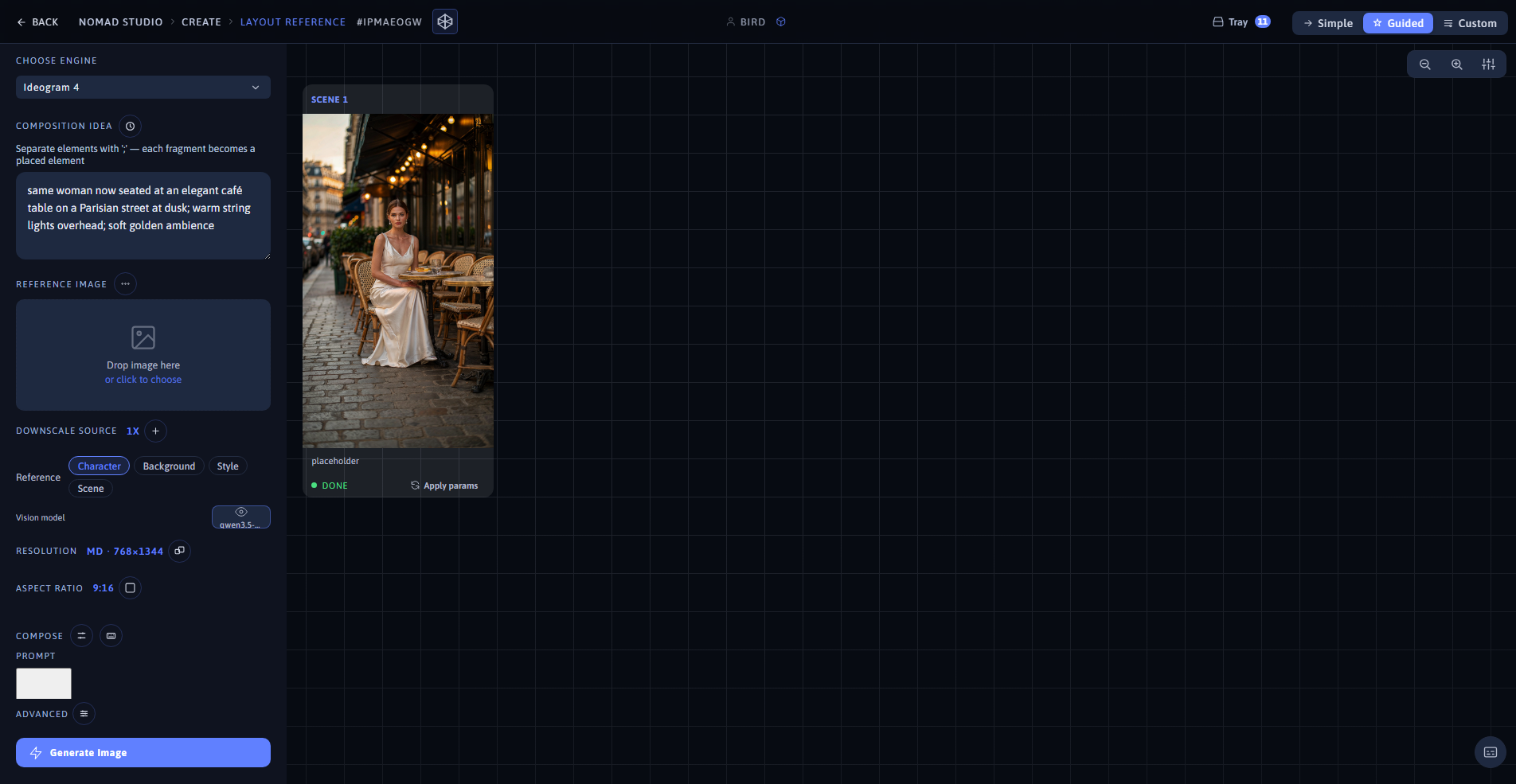
Result (left) · App at 1920×1080 (right)
Same character reference + "same woman now standing on a grand staircase inside an opulent opera house; red velvet curtains and gold trim; dramatic spotlight" — Ideogram 4 · 16:9
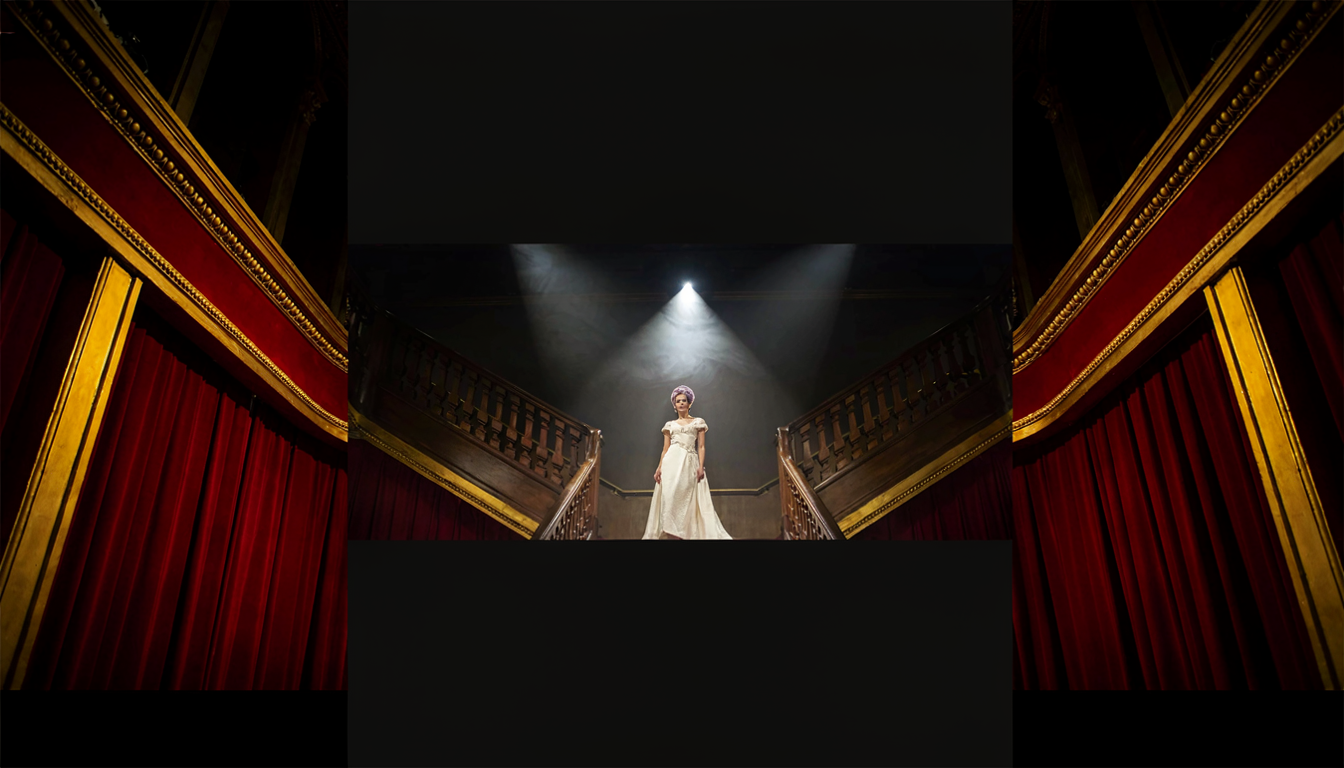
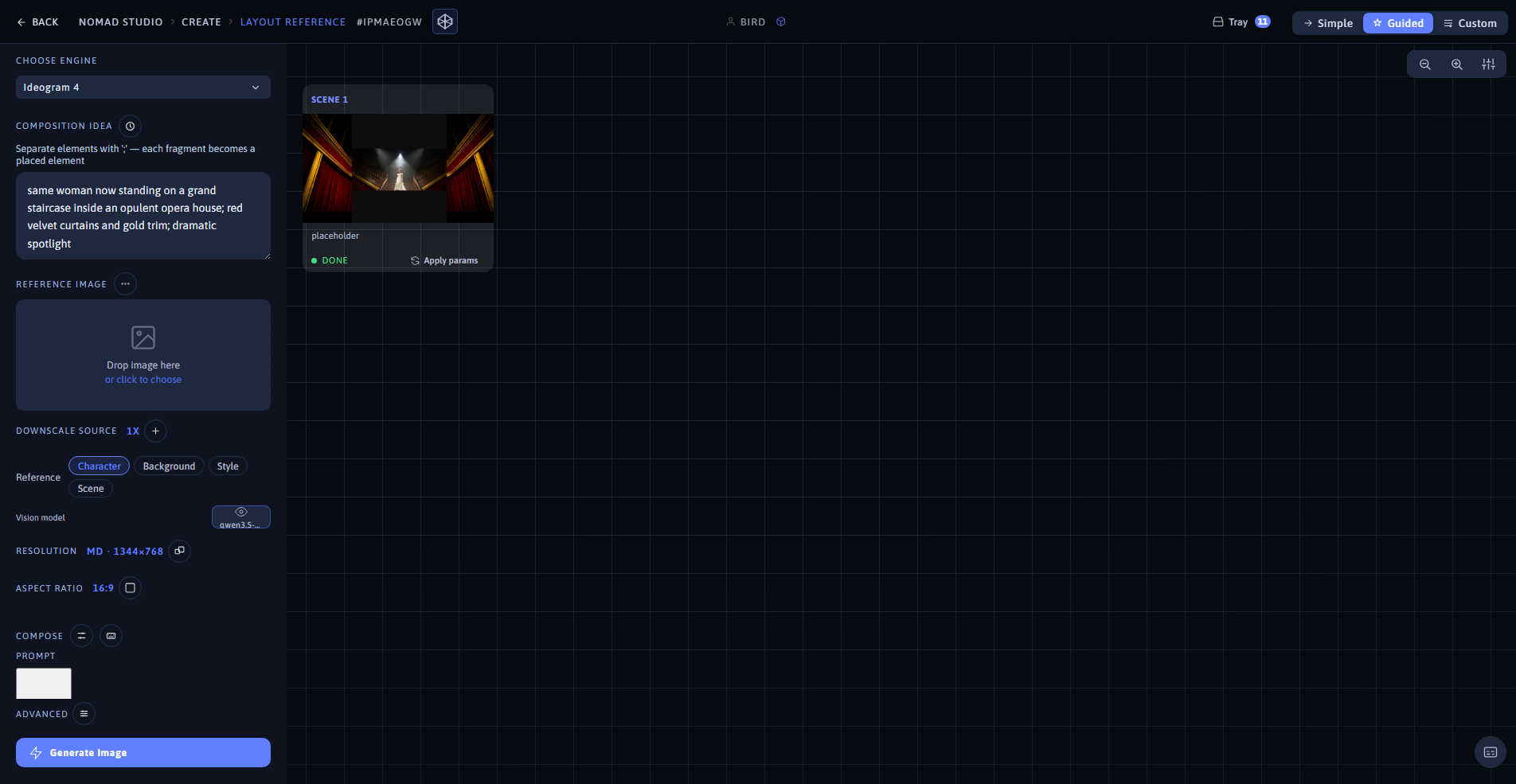
Result (left) · App at 1920×1080 (right)