 NOMAD
NOMAD Nomad Studio/ Documentation/ Create/ Simple JSON
Create · DirectSimple JSON
Simple JSON trades the single prompt box for a small JSON editor holding the exact variables the workflow will run with — positive, negative, seed, steps, cfg — pre-filled with a starter template. You edit values directly, field by field, still with zero LLM involvement.
Reach for it when you want an explicit negative prompt or more structured control than a single text box gives you, without opening the full Advanced/custom-workflow mode.
Guided walkthrough
-
Step type: Workflow picker
Choose engine
Same as every Create flow: pick the imported engine, or let it auto-select if you only have one.
-
Step type: JSON input
JSON Prompt
A modal JSON editor pre-filled with a template:
positive,negative,seed: -1,steps: 20,cfg: 7. Edit any field directly.Technical note: the whole edited JSON block — not just the
positivefield — becomes the literal text sent as the prompt. It isn't parsed into separate ComfyUI node inputs; think of it as a structured way to write your prompt text, not a way to set raw workflow parameters. -
Step type: Parameter group
Parameters
Same collapsed panel as Simple: seed, steps, CFG, image count — a second, simpler way to set the numbers you already typed into the JSON above.
-
Step type: Action — generation.submit_queue
Generate Image
Sends the JSON block as the prompt text, plus seed and image count, straight to the queue. No LLM call anywhere in this flow.
-
Step type: Result view
Result
Same four actions as Simple:
- Save, Upscale, Send to Refine, Regenerate.
Examples
positive: "an elegant woman in a tailored charcoal suit walking through a sunlit art gallery…" — Krea2 Roma · 16:9

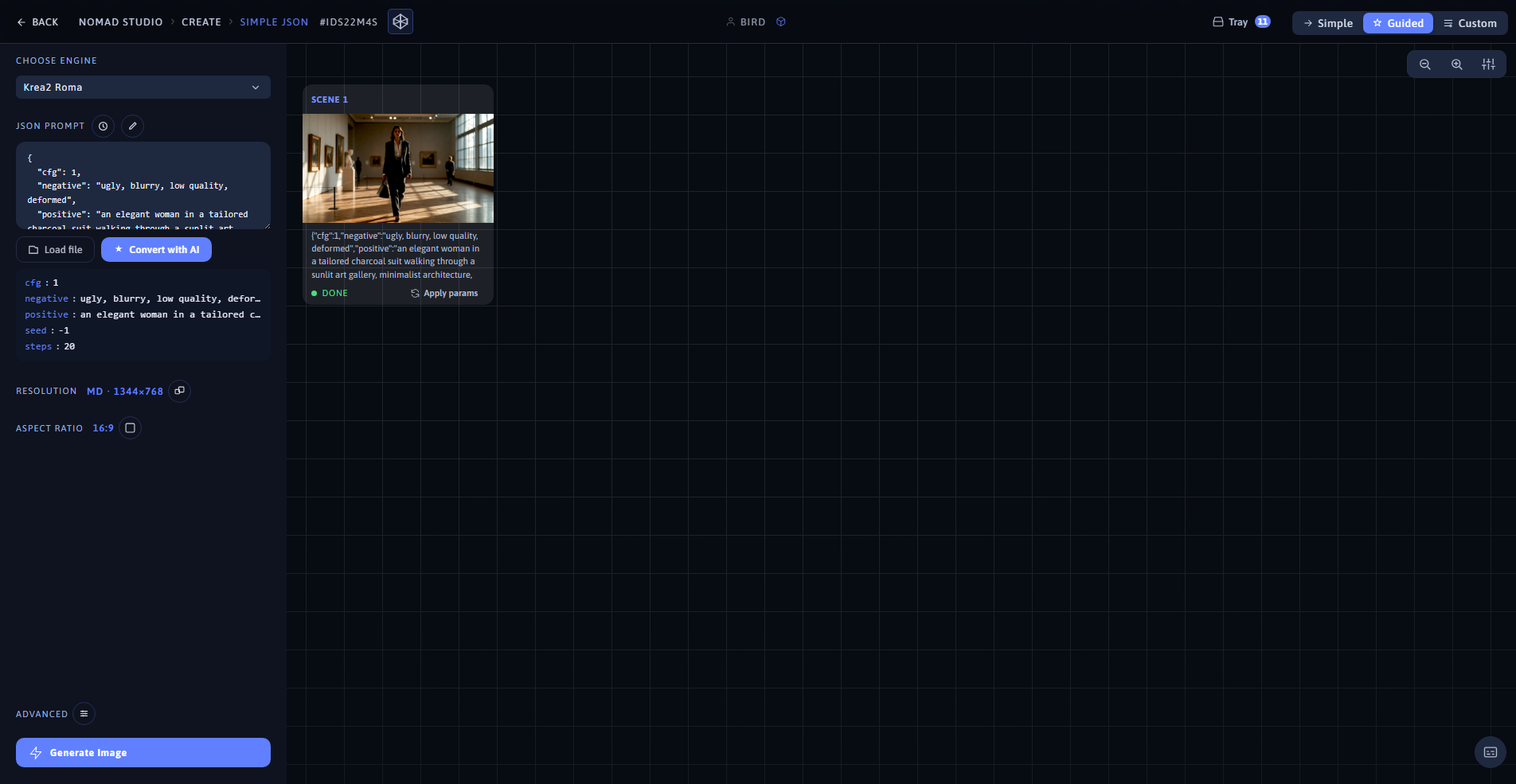
Result (left) · App at 1920×1080 (right)
positive: "a graceful woman in a red silk qipao standing under cherry blossoms in full bloom…" — Krea2 Roma · 9:16

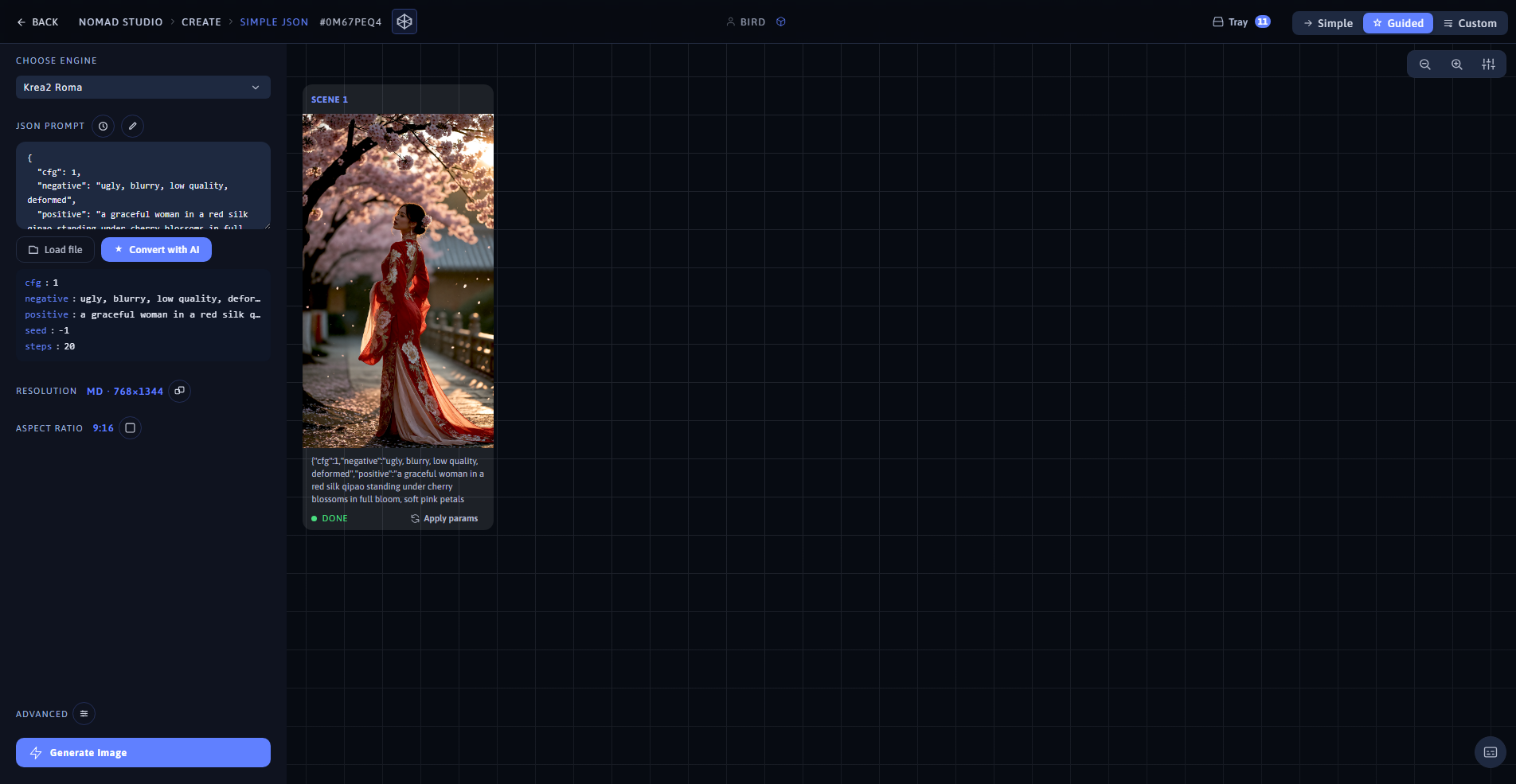
Result (left) · App at 1920×1080 (right)