 NOMAD
NOMAD Nomad Studio/ Documentation/ Create/ Enhance CivitAI
Create · AssistedEnhance CivitAI
Enhance CivitAI combines Simple CivitAI's style anchor with Assist's LLM expansion. You paste a CivitAI generation block as a style reference, write a rough idea of what you actually want, and the LLM enhances your idea while holding the CivitAI positive prompt as extra context — so the enhancement leans toward that pasted style instead of inventing one from scratch.
Same four depth levels as Assist (Quick → Master) and the same Flair dial (0–100, default 30). The system prompts are word-for-word identical to Assist's — the CivitAI reference is passed in separately as context, not baked into the instructions themselves.
Guided walkthrough
-
Step type: Workflow picker
Choose engine
Pick the imported engine, or auto-selected if you only have one.
-
Step type: CivitAI paste
CivitAI reference
Required. The parsed positive prompt from this block becomes reference context for the enhancement step below — it does not go to the image model directly.
-
Step type: Prompt input
Your idea
A short rough idea, same as Assist's first box.
-
Step type: LLM transform — llm.studio_enhance
Enhance
Sends your idea to the local LLM together with the CivitAI reference prompt as context, using the same Level (Quick/Style/Scene/Master, default Scene) and Flair (0–100, default 30) controls as Assist — see the Assist page for the exact system prompt text at each level, since they are identical here.
-
Step type: Prompt input (pre-filled)
Enhanced prompt
The LLM's output, fully editable, noted as "Edited by AI — you can still change it."
-
Step type: Parameter group
Parameters
Seed, steps, CFG, image count.
-
Step type: Action — generation.submit_queue
Generate Image
Sends the enhanced prompt (or your original idea if left unedited) to the queue.
-
Step type: Result view
Result
Save, Upscale, Send to Refine, Regenerate, and Re-enhance — run the LLM pass again without retyping your idea.
Examples
Idea: "an elegant woman in a tailored emerald green gown at a rooftop gala overlooking a glowing city skyline at night" — Krea2 Roma · 16:9
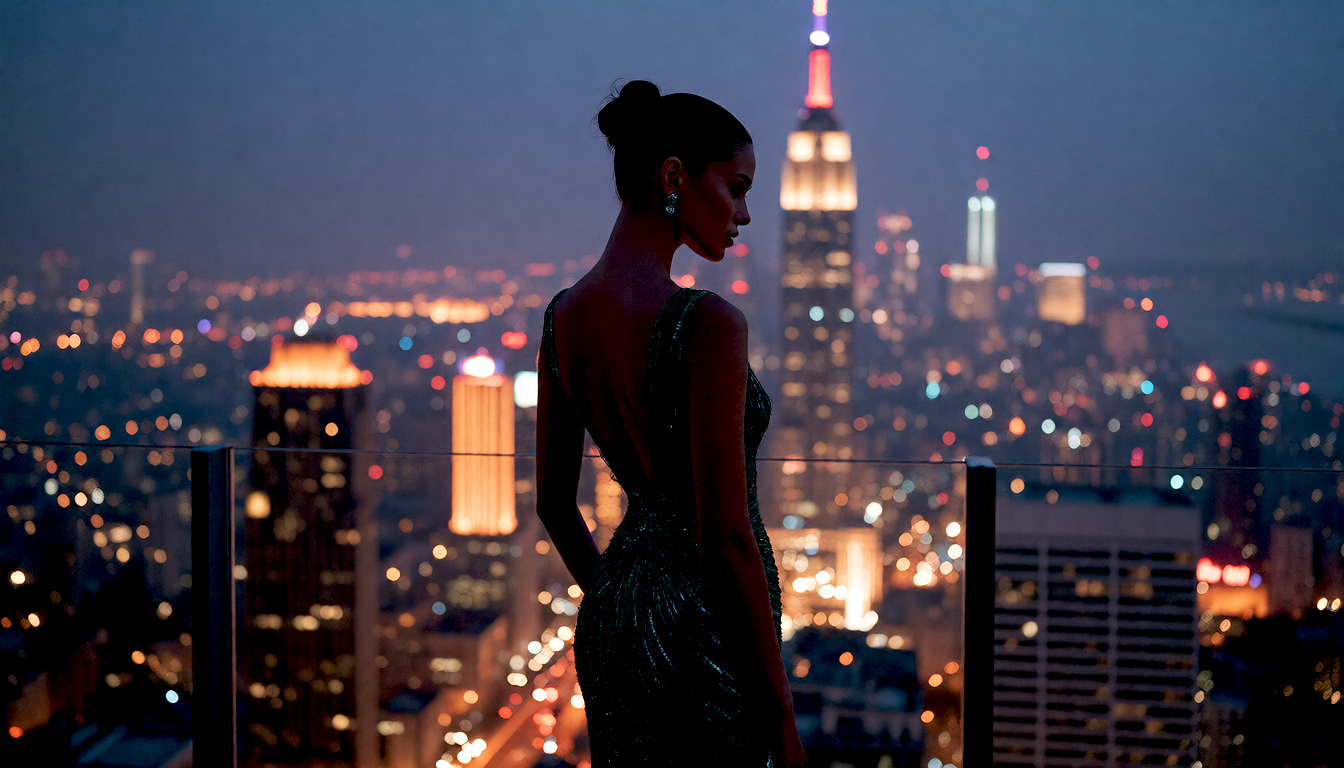

Result (left) · App at 1920×1080 (right)
Idea: "a graceful woman in a flowing crimson dress standing in a traditional Japanese garden with a red torii gate, autumn leaves falling" — Krea2 Roma · 9:16
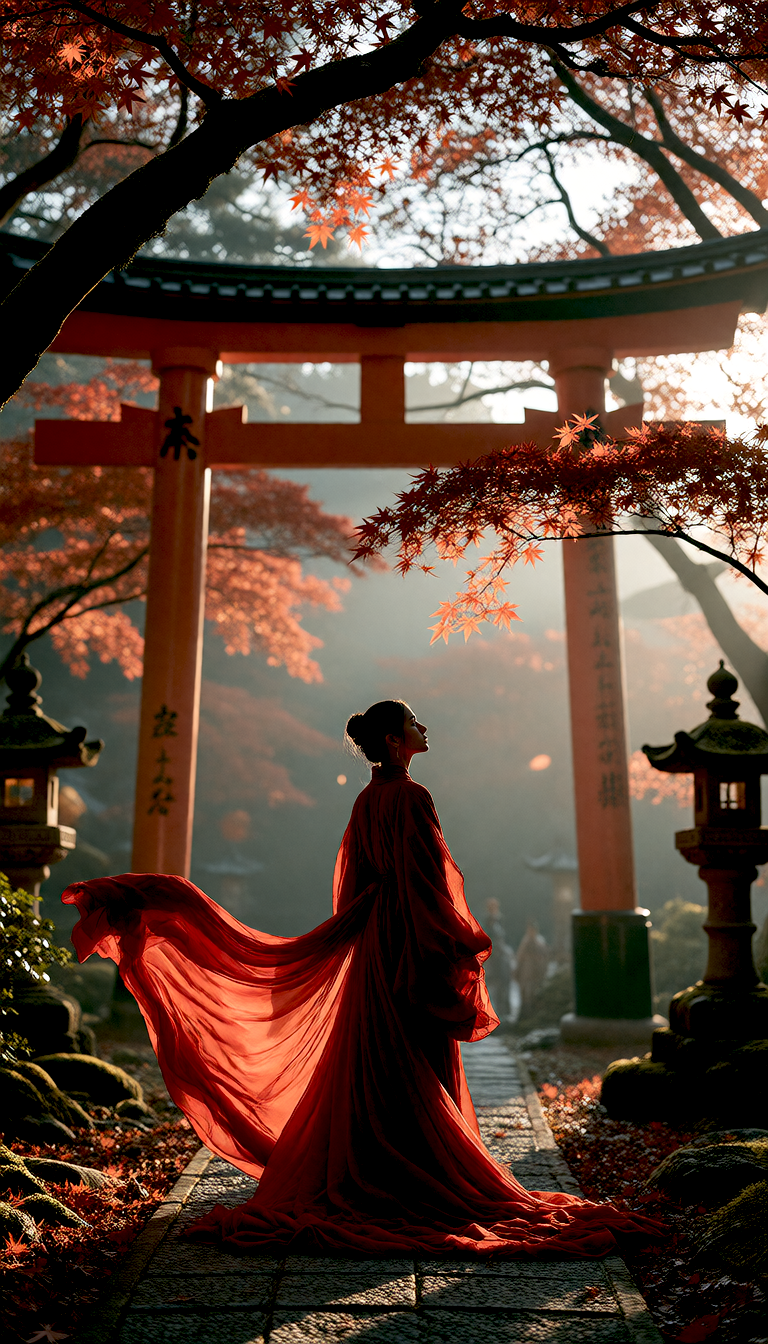
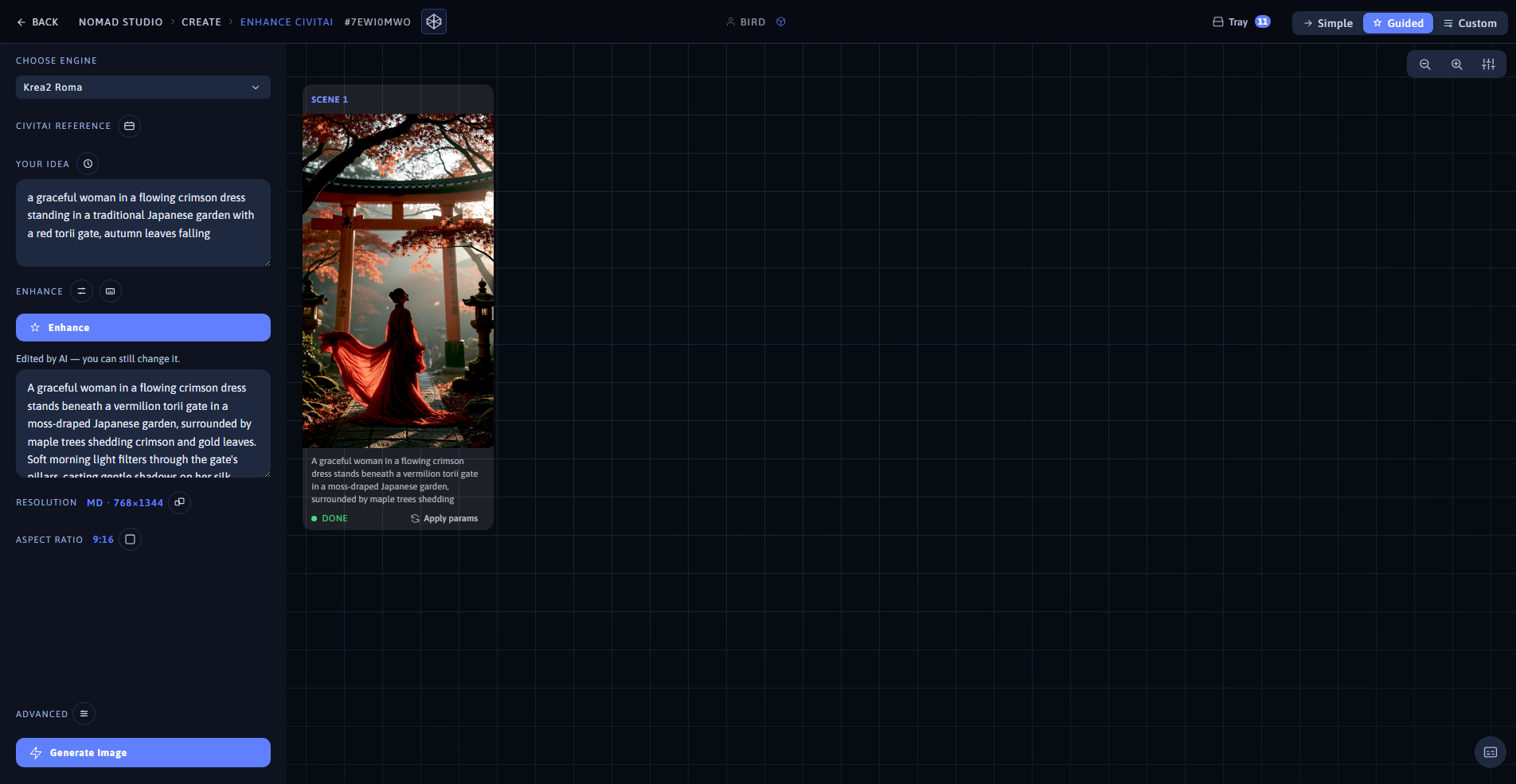
Result (left) · App at 1920×1080 (right)