 NOMAD
NOMAD Nomad Studio/ Documentation/ Create/ Layout Scene
Create · Layout compositionLayout Scene
Layout Scene is the fully manual alternative to Layout Assist and Layout Reference — no AI writes the layout for you. You define each character yourself, with orientation and reference images, place their bounding boxes directly on the canvas, and the scene builder assembles the final layout from your placements.
Reach for it when you already know exactly where everything should go and would rather not have an LLM interpretation step between your intent and the result.
Guided walkthrough
-
Step type: Workflow picker
Choose engine
Pick the imported engine, or auto-selected if you only have one.
-
Step type: Scene builder
Scene & Characters
The manual placement interface: add characters one by one with orientation and reference images, position their boxes on the canvas.
-
Step type: Ideogram composer
Composition
Review and fine-tune the assembled layout before generating.
-
Step type: Parameter group
Format
Aspect ratio, seed, image count — no steps/CFG fields exposed on this one.
-
Step type: Action — generation.submit_queue
Generate Image
Sends the manually assembled layout to the queue. No LLM call anywhere in this flow.
-
Step type: Result view
Result
Save, Upscale, Send to Refine, Regenerate.
Examples
Scene: "an elegant art gallery opening at night, marble floors, soft gold track lighting, large abstract paintings on the walls" · Character: "an elegant woman with dark hair swept into a chic updo, wearing a flowing gold-toned evening gown" — Ideogram 4 · 16:9
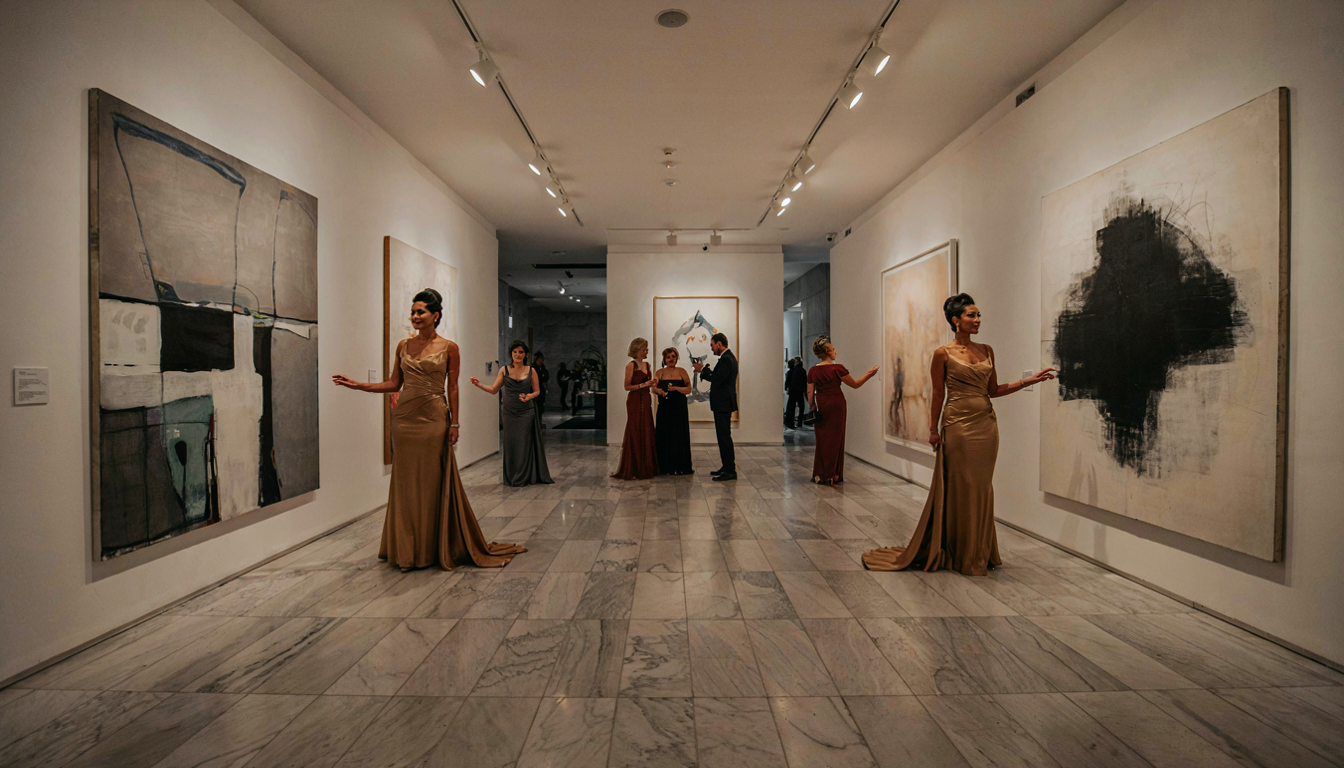
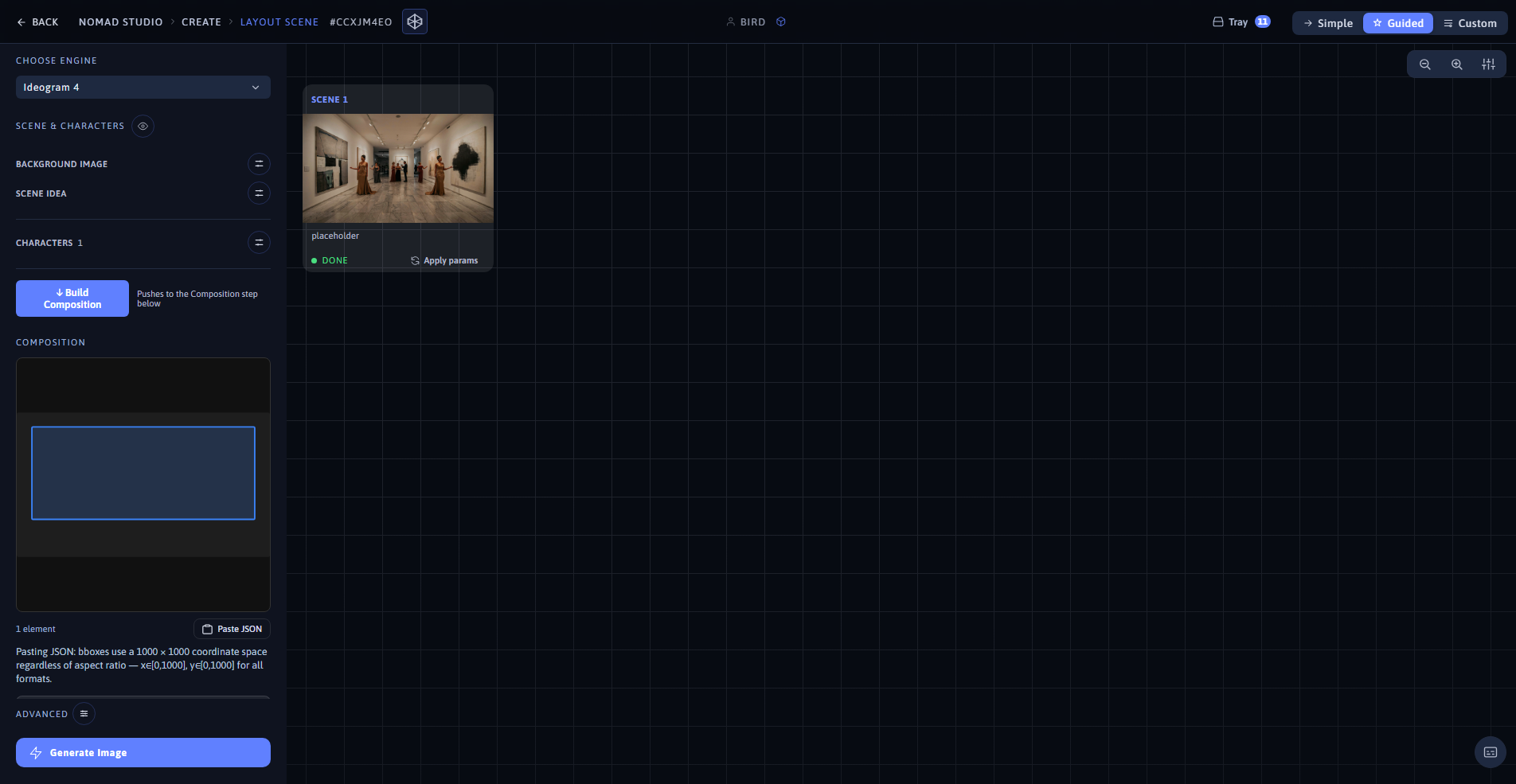
Result (left) · App at 1920×1080 (right)
Same scene and character, repositioned to a portrait bounding box — 9:16
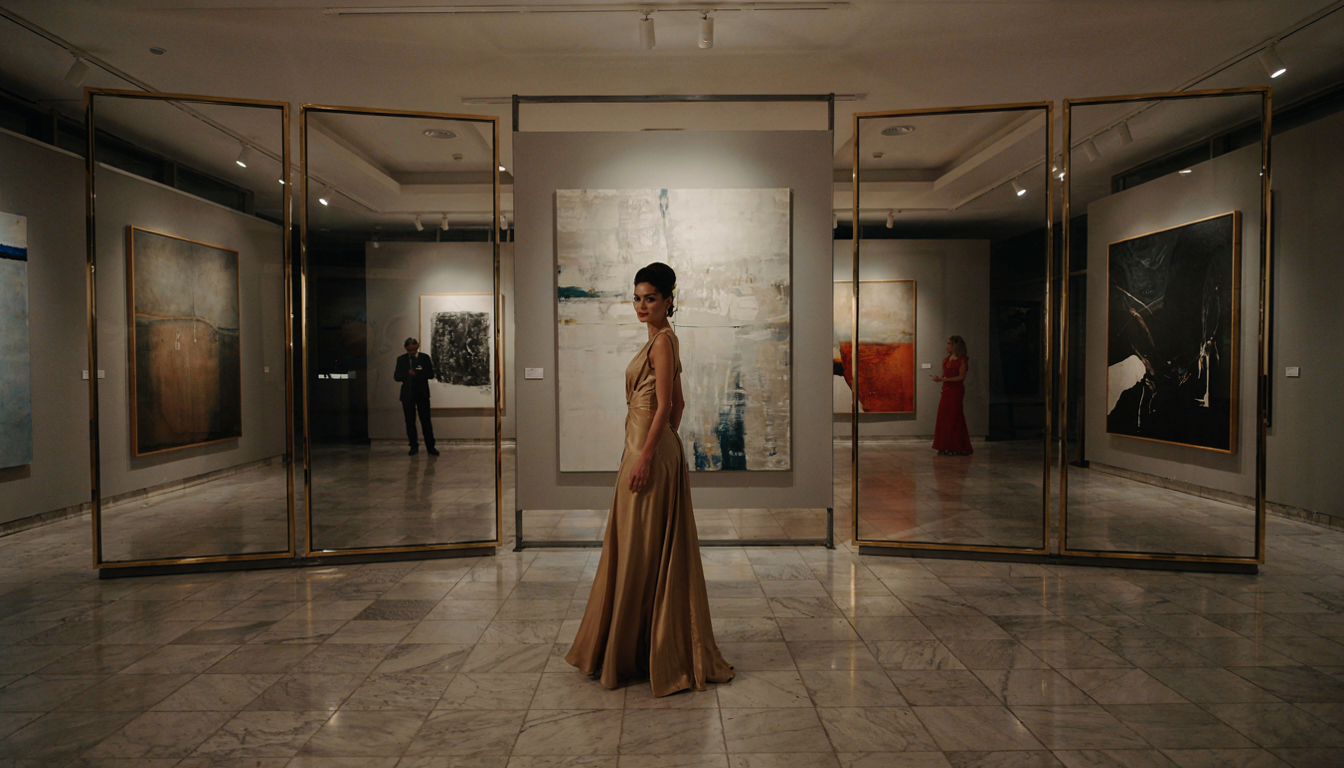
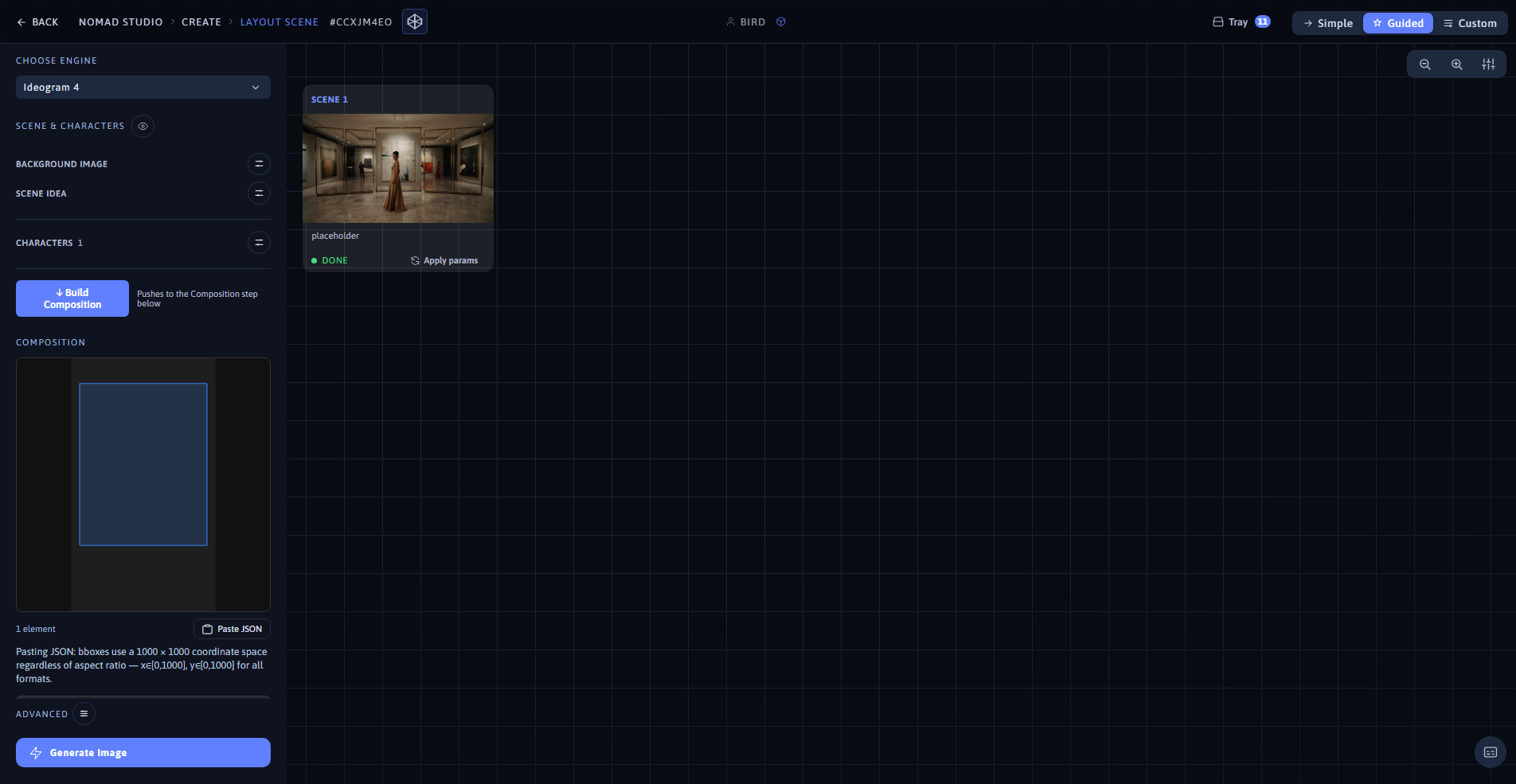
Result (left) · App at 1920×1080 (right)