 NOMAD
NOMAD Nomad Studio/ Documentation/ Create/ Scenes
Create · Series & batchScenes
Scenes takes a single central idea and has the LLM write N distinct scene prompts from it (1 to 100, default 6), each rendered as its own card, then queues them all in one batch. Optional genre cards — sourced live from Nomad Studio's genre catalog — apply a suggested Level and Flair plus a tone hint to the system prompt, and stay fully editable afterwards.
Same Level (Quick → Master, default Scene) and Flair (0–100, default 30) controls as Assist, applied once across the whole batch rather than per-image.
Guided walkthrough
-
Step type: Workflow picker
Choose engine
Pick the imported engine, or auto-selected if you only have one.
-
Step type: Prompt input
Central idea
Your concept, story, or world — the starting point the AI builds the scene series from.
-
Step type: LLM transform — llm.studio_scenes
Generate scenes
Writes N scene prompts (1–100, default 6) from the central idea. An optional genre picker (rendered as cards, pulled live from the app's genre catalog) applies a suggested Level/Flair and a tone hint — both still editable.
- Amount — 1 to 100 scenes.
- Genre — optional card picker.
- Level — Quick/Style/Scene/Master, default Scene.
- Flair — 0–100, default 30.
-
Step type: Parameter group
Parameters
Seed, steps, CFG, image count.
-
Step type: Action — generation.submit_queue
Generate Images
Queues all N scene prompts as a batch.
-
Step type: Result view
Result
Save, Upscale, Send to Refine, Regenerate.
Examples
Central idea: "a young woman who inherited a lighthouse on a remote cliff and is slowly rediscovering its keeper's forgotten secrets" — genre: Romance — Krea2 Roma · 16:9 · N=2

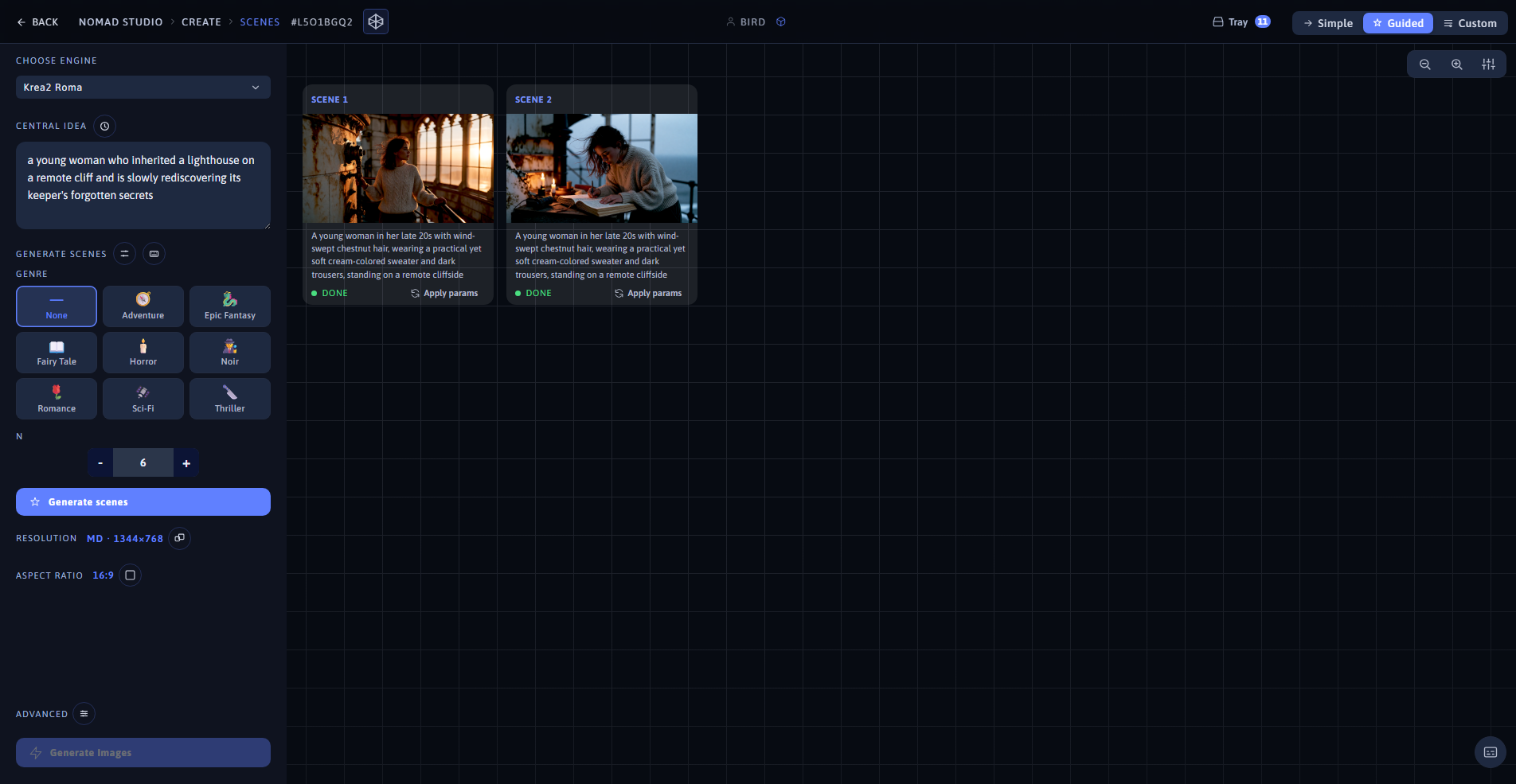
Scene 1 (left) · App showing both scenes at 1920×1080 (right)
Same idea, scene 2: the same woman kneeling beside an open journal by candlelight at the base of the spiral staircase

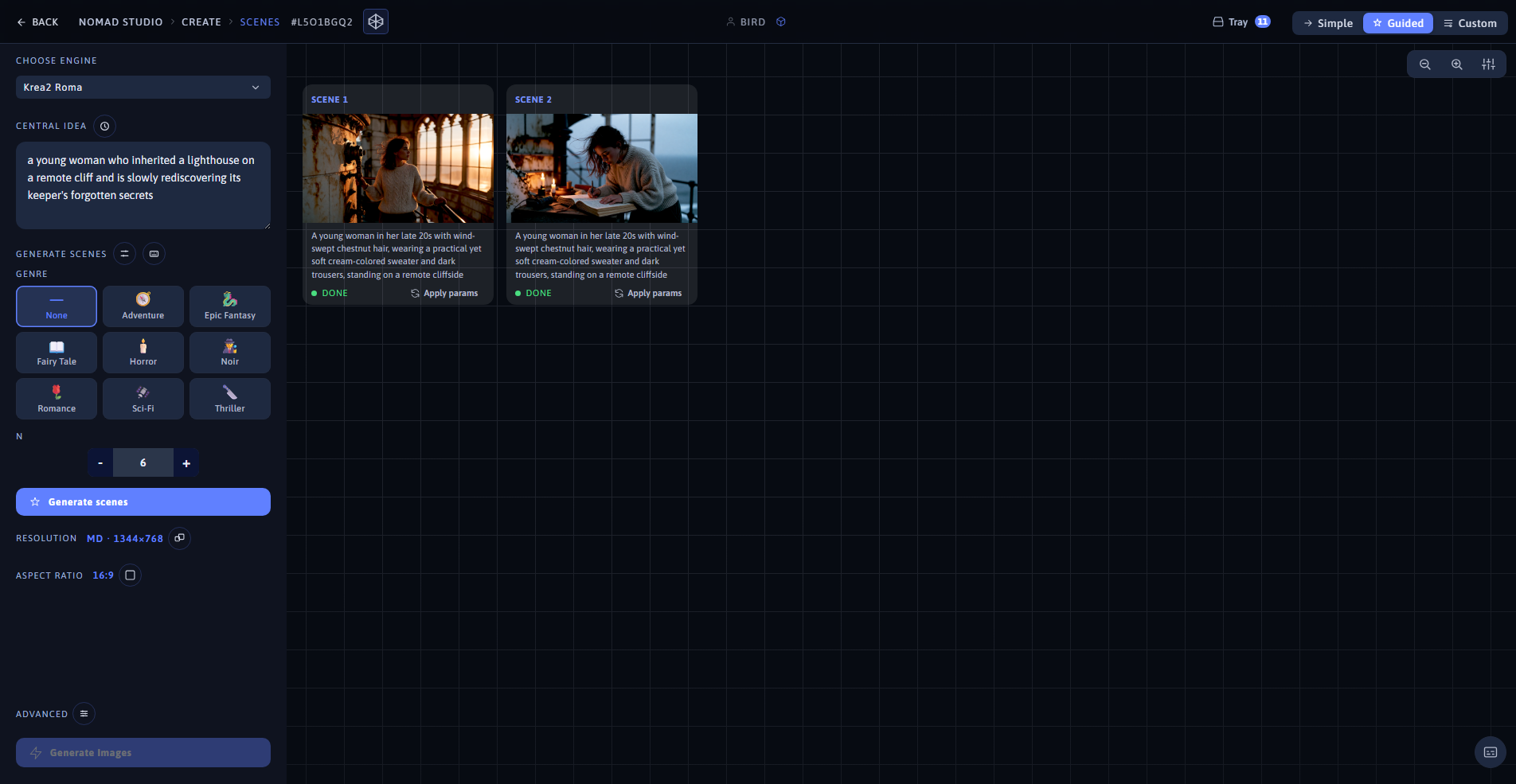
Scene 2 (left) · Same batch, same app view (right)