 NOMAD
NOMAD Nomad Studio/ Documentation/ Create/ From Template
Create · DirectFrom Template
From Template hands you a catalog of ready-made cinematic prompt templates instead of a blank box — pick one, fill in whatever it asks for, and generate. No LLM ever touches the text; the template's own wording is what reaches the model.
Reach for it when you want a reliably strong starting point in a specific cinematic look without writing the prompt vocabulary yourself.
Guided walkthrough
-
Step type: Workflow picker
Choose engine
Pick the imported engine, or auto-selected if you only have one.
-
Step type: Template picker
Choose a template
Browse the built-in catalog of cinematic themes and pick one as your starting prompt.
-
Step type: Parameter group
Parameters
Seed, steps, CFG, image count — collapsed by default.
-
Step type: Action — generation.submit_queue
Generate Image
Sends the chosen template's text straight to the queue, along with seed and image count. No LLM call anywhere in this flow.
-
Step type: Result view
Result
Save, Upscale, Send to Refine, Regenerate.
Examples
Template: Cyberpunk Thriller — "a young woman with a wet undercut and a glowing earpiece in a cramped neon-lit apartment…" — Krea2 Roma · 1:1

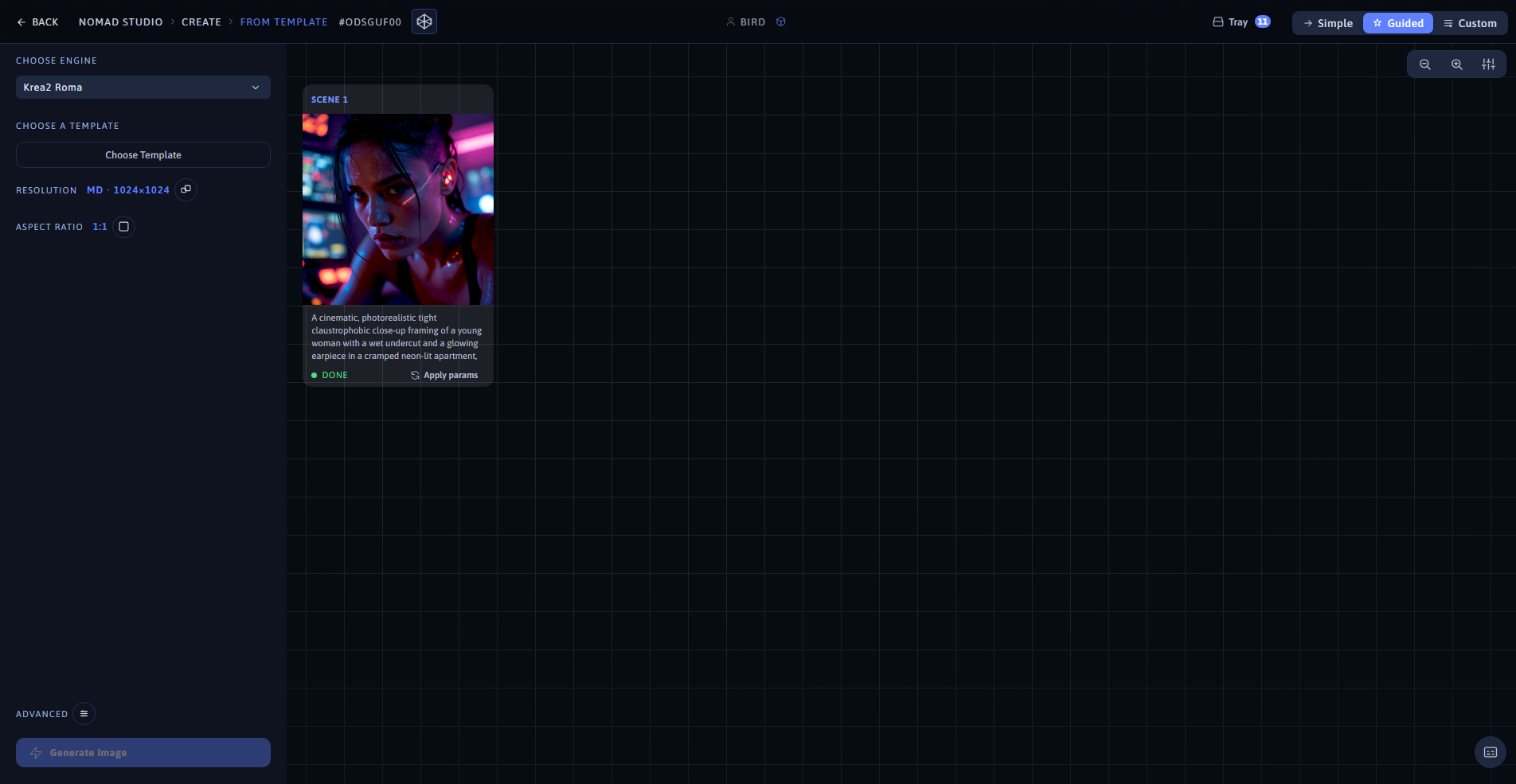
Result (left) · App at 1920×1080 (right)
Template: 1980s Mystery Series — "a teenage girl in a denim jacket and band t-shirt on a misty small-town street at dusk…" — Krea2 Roma · 9:16
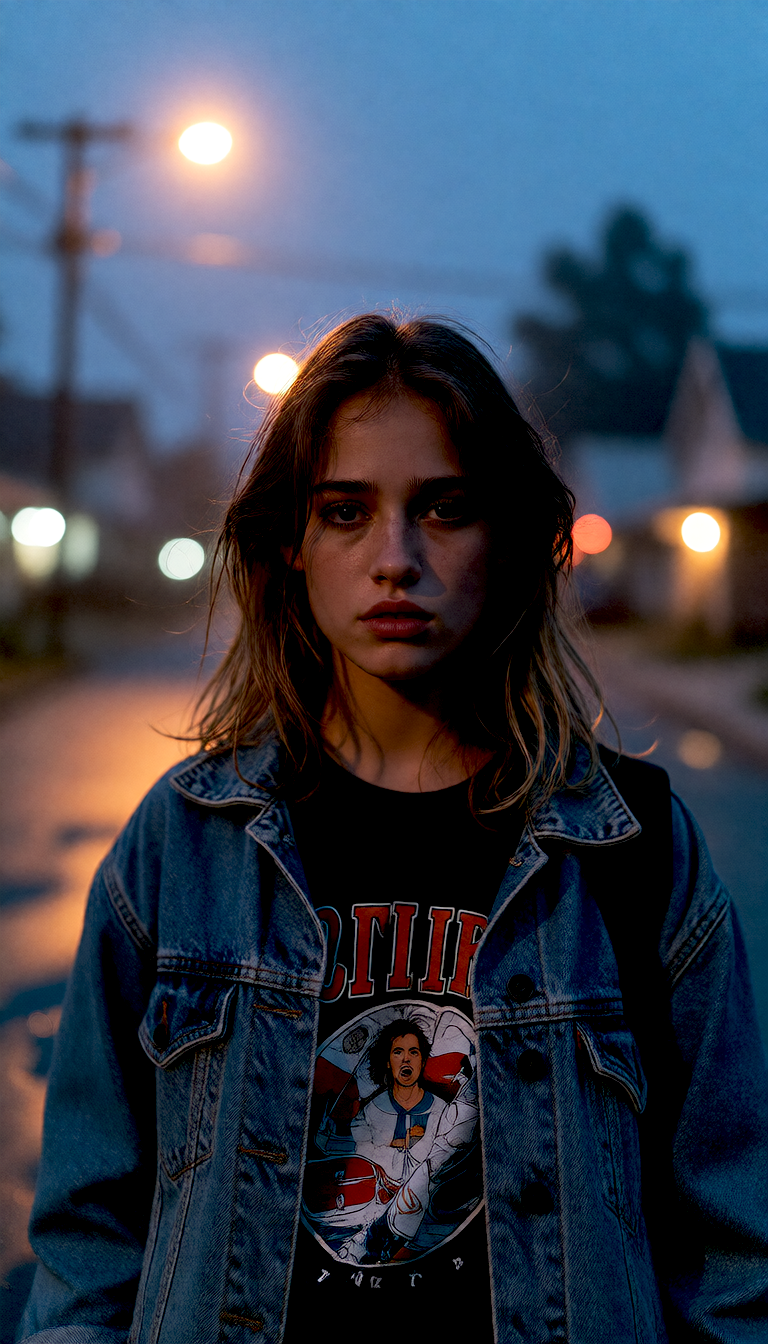
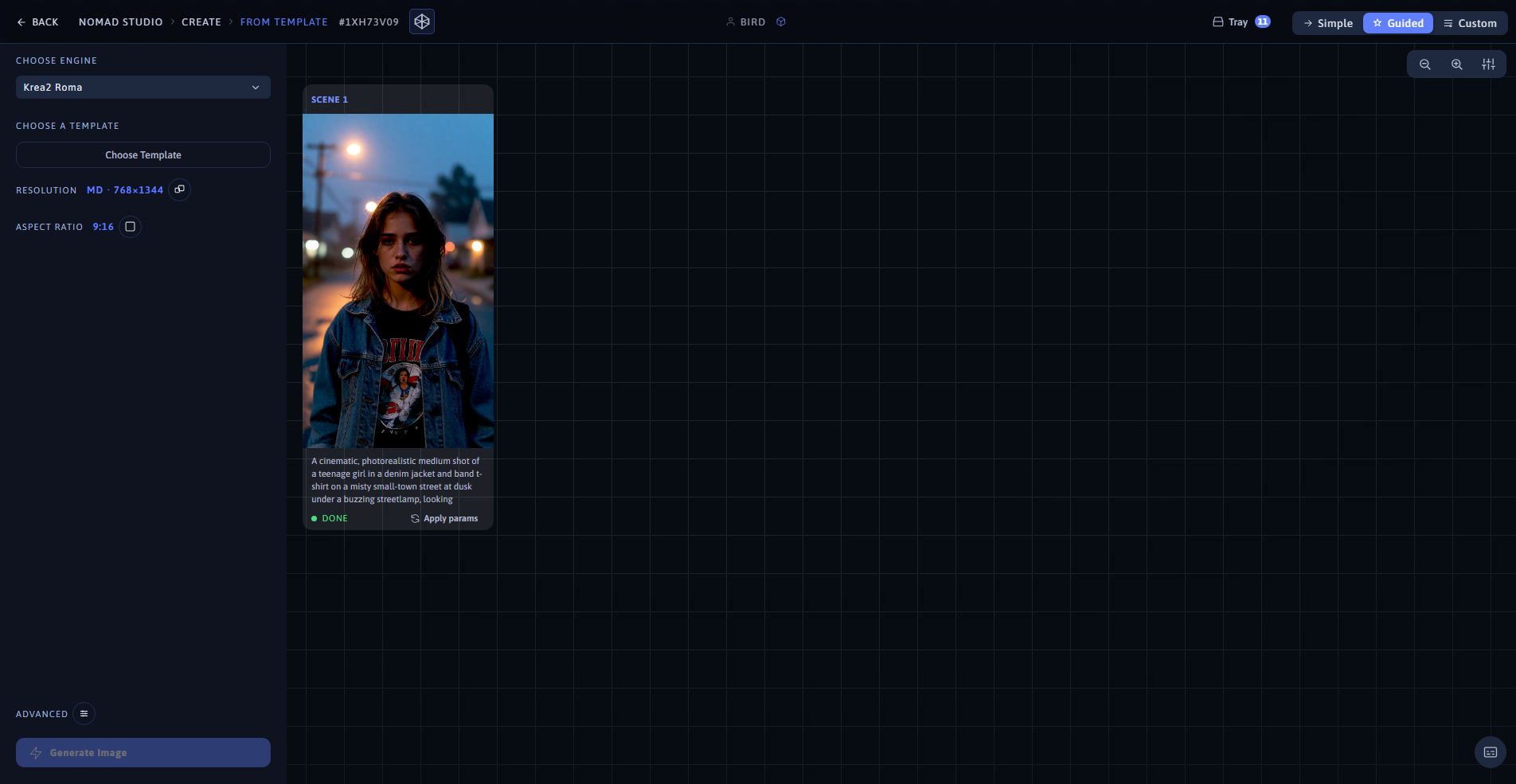
Result (left) · App at 1920×1080 (right)