 NOMAD
NOMAD Nomad Studio/ Documentation/ Create/ Portraits
Create · Series & batchPortraits
Portraits describes a character once, then exposes a long list of dedicated dropdowns — gender, age, ethnicity, hair style and colour, framing, art style, lighting, camera angle, expression, background, mood — and has the LLM write N distinct portrait prompts (1–20, default 4) built from those fixed parameters.
The system prompt explicitly requires variety even when every parameter is held constant: it must differ portraits by micro-detail — gaze direction, hair movement, background texture, depth of field, colour grading — so a batch of "4 bust cinematic portraits" doesn't come back as four near-identical images.
Guided walkthrough
-
Step type: Workflow picker
Choose engine
Pick the imported engine, or auto-selected if you only have one.
-
Step type: Prompt input
Character
Free-text character description — appearance, personality, visual traits.
-
Step type: LLM transform — llm.studio_scenes
Generate portraits
Builds N portrait prompts from the character description plus every dropdown below. All but Amount, Gender, Age and Framing are optional.
- Amount — 1–20, default 4.
- Gender — default female.
- Age — 14 ranges, default mid twenties.
- Ethnicity — optional, default caucasian.
- Framing — headshot to full body, default bust.
- Style — 26 options (photorealistic, anime, cyberpunk, oil painting…), default cinematic.
- Lighting — optional, default soft studio.
- Angle — optional, default frontal.
- Expression — optional, default neutral.
- Hair style / colour — optional, default long wavy / dark brown.
- Background — optional, default soft bokeh.
- Mood — optional, default editorial.
Show the exact system prompt
You are a portrait photographer, lighting director, and AI image prompt specialist. Given a character description and portrait parameters, generate a series of distinct, visually rich portrait prompts — one per portrait. Rules: - Each portrait must be fully self-contained and incorporate the provided parameters as its foundation. - Vary across portraits: even with fixed parameters, differ in micro-details (hair movement, gaze direction, subtle background texture, clothing detail, depth of field, color grading). - Each prompt must include: subject features, hair, framing type, lighting setup, camera angle, expression, mood, visual style, background treatment, and lens/quality cues (e.g. 85mm f/1.4, 8K, film grain). - Write in the comma-separated descriptive style used by Stable Diffusion and Flux image generation models. - Do NOT number the portrait descriptions in the prompt text itself. Output ONLY a valid JSON array of exactly {n} strings. Each string is one complete portrait prompt. -
Step type: Parameter group
Parameters
Seed, steps, CFG — no image-count field here, since the portrait count above already controls the batch size.
-
Step type: Action — generation.submit_queue
Generate Portraits
Queues all N portrait prompts.
-
Step type: Result view
Result
Save, Upscale, Send to Refine, Regenerate.
Examples
Character: "an elegant woman with sharp cheekbones and calm, intelligent eyes, effortlessly poised" — Bust · Cinematic · Editorial mood — Krea2 Roma · 9:16 · N=2
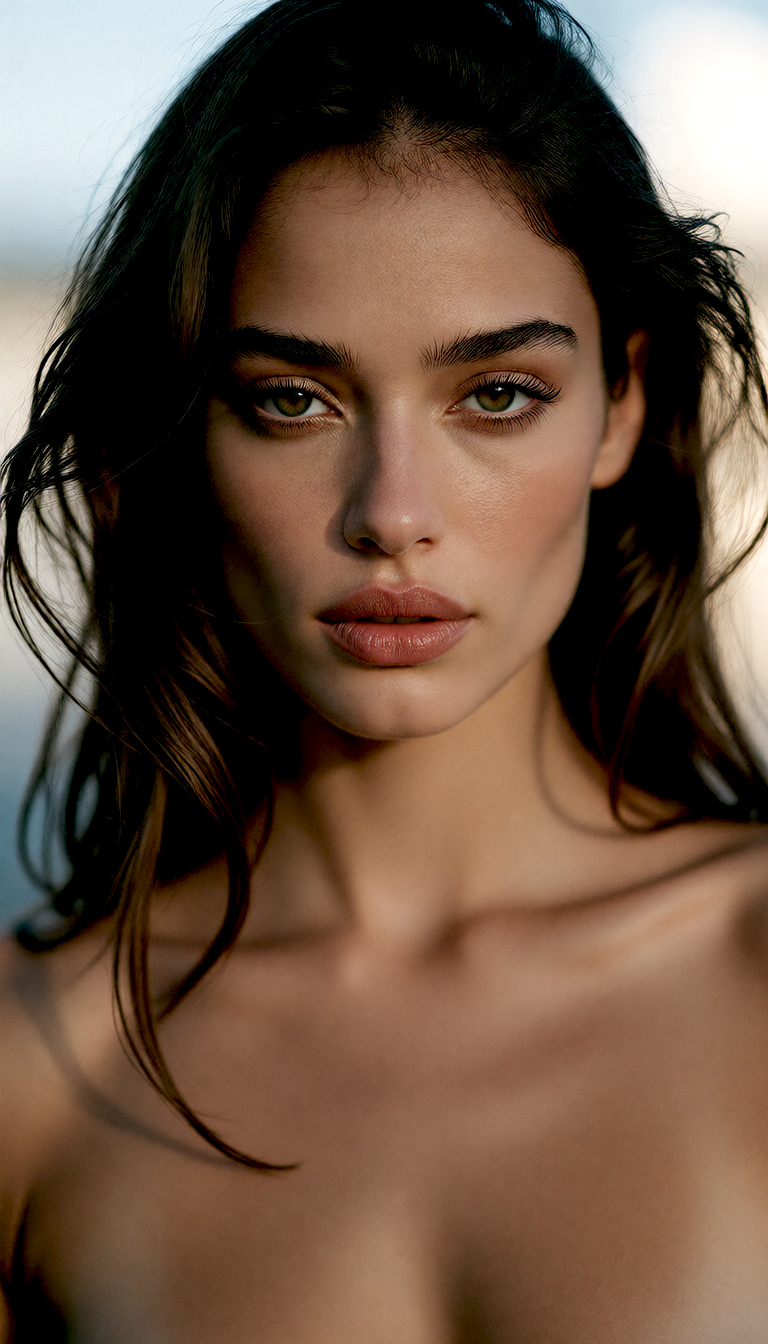
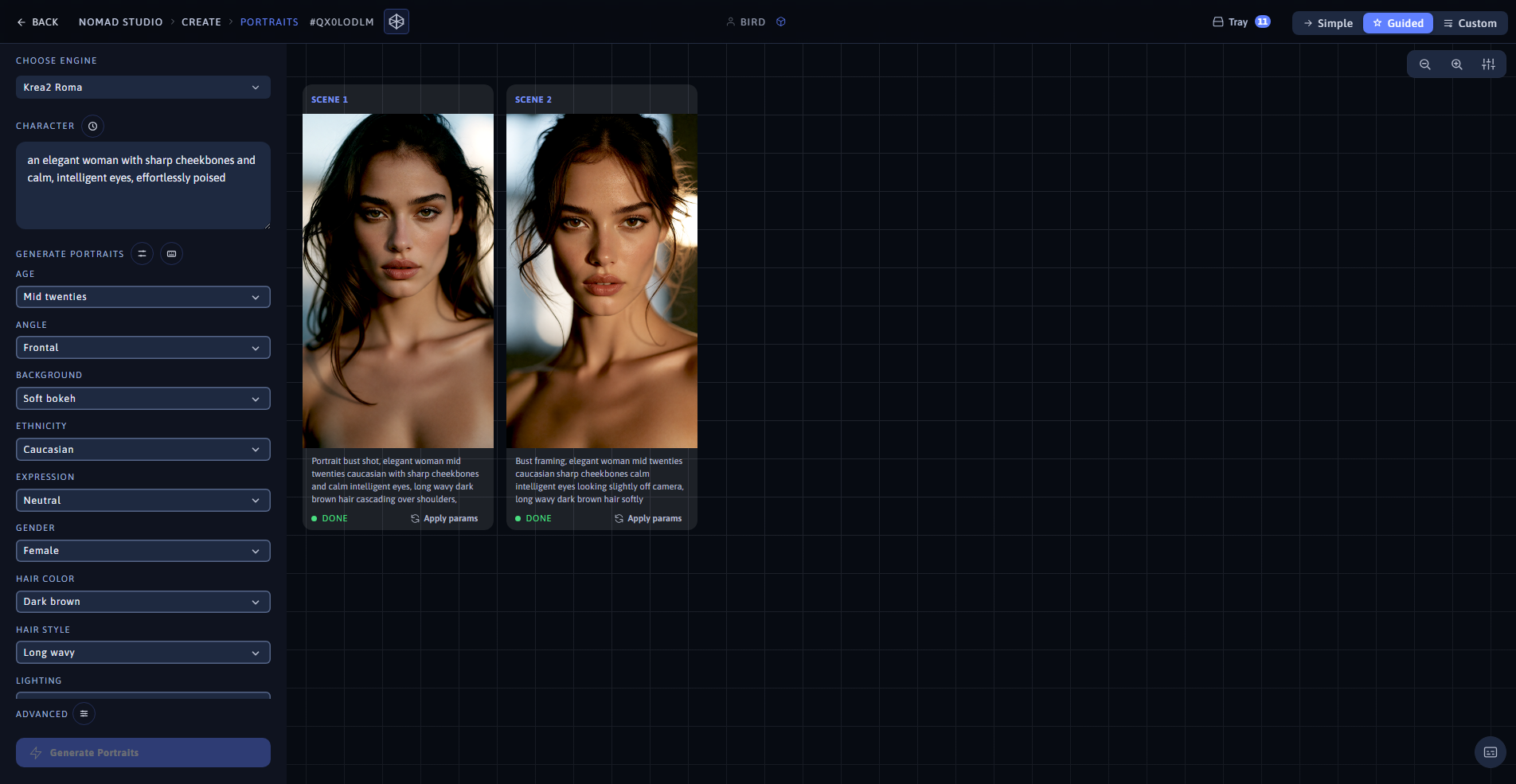
Portrait 1 (left) · App showing both portraits at 1920×1080 (right)
Same character, portrait 2: same fixed parameters, LLM varies gaze direction and side lighting instead
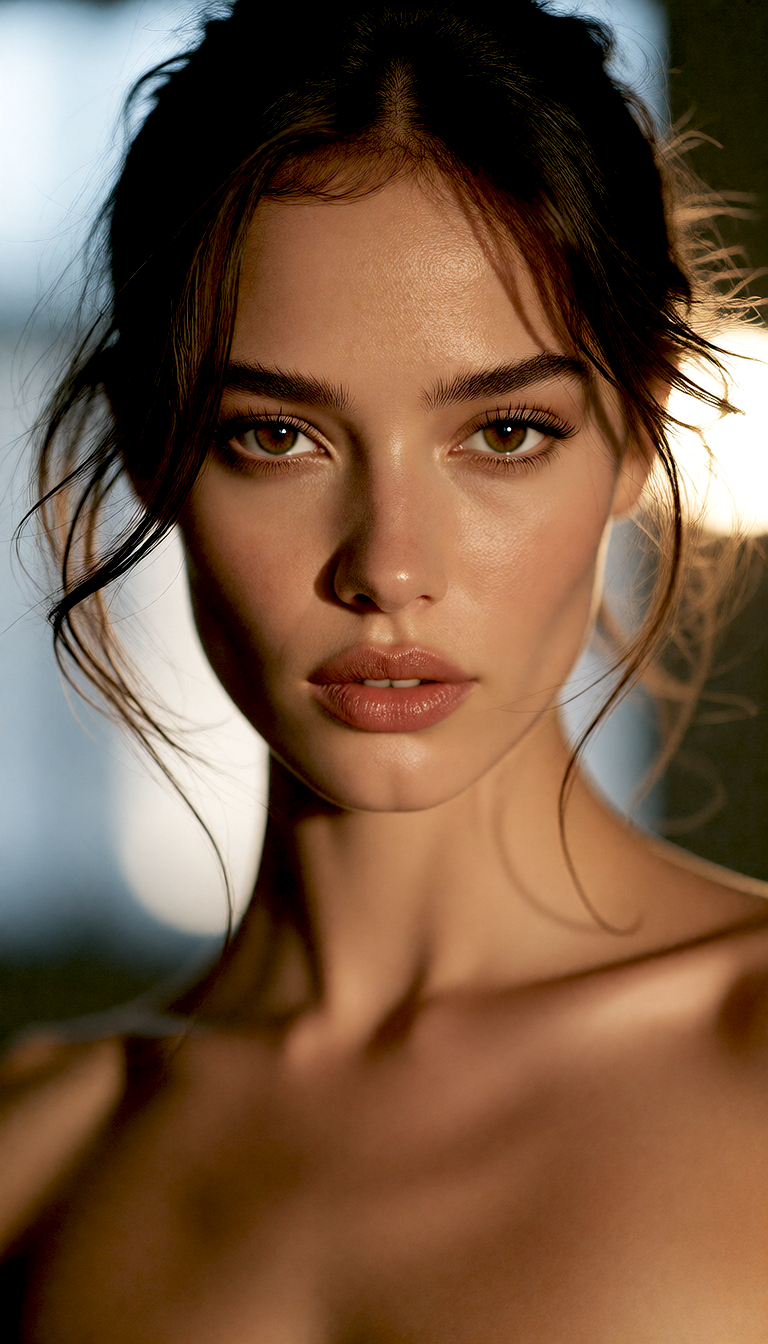
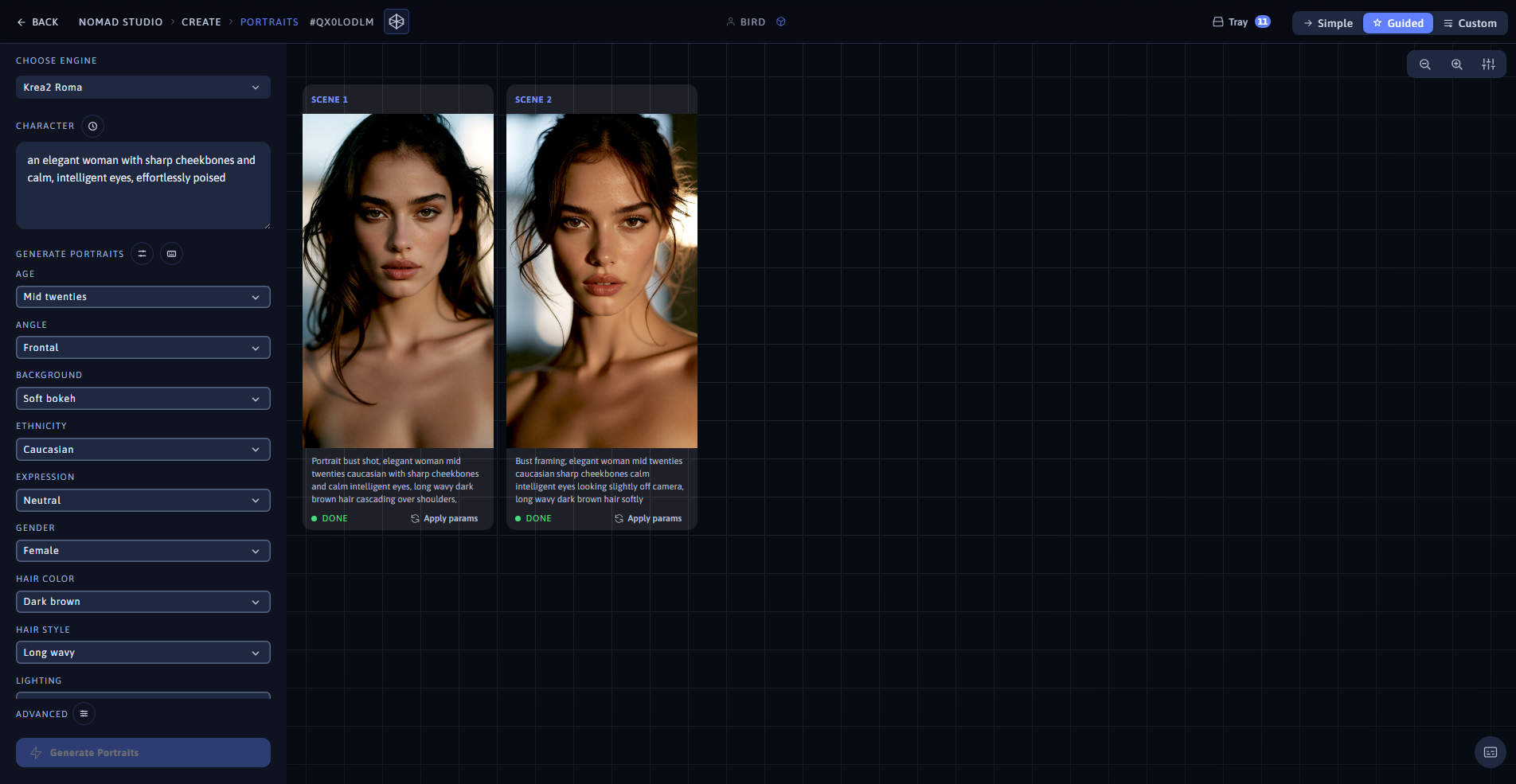
Portrait 2 (left) · Same batch, same app view (right)